You can check how much disk space is currently available on the system by opening your terminal and running the disk free command:
Bash
df -h
(The -h flag makes the output human-readable, showing sizes in GB or TB). If the drive is full, please archive old data to the S-Drive or contact support.
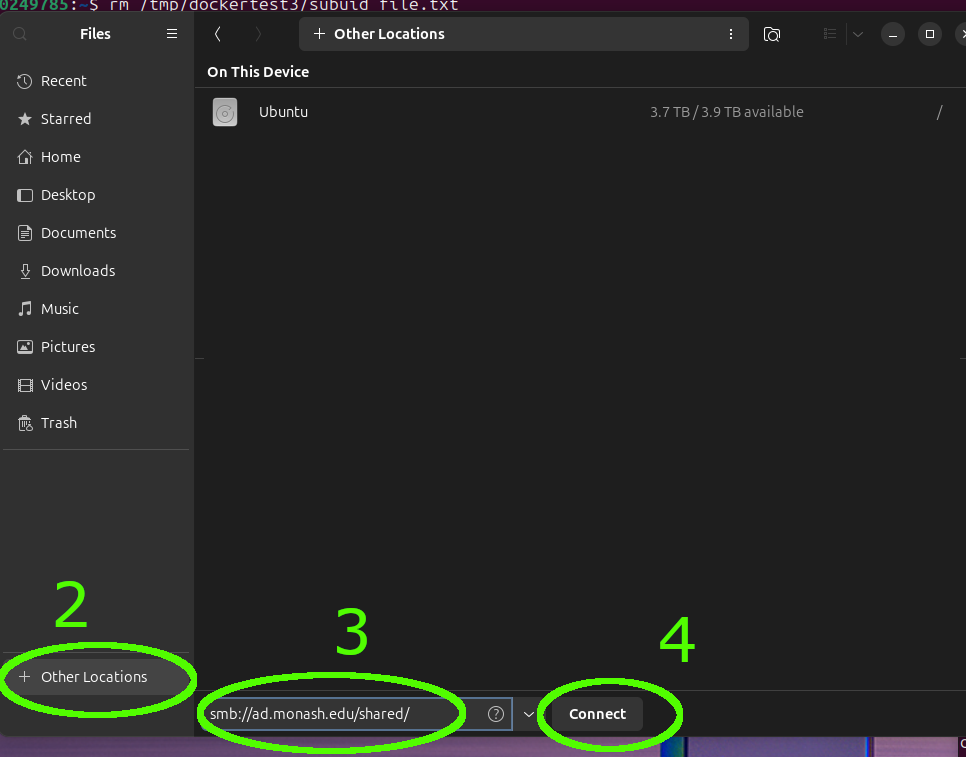
Alternatively, run the installed Disk Usage Analytics tool. The local disk will be represented as ‘/’