
Feature boxes
Feature boxes are the main navigation component, usually used on a home or landing page and allows visitors to move into key sections of your site. They are usually made up of a title, description, image/icon and call to action button.
On a home or landing page, each feature box container can consist of between three to six feature boxes.
On a content page, between two to four feature boxes can display in each container.
Feature boxes are a standard size, so it is important to take into consideration the content you wish to feature. You may need to use more than one feature box container to display your content.
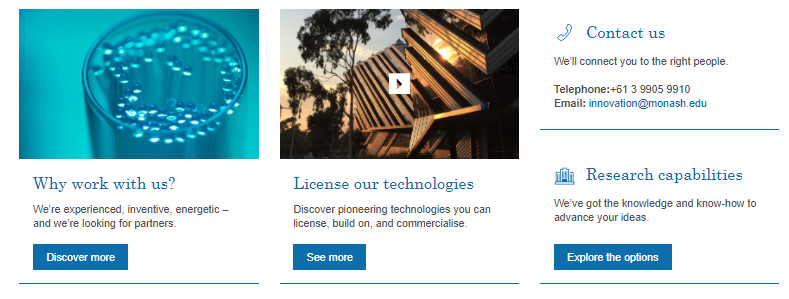
There are eight types of feature box containers
Content feature box container: Single
- A single feature box
- Takes up one third (1/3) of the content container
- Maximum feature boxes per content container: up to three
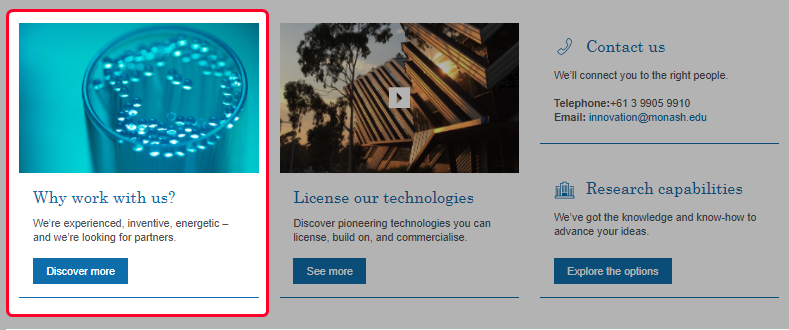
Content feature box container: Double
- Two feature boxes (one stacked on top of the other)
- Takes up one third (1/3) of the content container
- Maximum feature boxes per content container: up to six
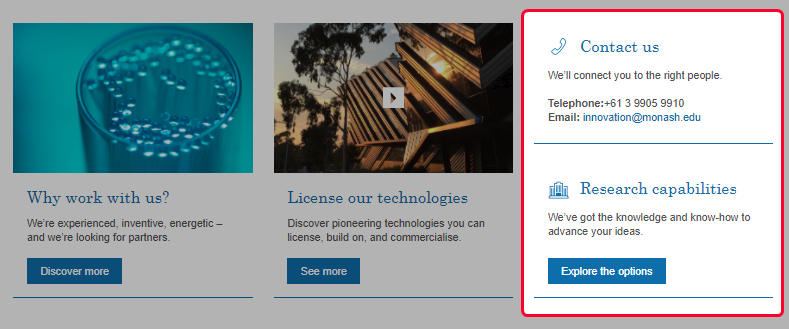
Feature box container: Video
- A single feature box with a video
- Takes up one third (1/3) of the content container
- Maximum feature boxes per content container: up to three
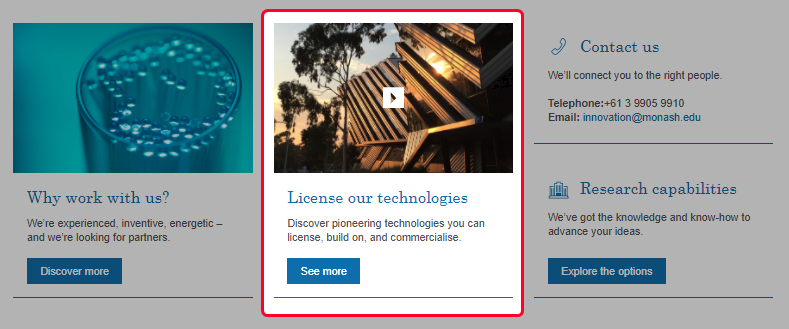
Feature box container: Video playlist
- A single feature box that auto-plays videos within a designated playlist - Great for campaigns, testimonials
- Takes up one third (1/3) of the content container
- Maximum feature boxes per content container: up to three
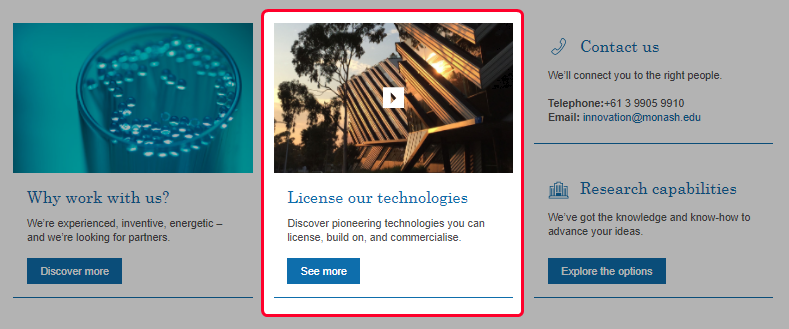
Advanced feature box container: Regular*
- A single feature box containing custom raw HTML code
- Takes up one third (1/3) of the content container
- Maximum feature boxes per content container: up to three
Advanced feature box container: Wide*
- A single feature box containing custom raw HTML code
- Takes up two thirds (2/3) of the content container
- Maximum feature boxes per content container: one
*Please note: Advanced Feature boxes are for custom content (like search forms) and are populated using raw HTML. If custom content is required, please contact eSolutions for assistance.
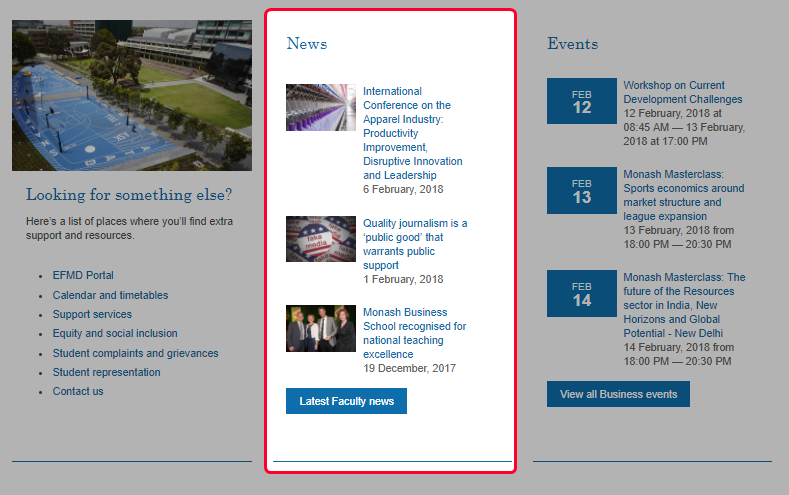
Feature box container: News*
- A single feature box highlighting main news items
- Takes up one third (1/3) of the content container
- Maximum feature boxes per content container: one
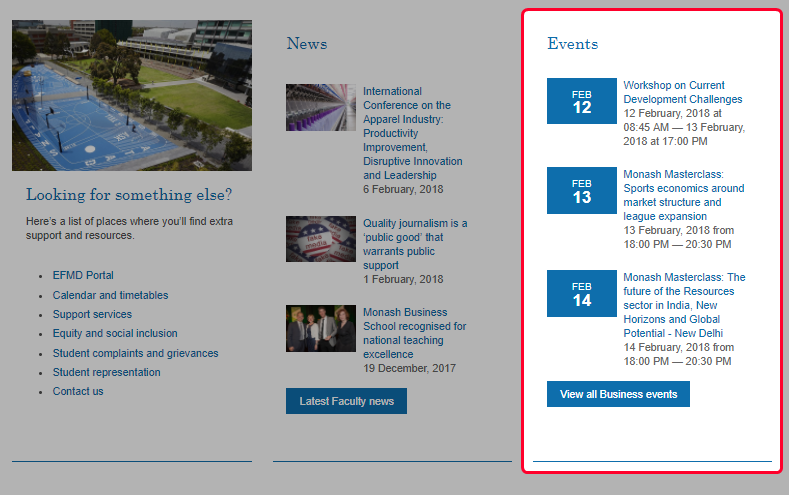
Feature box container: Events*
- A single feature box highlighting main event items
- Takes up one third (1/3) of the content container
- Maximum feature boxes per content container: one
The following features can be modified:
- Heading: heading text, heading icon (recommended for content doubles)
- Image: feature box image (optional)
- Link: to page asset, video
- Description: Description text
- Text source code (For advanced containers only)
- Call to Action text
Summary
| Page type used for: |
Home and landing pages Content pages | |
|---|---|---|
| Feature box type available: |
Content (single) Content (double) Video Advanced (regular)* Advanced (wide)* News* Events* *Please contact eSolutions for assistance. | |
| Content container name: | Landing page - feature boxes | |
| Digital assets: | Feature box images (internal access only) Icons (internal access only) | |
|
|---|
 Tip: It is recommended that feature boxes are used for Home and Landing pages, however in some circumstances it can be used for content pages.