
How to use the O-Planner
How to use the O-Planner
O-Planner is your personalised tool to help you create your orientation schedule: discover fun social events and register for sessions that are key to your studies and life at Monash.
Here’s how to get started:
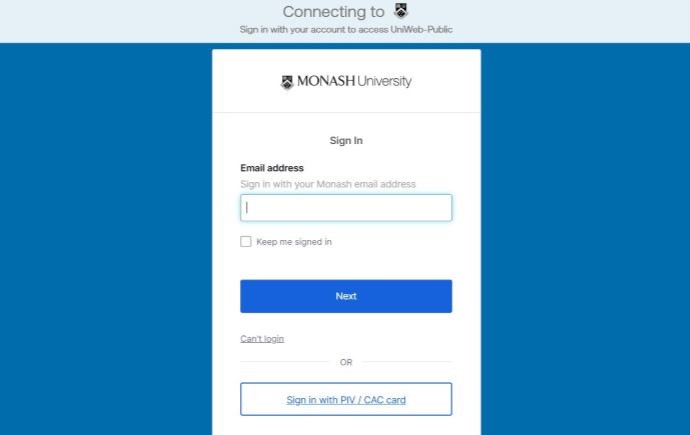
Step 1
Log into the O-Planner with your Monash Student account.
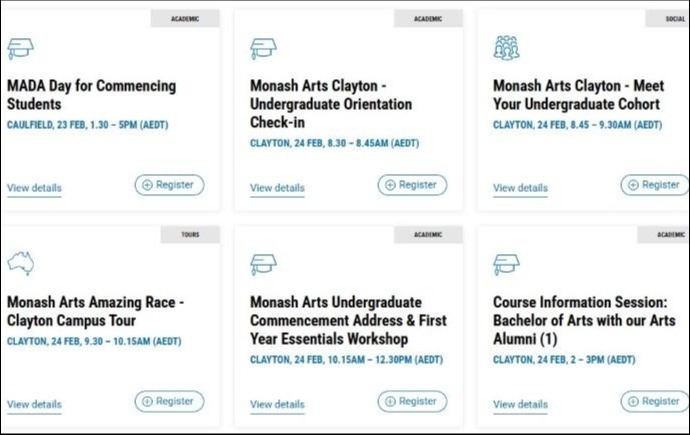
Step 2
View your personalised list of events and sessions. This will automatically be displayed once you are logged in and is the reason why your O-planner may look different to your friend’s view.
Pro-Tip: The O-planner will always list your Faculty events first to help you find them easily.
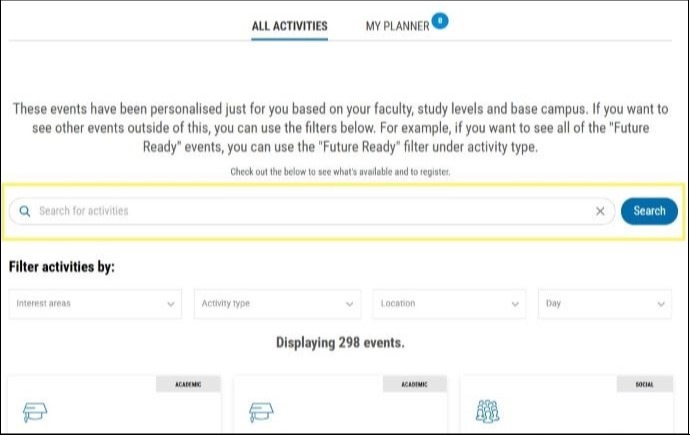
Step 3
Use the search function of filter to explore more events.
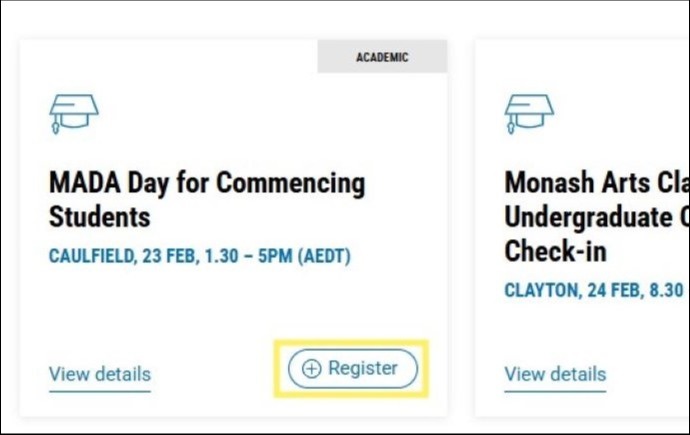
Step 4
Register by clicking on the Register Button (+). You can deregister if your plans change by clicking on the Deregister button (-). By deregistering if you are no longer able to attend, frees up a spot for other students.
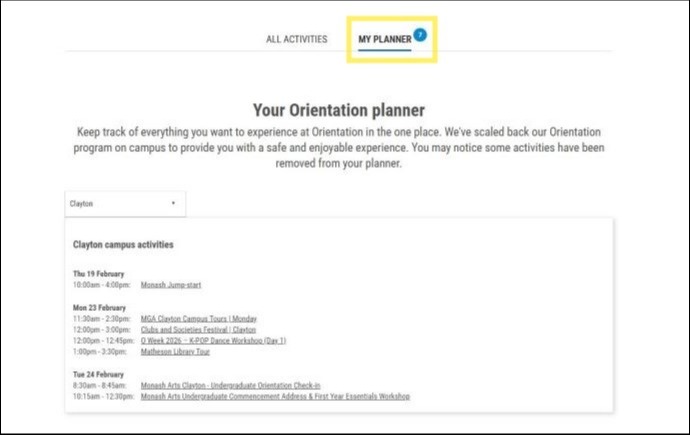
Step 5
View your complete schedule in ‘My Planner’.
Pro Tip: Your orientation schedule should be more than one day as events span across the first weeks, to maximise your orientation experience.

Step 6
Plan your trip to campus.

Step 7
Check your Monash email to stay updated. You will be sent a reminder email with your event QR code the day before each event you have registered for.
Frequently asked questions
Got a question? Message Monash Connect
Try MoVA, Monash's virtual assistant
MoVA has answers to most common questions. If it can't find an answer, it can connect you with a real person using messaging or help you make an online enquiry.