Guest passkeys
Guests
Guest passkeys
As a guest at Monash, you’re able to access Monash applications by creating a passkey. A passkey lets you use the security features on your phone, computer or tablet to sign in to apps and websites.
Passkeys can be:
- biometrics, such as fingerprint recognition or facial recognition
- screen lock, such as a PIN or swipe pattern
- a physical security key, like a Yubikey.
To create a passkey on the Monash Guest website:
- Log into your guest account settings
- Click + Set up in the passkey section
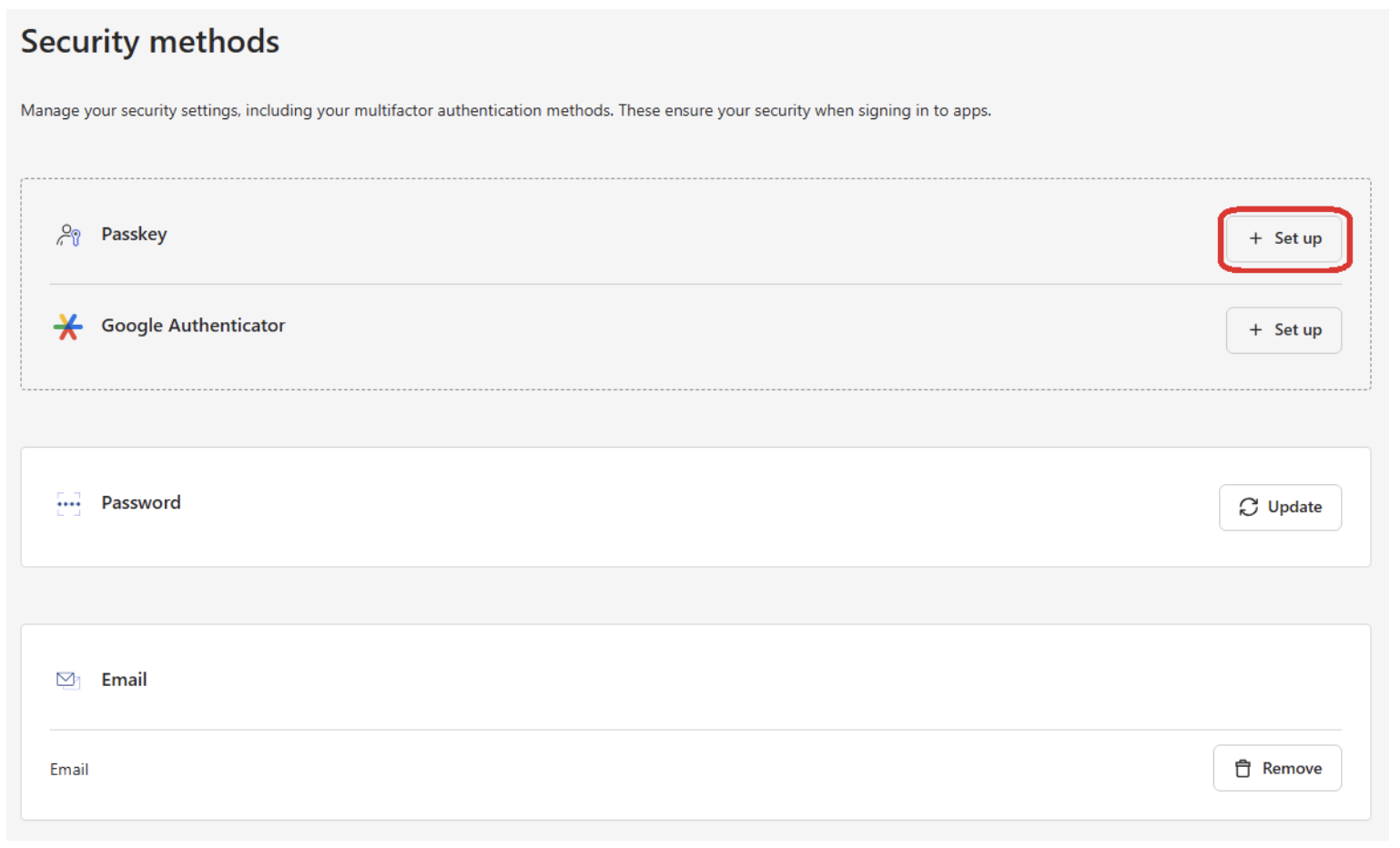
- Follow the prompts to set up a passkey.
- You can now set a nickname for this passkey or set up another.

To use your passkey:
- Go to your required application and select Monash Guests from the pulldown list and click Continue to sign in.
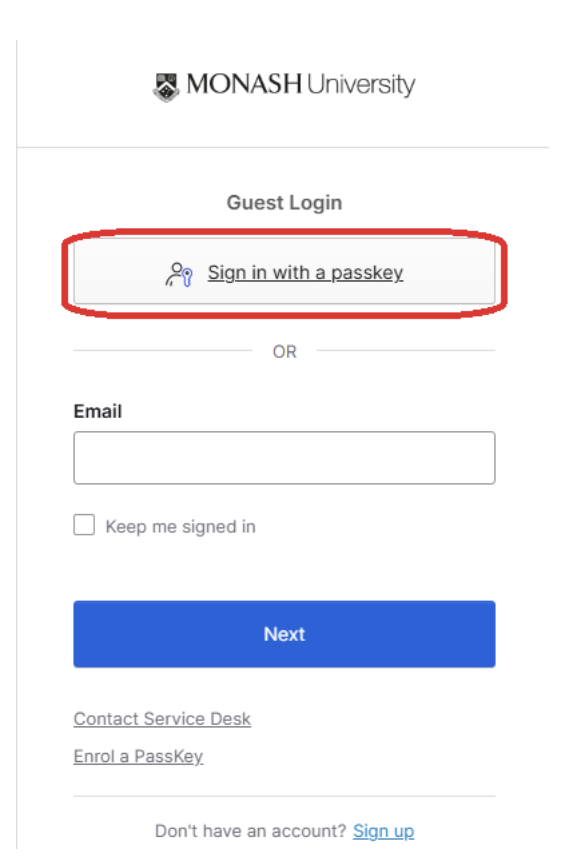
- Click Sign in with a passkey and follow the prompts to log in.