
Connecting your laptop to AV systems
Staff
Connecting your laptop to AV systems
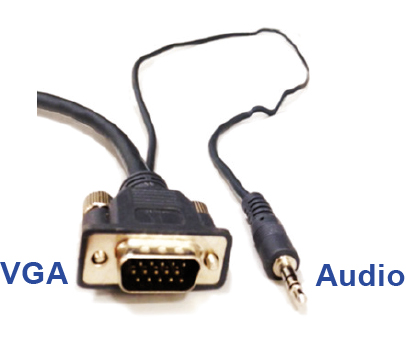
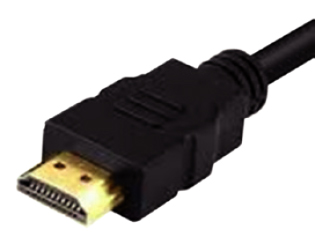
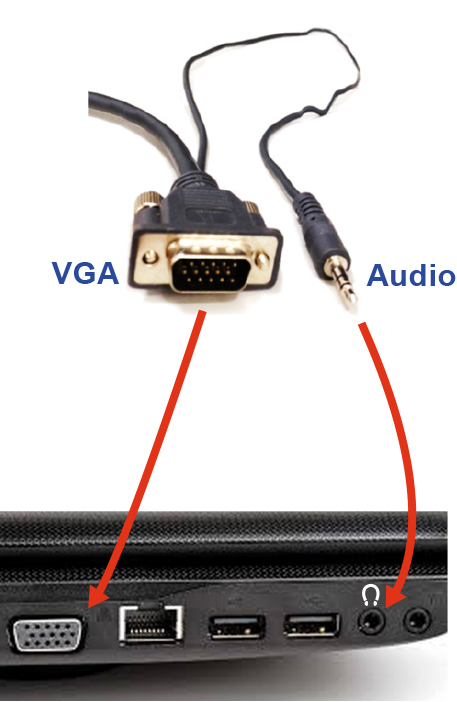
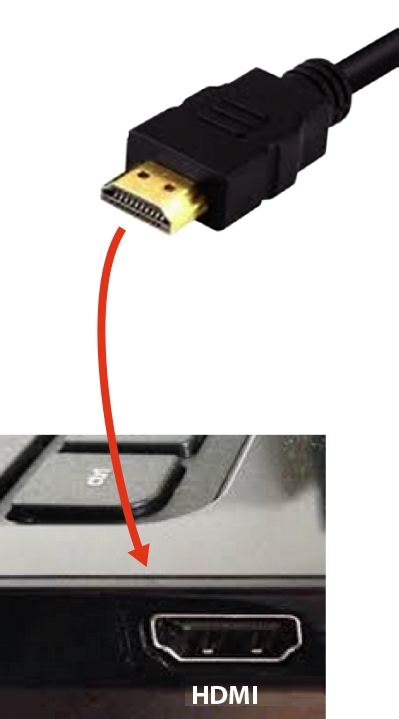
All teaching and learning spaces at Monash have laptop connection cables allowing you to connect your own laptop to AV systems.
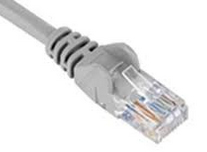
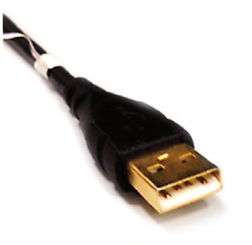
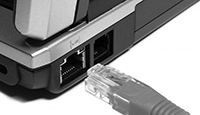
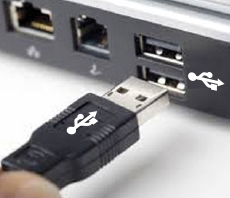
If you don’t have wireless on your laptop use a network cable to connect to the internet and, if the room has a wireless keyboard and mouse, you could use a USB cable.
This video is part of a playlist
For the full list, click the icon  at the top-right of the video.
Cables and connectors
Mainstream or premium lecture theatres have the cables described below on the lectern itself. Classrooms have them stored in their beige or white AV cabinets usually located in the front of the room.

Video teaching tutorials
Here you’ll find a list of the other videos on this topic.
Purchasing software and equipment
To purchase software and equipment, see our: