
During the Zoom session
Zoom etiquette
As with any other form of communication, contributing to a positive Zoom session involves being thoughtful and supportive. However, there are some additional aspects to online video conferencing which are worth being conscious of, in order to create the best learning experience for everyone.
Two key aspects to be mindful of are your presence and your video and audio.
 Check you understanding
View
Check you understanding
View

Communication modes
The main methods of communication over Zoom are verbal and visual communication, including the use of chat and emoticon reactions. Please consider keeping your camera turned on to make communication easier through body language and facial expressions.


Breakout Rooms
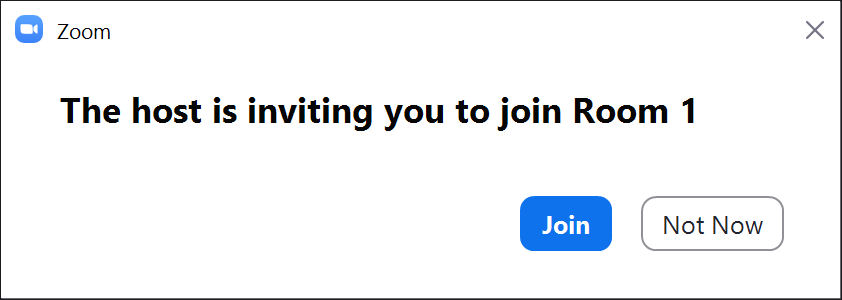
In some sessions, you may be asked to undertake work in groups. This means that you will be assigned to a “Breakout Room”. You may be asked to discuss specific points, or work on a document or online activity together.
Make sure you know what you are supposed to do before you join the Breakout Room. If you are unsure, ask the host for more clarification.


Whiteboard/Annotation
One of the collaborative functions in Zoom is the ability for multiple people to annotate a shared screen or a shared whiteboard together. This can be used to brainstorm ideas, identify and highlight content, and make notes together.

NoteRefrain from annotating a slide or other shared content unless you are explicitly invited to do so. Your annotations will be visible to everyone, and unexpected annotations are distracting for both the presenter and everyone watching the presentation. |