
Submit
Uploading your recorded video
Once you have completed the recording of your video, you will need to submit this to your Moodle. Make sure you leave yourself plenty of time to do this, as uploading video files can take a long time. If specific requirements for uploading have been provided, make sure you follow your assessed task instructions exactly.
If specific upload requirements have not been given, you can typically attach the video during the assessment submission process using either the File submission box or the Online text box.
Expand the topics below to view step-by-step instructions for each upload method:
 then Browse to locate the video and Upload the file.
 at the top of the text editor and either: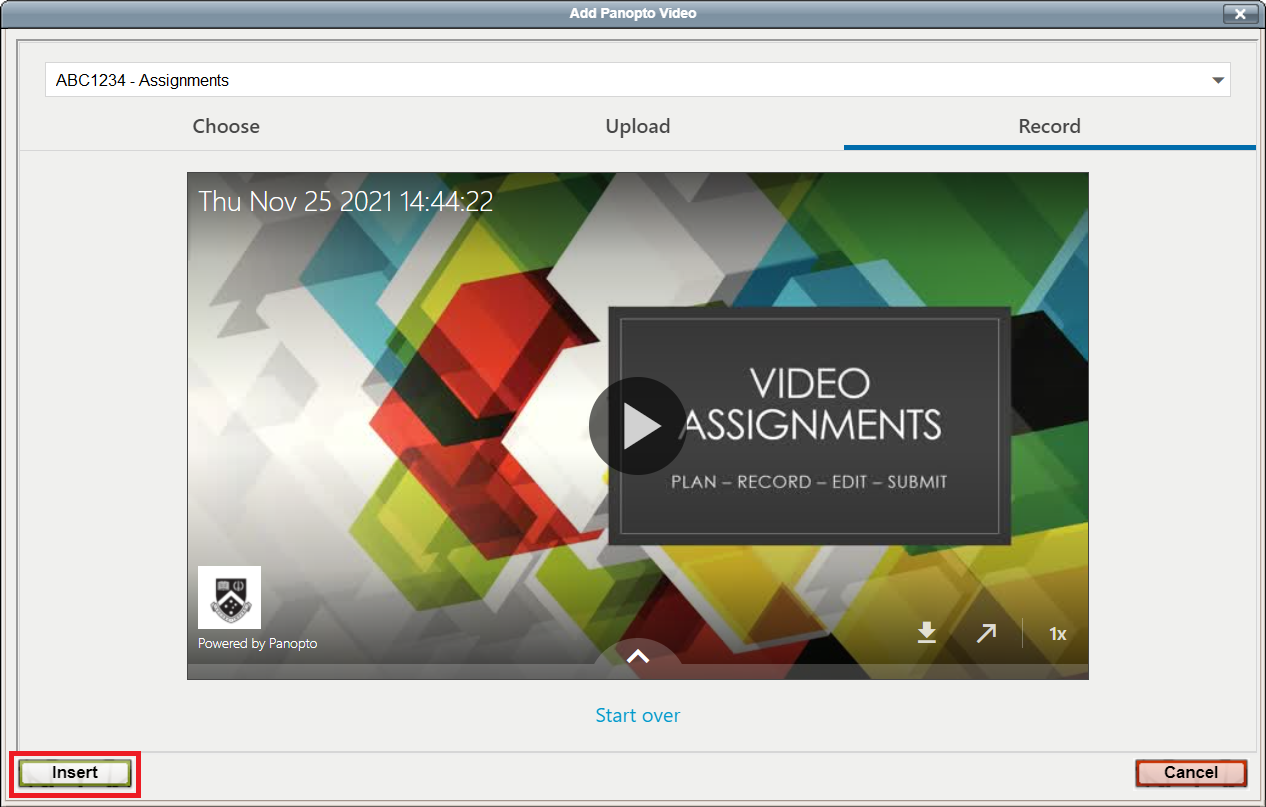
 from the list view in the Panopto folder, or clicking on the
  icon at the top-right corner of the page while viewing the video.
 from the pop-up menu.
 button beneath the video.
After uploading your file, make sure you complete the assessment submission process, including accepting the student statement if required.