
Assessments
At Monash, assessments are more than just essays or exams — they’re designed to help you learn, show what you know, and develop skills for your future. Many of your assessments will be submitted using Moodle. The most common assessment types are assignments and quizzes.
Assignments
Submitting an assignment in Moodle 4.5 may involve uploading single or multiple files, copying and pasting from a document, typing directly into Moodle, or simply reading the instructions in Moodle but completing the assignment outside it.
When preparing your assignment for submission always make sure that you:
- carefully read and follow all assignment instructions and requirements
- upload your submission well in advance of the deadline in case of any technical difficulties.
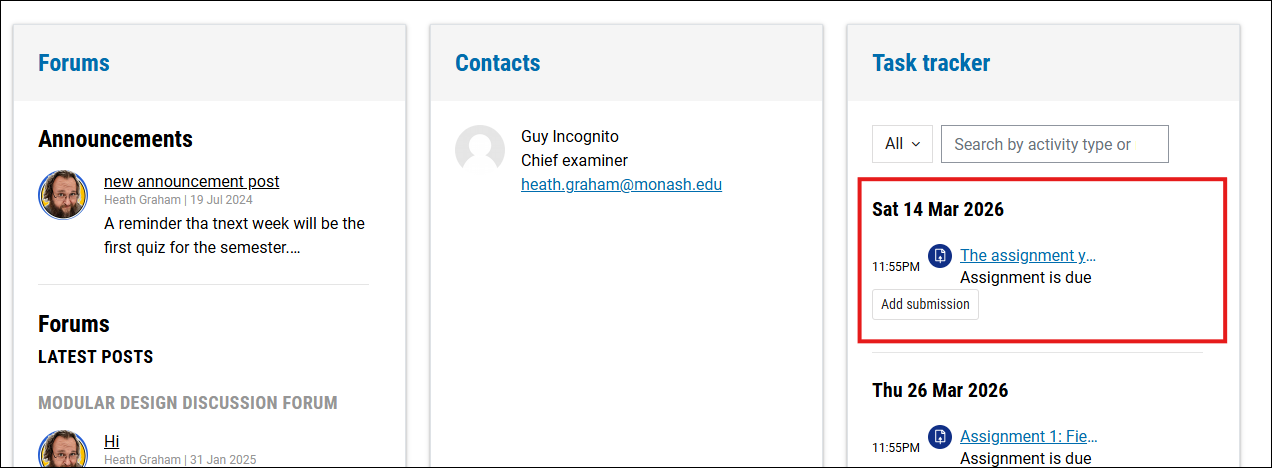
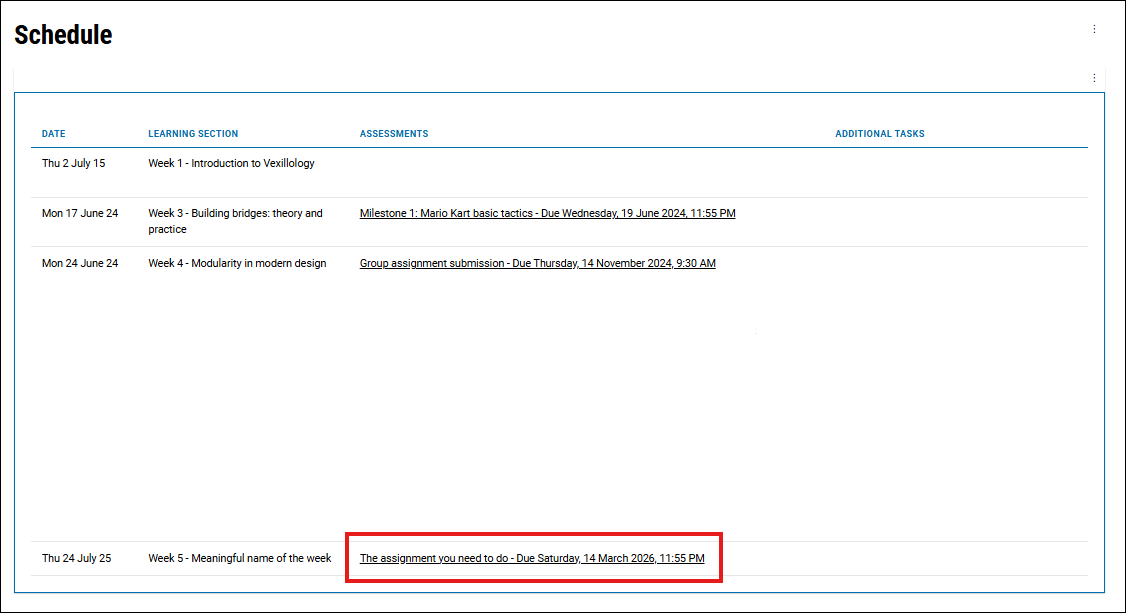
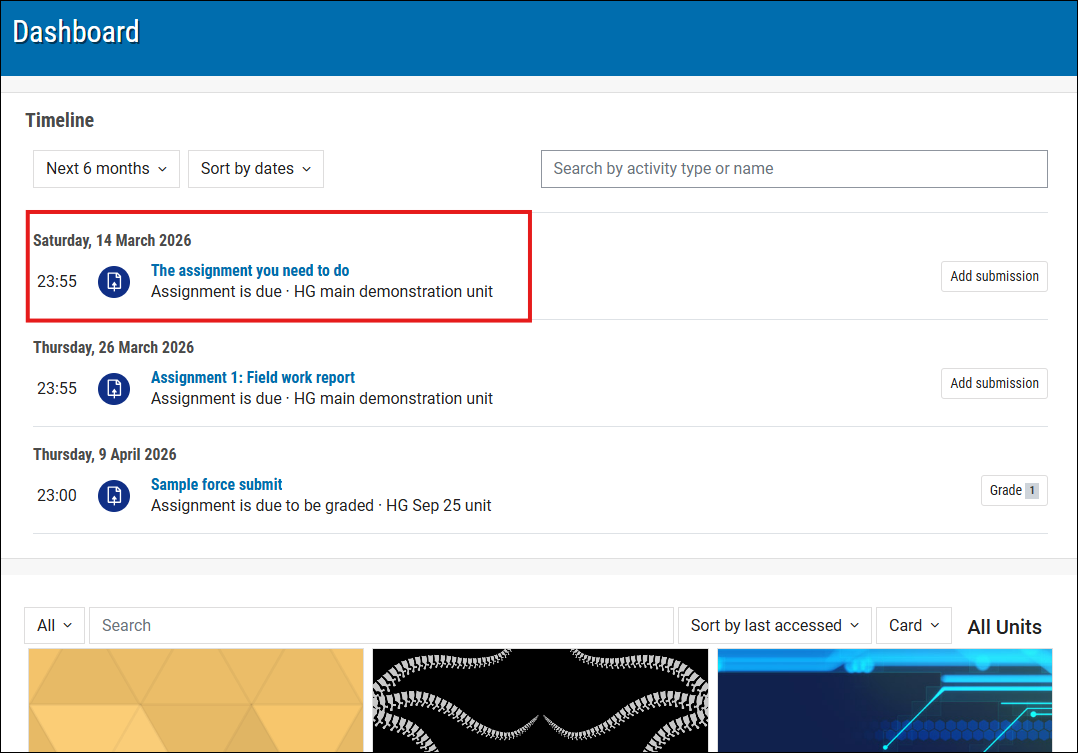
Most assessments at Monash are due at 11.55 pm. If yours isn’t, you can see the reason in Moodle
Most assessments are due at 11.55pm to help make planning easier. Sometimes though, there is a specific reason why it’s due at a different time. Here’s how you can see the reason in Moodle.
Go to your Activity Page and look for the “Reason for different submission time” (see image below).
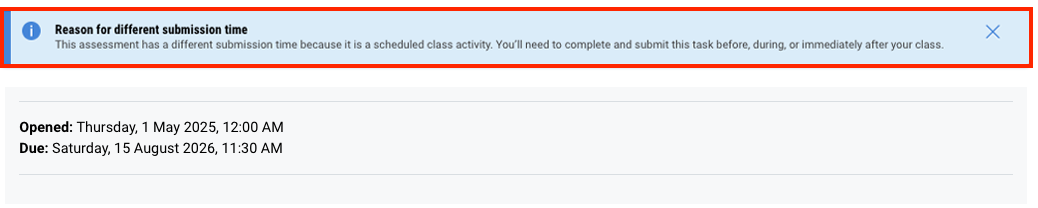
This update won’t change your assessment due date. You’ll just see why a different submission time has been chosen. Always double-check the due date and time for each assessment in Moodle.
Note about late penaltiesAssignments submitted after the due date will receive a late penalty of 5 per cent of the available marks in that task per day that the assignment is submitted overdue. This is calculated from the due date, with any part of 24 hours counted as a day. If your assignment is submitted 7 or more days late, it will not be marked. This means that if you submit:
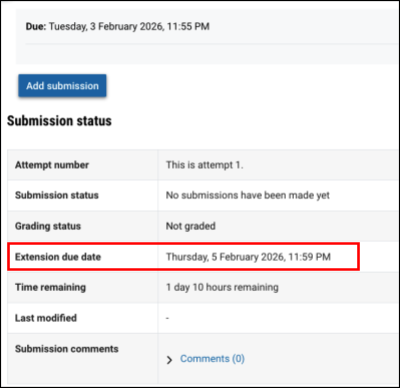
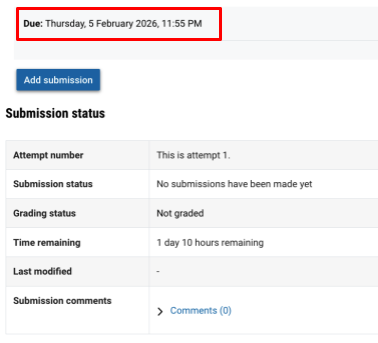
Depending on how late your work is submitted, it may not be marked. If you need an extension, apply for one as soon as possible. For more information, see Extensions and Special Considerations. Note about late penalty waiver due to technical difficultiesIf your assignment was submitted up to 1 hour late because of technical issues, a late penalty waiver may apply (Marking and Feedback Procedure 1.12.1). This means that if you submitted:
Review the Marking and Feedback Procedure to learn more about late penalties. |
Turnitin
Many assignments are connected to Turnitin, the text-matching software that Monash uses to help you demonstrate your academic integrity. You may also be required to submit video assignments.
See the resources linked below for more information about video and Turnitin assignments.
Quizzes
Quizzes in Moodle are often self-checking, that is, you will be able to see the results at the end of an attempt. They can be graded or non-graded, and can be in a variety of formats including, true or false, multiple choice, or short-answer questions.
When you first access a quiz, you will typically see an academic integrity notice pop-up. You must read and agree to the statement to continue to the quiz page.
NotePlease note that this page refers to quizzes in Moodle only. For information on eExams please go to the eExams page. |


Feedback and grades
In Moodle, you can view your grades and feedback for assessments that you have undertaken (e.g. quizzes and assignments).
Grades and feedback for each assessed task will be available as soon as your lecturer has released the marks. For self-graded assessments such as quizzes, the marks may be available immediately after your attempt. For manually-graded assignments such as essays, it may take a couple of weeks to receive the marks.
You can view grades and feedback for a specific task, an individual unit, or all of the units that you are undertaking.


