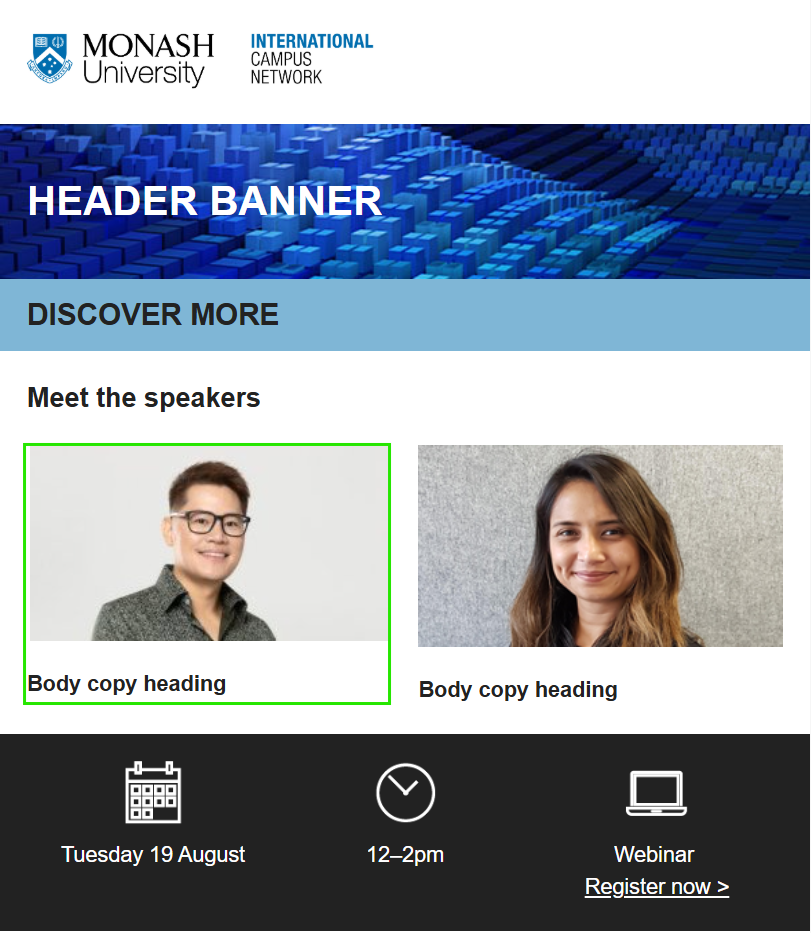
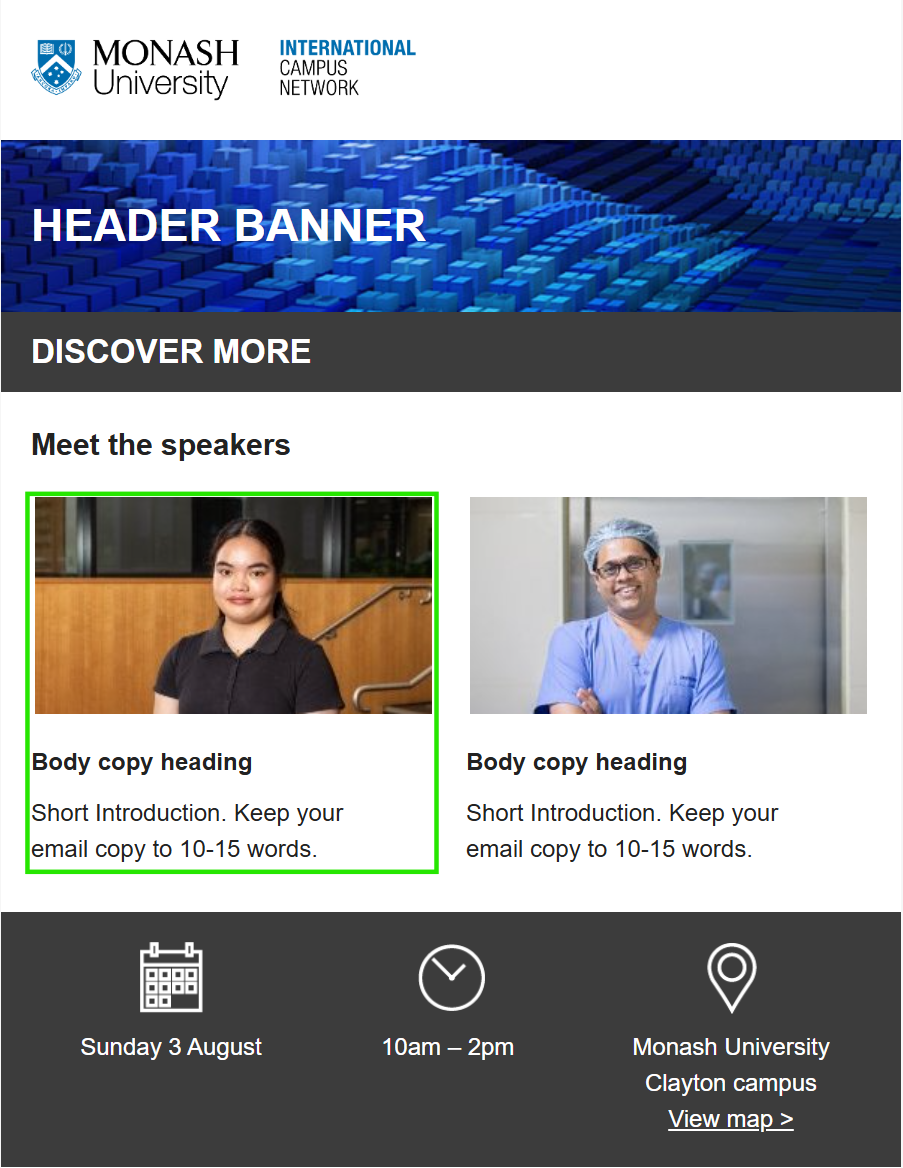
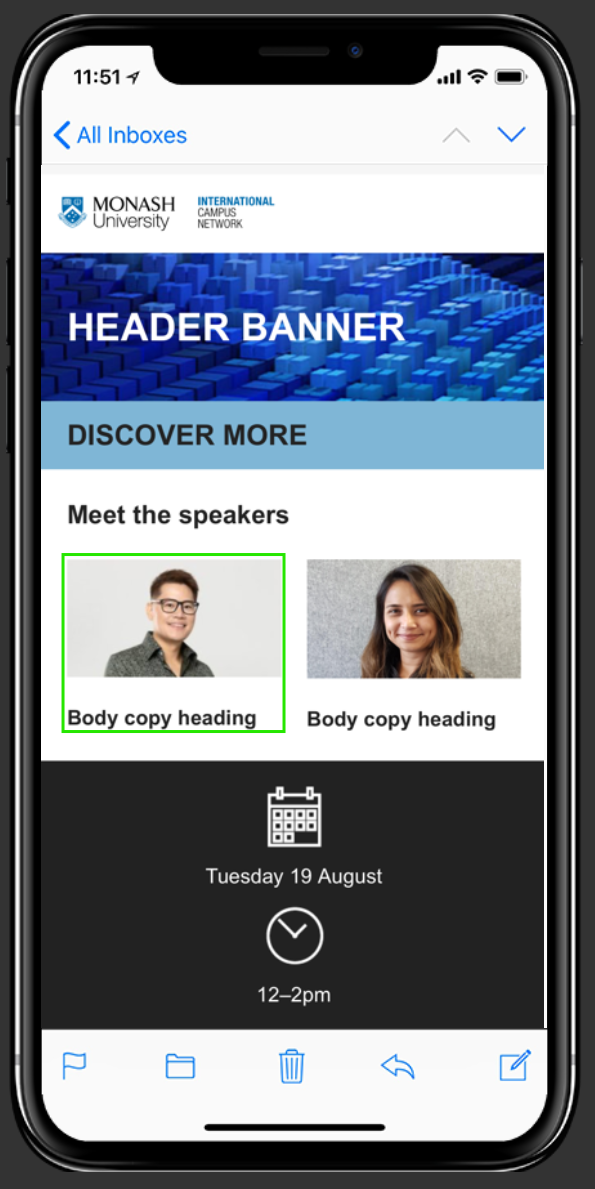
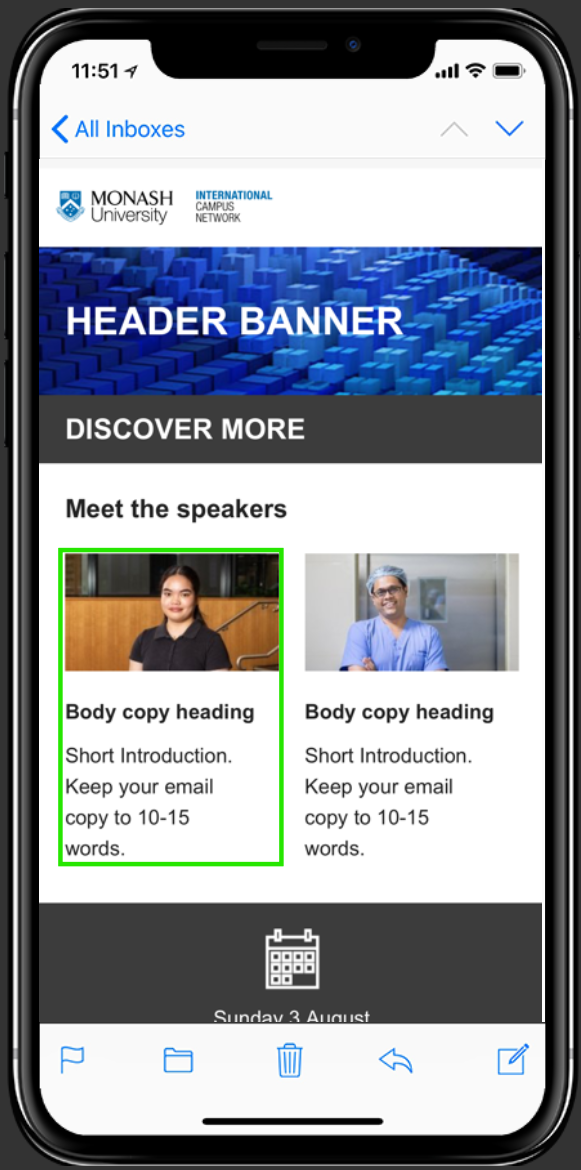
|
Accessibility
|
A collection of techniques, from copy to design and code, that aim to make emails understandable and usable for as many people as possible, regardless of their individual abilities.
|
|
Alt text (Alternative text/descriptive text)
|
The text that describes the content or purpose of that image, especially useful for accessibility purposes and to combat image blocking.
|
|
Aspect ratio
|
The proportional relationship between the width and height of an image or video, determines its shape. Choosing the correct aspect ratio is crucial because it ensures content displays properly on different devices and platforms (like YouTube, Instagram, or mobile devices), preventing it from being
cropped, stretched, or distorted, which directly impacts user experience, brand perception, and overall engagement with the marketing material.
|
|
Attachment
|
A file that is sent along with an email. Fine for personal emails, but should be avoided in most marketing campaigns for security purposes. Frequently abused by spammers and malicious actors who send viruses via attachments.
|
|
Call-to-action (CTA)
|
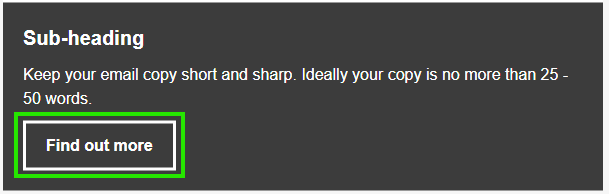
The main action you want a subscriber to take. Usually, a button and descriptive of the action or intended result
|
|
Click-to-open Rate (CTOR)
|
The percentage of emails that were clicked on compared to the number of emails that were opened. If 500 emails are opened, and 50 of those are clicked on by different recipients, that’s a 10% click-to-open-rate. A CTOR is more informative than a CTR as it relates to the effectiveness of the email content,
because it focuses only on those subscribers who opened and saw the email.
|
|
Clickthrough rate (CTR)
|
The percentage of emails that get clicked on compared to the total number of emails sent. If 5000 emails get sent, and 50 of those get clicked on by different recipients, that’s a 1% clickthrough rate.
|
|
Colour palette
|
A chosen collection of colours used together in a design or artwork to create a specific mood, feeling, or brand identity.
|
|
Components
|
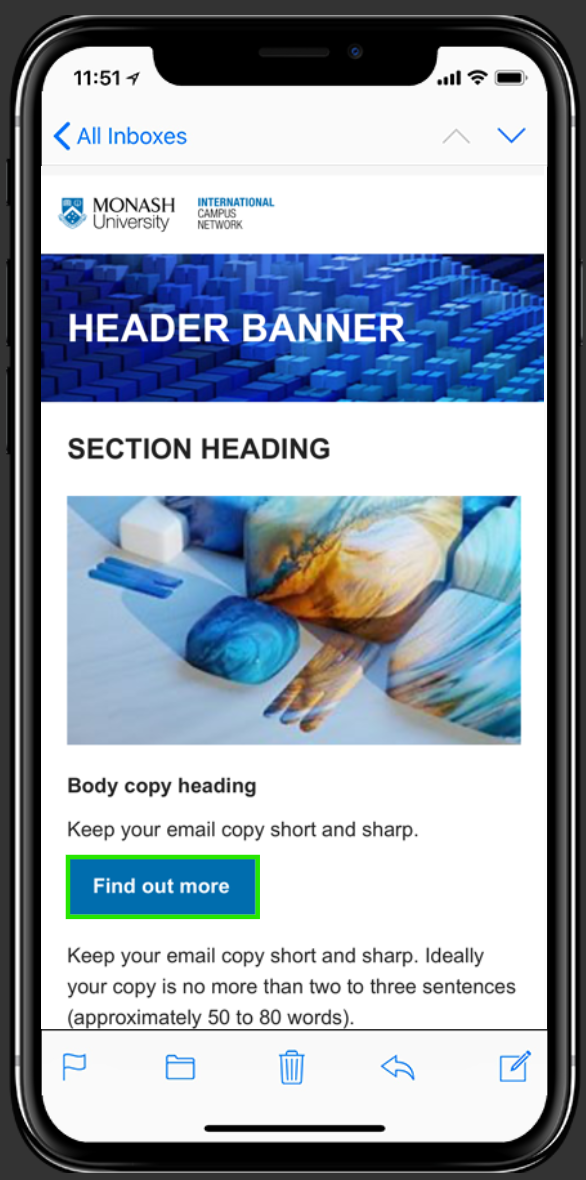
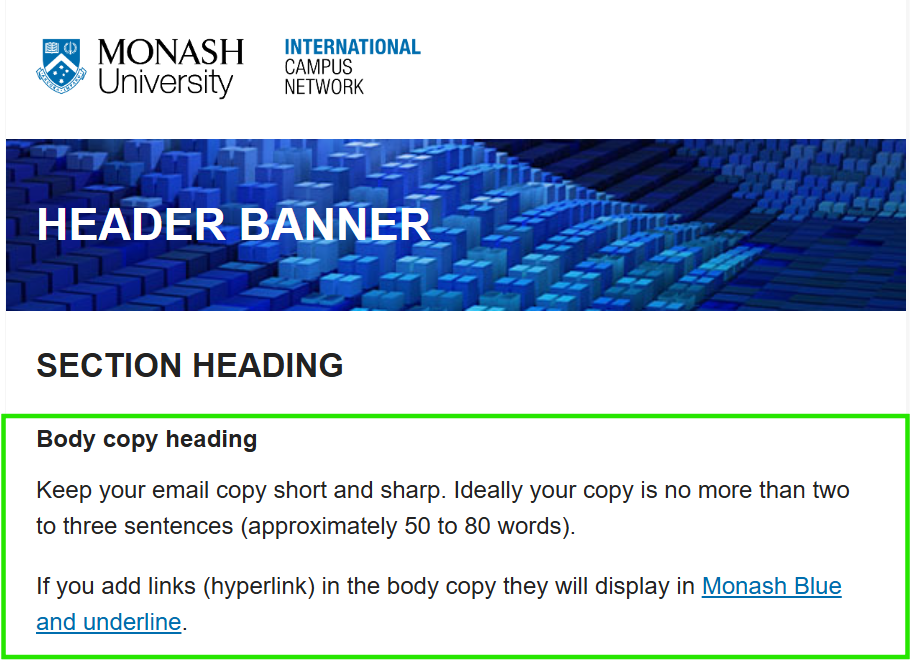
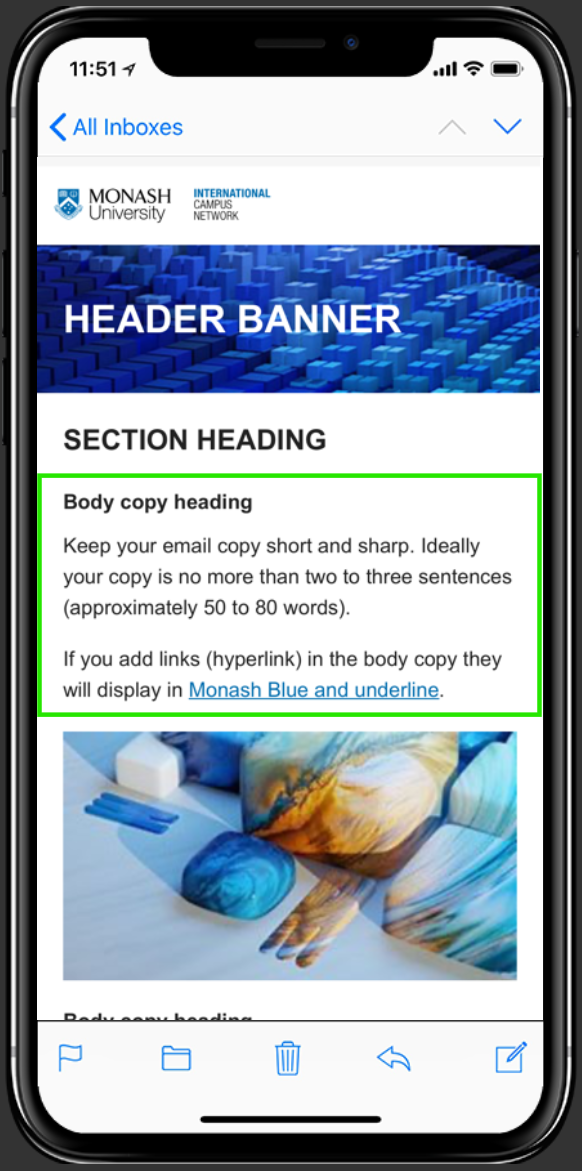
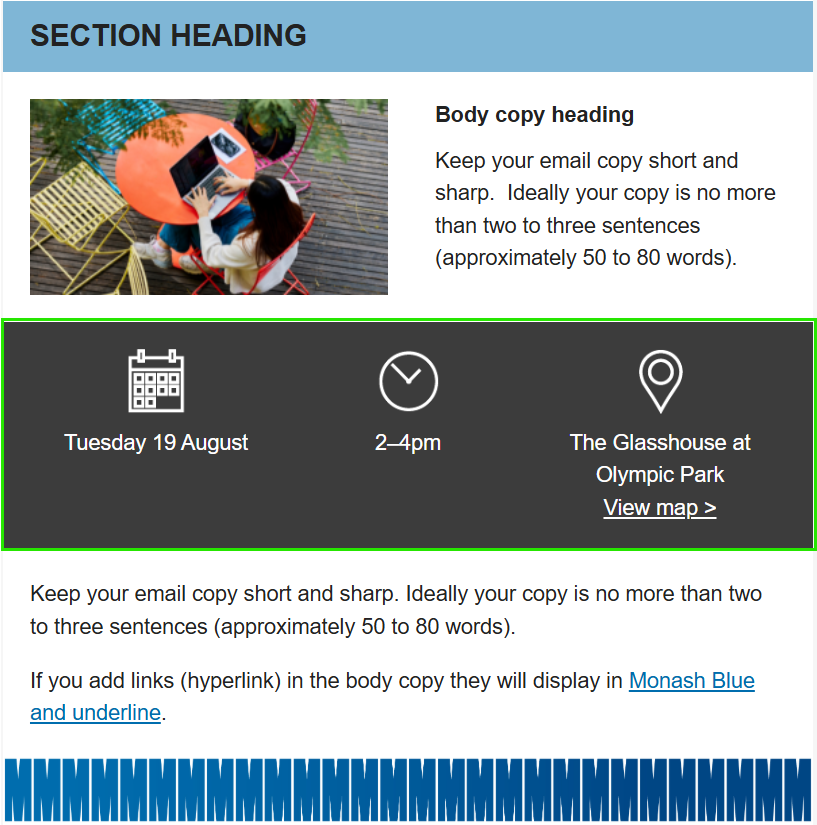
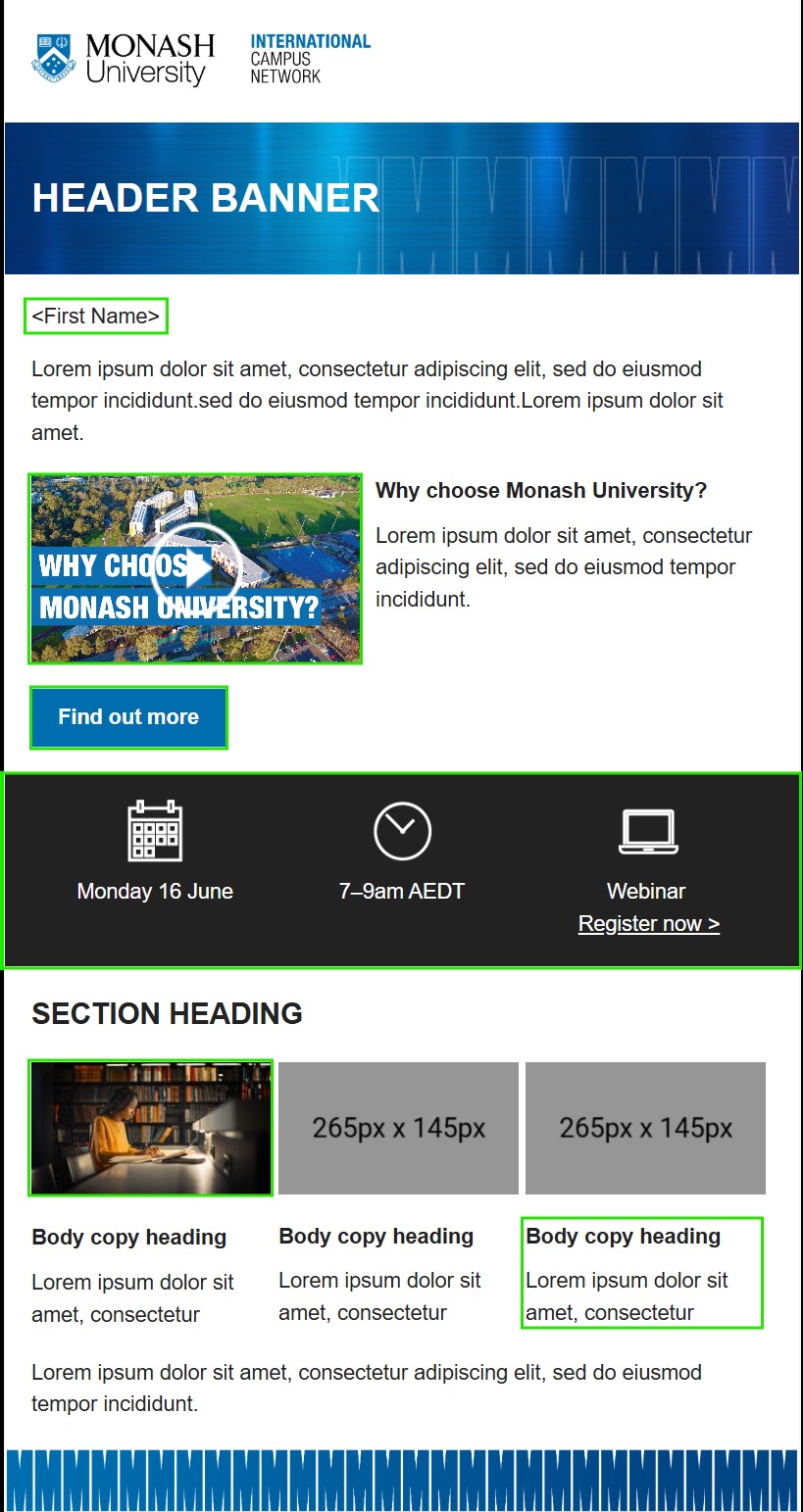
All the major parts of an email, including the header, footer, subject, pre-header, from name, call to action, body content, images, and share buttons.
|
|
Content hierarchy
|
Content hierarchy is the strategic arrangement of information in an email where the most important information is emphasised more than less important content. Often, this means that the important content is at the top of the email and less important information is toward the bottom.
|
|
Conversion rate
|
The percentage of users who take the intended action of an email campaign, whether that's clicking a specific link, registering, replying, etc. The higher the better.
|
|
Copy
|
A persuasive written text designed to inform, attract, and convert an audience into taking a specific action.
|
|
Customer relationship management (CRM)
|
A software platform that organises customer transactions and engagement data to make it accessible and useful for a company’s marketing and communication efforts. CRMs enable organisations to manage and enhance customer interactions as the customer relationship develops over time.
|
|
Dark mode
|
A colour scheme that can be forced on emails by users or enabled in some email clients via CSS. A user preference that can sometimes help with accessibility.
|
|
Dedicated IP
|
An IP address or server that only you use to send email. It can prevent deliverability issues for higher volume senders since other senders won't affect them through poor sender reputations.
|
|
Deliverability
|
The umbrella term for tactics for getting emails delivered to subscribers. Depends on everything from content, frequency, authentication, and subscriber interactions.
|
|
Delivery rate
|
Of the total emails sent, this is how many emails landed in a person's inbox. The percentage of the emails that were delivered compared to the number that bounced (soft and hard). This data includes emails that were delivered to the recipient’s spam folder. It’s important for data hygiene to maintain
a high delivery rate.
|
|
Dynamic content
|
Monash uses dynamic content based on a user's preference. It allows us to send one email that adds or removes content based on the audience's preferences, such as their location.
|
|
Email body
|
The primary text and messaging of an email. When you open an email, you begin reading the email body, which may also include photos, graphics, and links. The body begins after the greeting and ends before the email footer.
|
|
Email campaign
|
A series of emails that serves a consistent marketing purpose or goal. This could be a product or service, an invitation to an event, a contest, etc. It usually has a similar call-to-action throughout, and often includes an endpoint or deadline.
|
|
Email client
|
The software used to receive and read emails. Think Gmail, Apple Mail, Yahoo! Mail, etc. These vary in features, usage, and support for HTML.
|
|
Email editor
|
Within an email service provider’s platform, the email editor is where you build the actual email by adding text, images, links, and graphics, or inserting code for custom-developed emails. Various editors can let you use code, templates, drag and drop blocks, and other tools, depending on the software’s
capabilities.
|
|
Emoji
|
Also known as an emoticon,it is a pictogram, logogram, ideogram, or smiley embedded in text and used in electronic messages and web pages.
|
|
Engagement
|
The measure of how well your subscribers interact with your email campaigns. It can be measured in lots of ways. The higher the better.
|
|
Export
|
The export function can provide you with a ZIP, HTML, or PDF file including your design. You can also export via a connector, which exports directly to a sending platform.
|
|
Footer
|
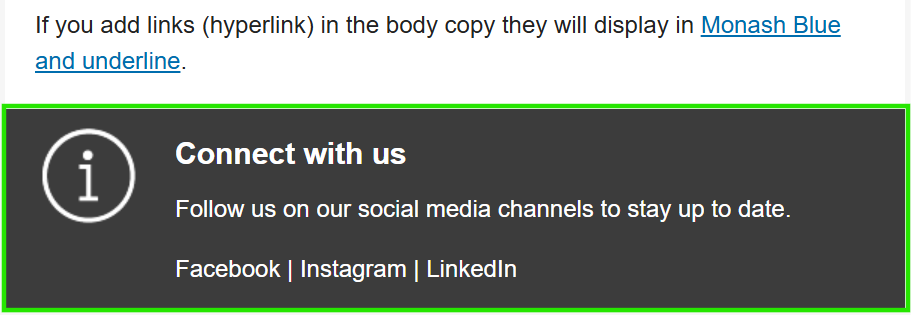
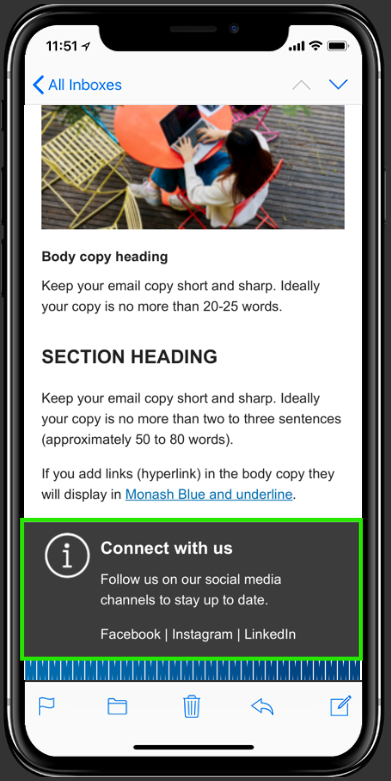
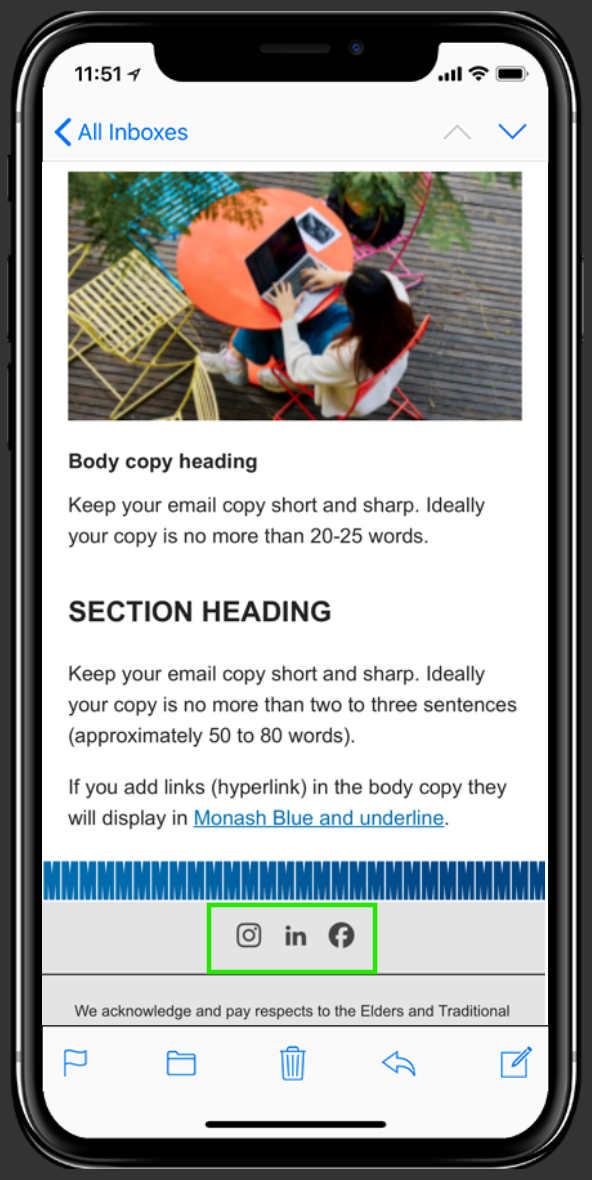
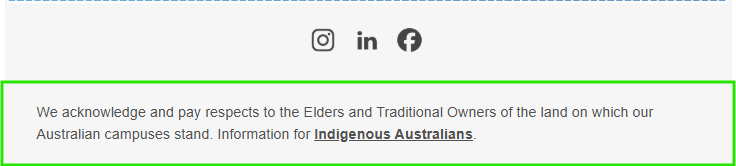
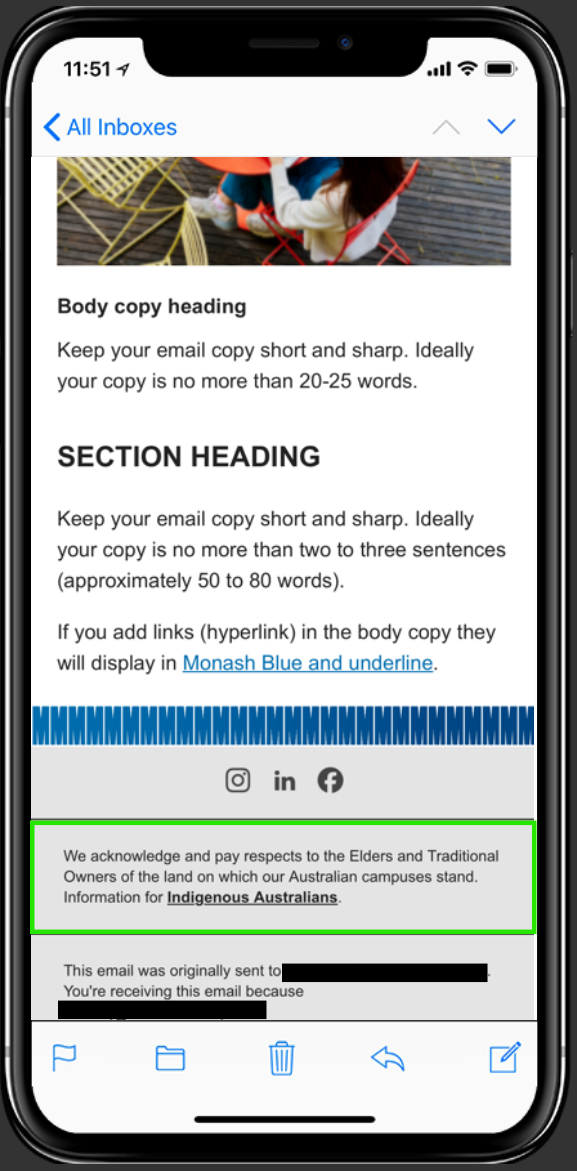
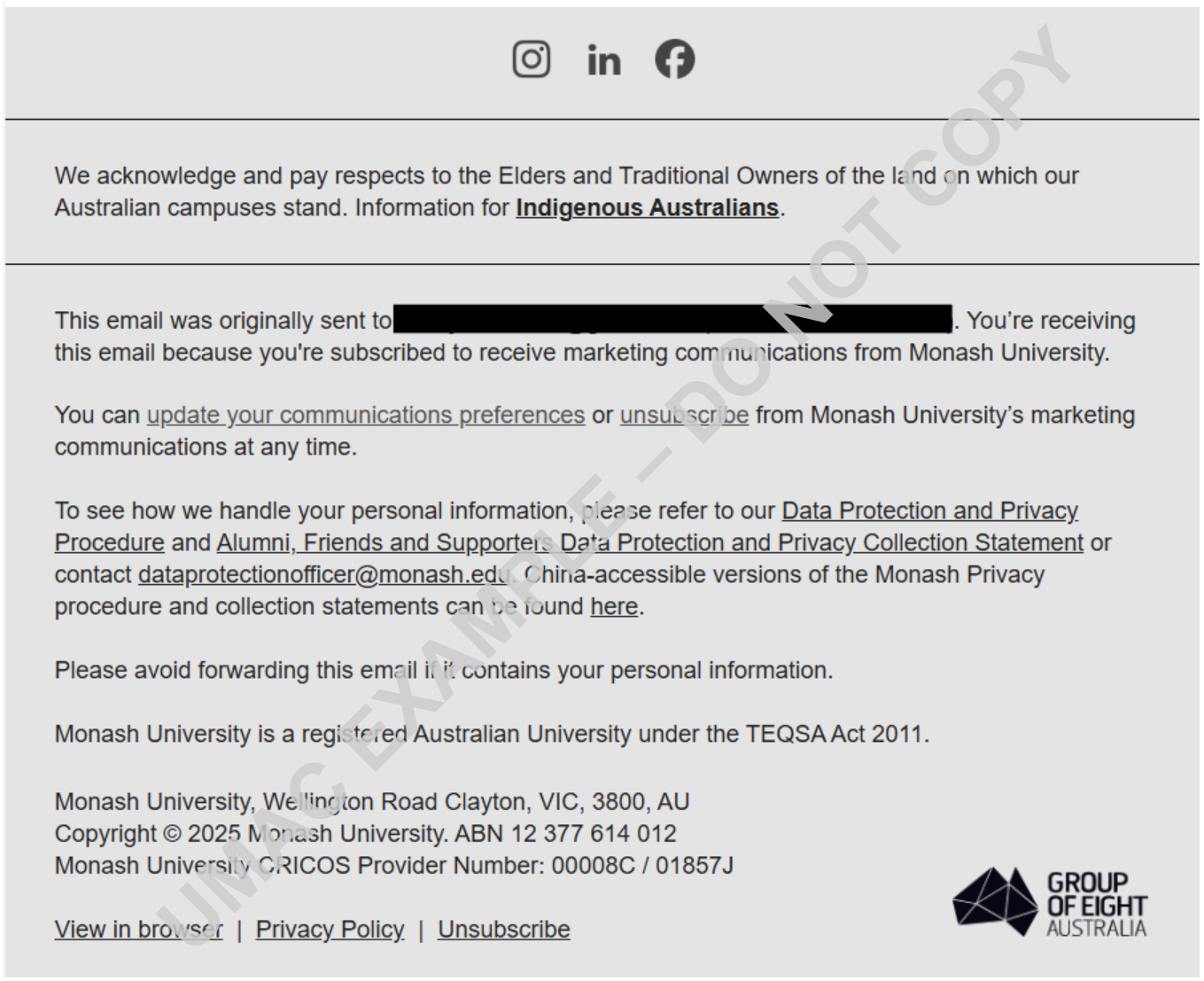
A consistent section at the bottom of a digital communication, such as a website or email, containing essential information like contact details, navigation links, legal notices (privacy policy, terms of service), social media links, copyright information, and an unsubscribe option.
|
|
From address
|
This is the email address of record that is sending the email. It may be different from the actual person who is really sending the email. The from address does not have to be the same as the reply-to address.
|
|
Header / Header banner
|
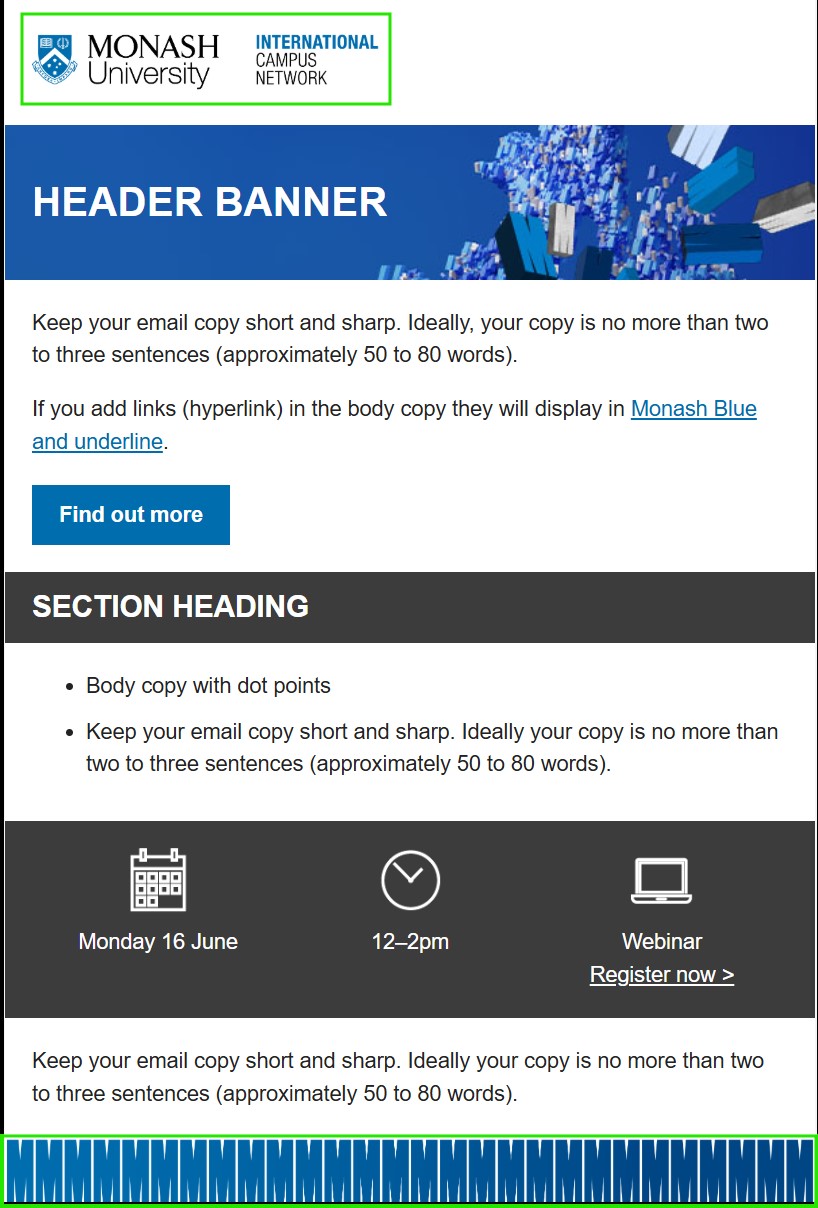
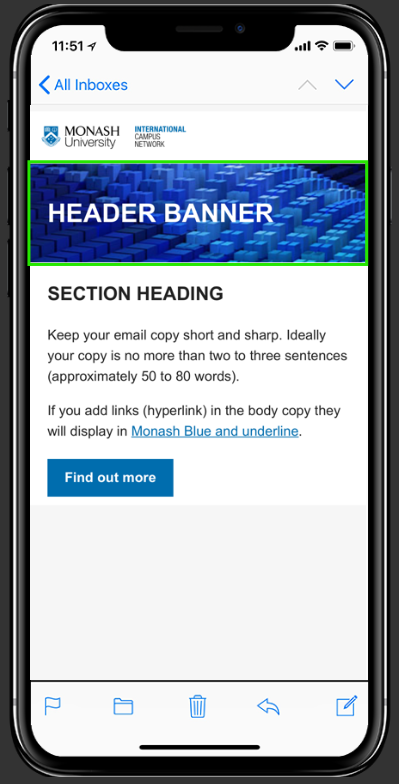
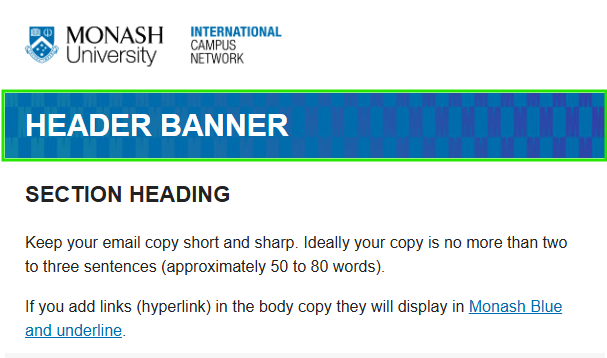
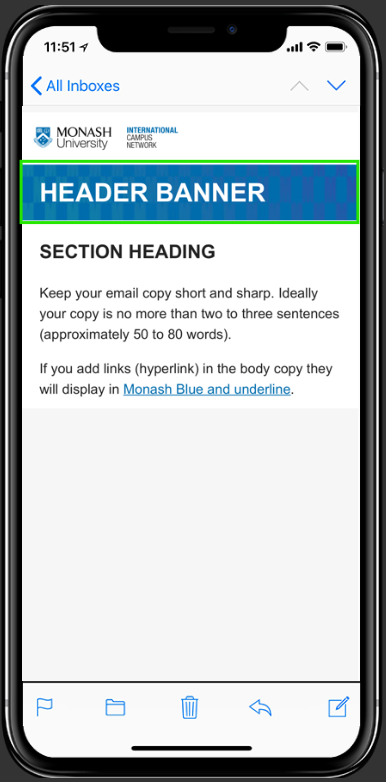
The prominent section at the top of an email that introduces branding, provides navigation, and contains crucial information like the subject line.
|
|
Hex code
|
A # followed by six hexadecimal characters (0-9 and A-F) that precisely defines a digital colour. These codes represent the intensity of Red, Green, and Blue (RGB) light, and by using the same hex code, marketers ensure their brand's signature colours look identical everywhere, no matter the device
or browser.
|
|
Highlight
|
A compilation of the best or most impactful moments, achievements, or features that a product, service, or brand has to offer. Or the term used when referring to selecting a section of text with your computer mouse.
|
|
Hover text
|
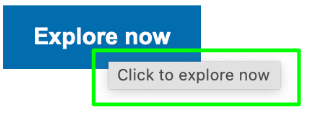
Hover text is a short message or label that appears when a user places their cursor over an element—like a button, icon, or link—providing extra context or clarification without cluttering the email. We recommend using a simple 'Click to...' hover text to ensure our audience has a consistent experience.
|
|
HTML
|
The markup language that powers most email marketing campaigns.
|
|
Hyperlink
|
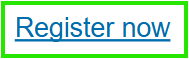
A clickable element (like underlined text or an image) that, when clicked, directs a user to another web page, document, or section of a webpage.
|
|
Icon
|
These are images, symbols, or designs that represent a brand in the minds of consumers. They can be logos, slogans, characters, or any other element that helps people remember a product or company.
|
|
Inbox display
|
The elements of an email that show up in a recipient’s inbox before they open it. This usually includes the sender name, subject line, and pre-header text.
|
|
Inclusion
|
The practice of creating emails, content, and experiences that welcome and accommodate people who have historically been excluded, typically because of their race, gender, sexuality, abilities, etc. Goes hand-in-hand with accessibility and should be a major consideration for every email effort.
|
|
JPG
|
An image file format, ideal for photos. JPGs are small and quick to load, but they lose some quality when compressed and don’t support transparency or text-based clarity.
|
|
List
|
A collection of people (contacts) who have opted into receiving your emails.
|
|
Marketing automation
|
A term for the tools and processes by which marketing messages are automated to recipients, usually based on some action taken by that recipient
|
|
Menu
|
A list of items with links, customisable content features and metadata through which you can navigate via section or tabs.
|
|
Merge tag
|
Also called a personalisation tag or dynamic field, is a placeholder in a template that automatically inserts personalised or dynamic data into a message when it's sent.
|
|
Metrics
|
The various data points used to assess the performance of email marketing campaigns. The output of analytics tools. Common metrics include Open Rate, Click To Open Rate, Deliverability Rate, etc.
|
|
Mockup
|
A detailed, static visual representation of a final product or design that shows its intended look, feel, and key features, such as layout, colour, and typography.
|
|
Multi-Factor Authentication (MFA)
|
A security feature that requires you to use two or more different verification methods to log into your Monash account, instead of just a password.
|
|
Newsletter
|
An email that goes out on a consistent basis that provides updates, news, tips, other helpful information, and ways to take action in response to the content of the email newsletter. Email newsletters are distinct from email campaigns in that they don’t have just one purpose for being sent.
|
|
Open rate
|
The percentage of unique opens compared to the total number of emails delivered (sent minus bounces).
|
|
Opt-out
|
When a subscriber decides not to receive emails anymore. Typically happens with an “unsubscribe” link in an email or via a preference centre. Needs to be honoured.
|
|
Overall bounces
|
All soft and hard bounces. Soft Bounce: An email acknowledged by the recipient’s mail server but returned to the sender. Sometimes it’s because the recipient’s mailbox is full or the mail server is temporarily unavailable. A soft bounce message can sometimes be deliverable at another time. After five soft bounces,
the prospect is opted out of emails. Hard Bounce: An email that permanently bounced back to the sender because the address is invalid. A hard bounce can occur because the domain name doesn’t exist or because the recipient is unknown.
|
|
Padding
|
Padding represents the inner space surrounding the element. Maintaining padding within email copy is for visual clarity and to separate elements within the email margin. (See also whitespace)
|
|
Personalisation
|
The process of making emails more relevant for subscribers by customising the content, design, or offer based on past subscriber behaviour or preferences.
|
|
Plain text
|
A simple email message sent that doesn’t include HTML. As such, opens and links cannot be tracked. Can be useful as personal outreach from a brand. Can be easily overused.
|
|
PNG
|
An image file format, best for detailed images and graphics with text. PNGs keep their quality when uploaded and support transparency, but they’re larger in size, so they can take longer to load.
|
|
Preference centre
|
A place for subscribers to control which email communications they receive, allowing them to subscribe or unsubscribe from granular lists or all emails.
|
|
Preheader text / Preview text
|
This text usually appears next to or below the subject line. In most mailbox providers, the subject is bolded and the preheader is not. If there is no preheader text, preview text usually defaults to the first text appearing in the email.
|
|
Privacy policy
|
Statement on how user data is collected and used.
|
|
Promotional email
|
An email sent on behalf of a company or organisation for marketing purposes, rather than from a person or for transactional purposes like documenting a purchase or providing a shipping update. Promotional emails are typically sent in bulk, to entire email lists or to segments of them. Contacts who
opt in to receive promotional emails become “subscribers.”
|
|
QA
|
Acronym for Quality Assurance. The process by which emails are tested and deemed ready to send to subscribers. Typical checks include copy, links, accessibility, rendering, audience segmentation, and timing of email sends.
|
|
Recipient
|
Anyone with an email address who receives an email from someone else.
|
|
Reengagement
|
A campaign specifically sent to reactivate inactive subscribers, typically after long periods of disinterest or no email messages going out. Important for helping to keep your lists clean.
|
|
Rendering
|
How an email displays in an email client. Rendering can vary widely based on the level of support for HTML in each email client.
|
|
Salutation
|
The greeting that opens your message, such as "Dear [Name]," or "Hi [Name],".
|
|
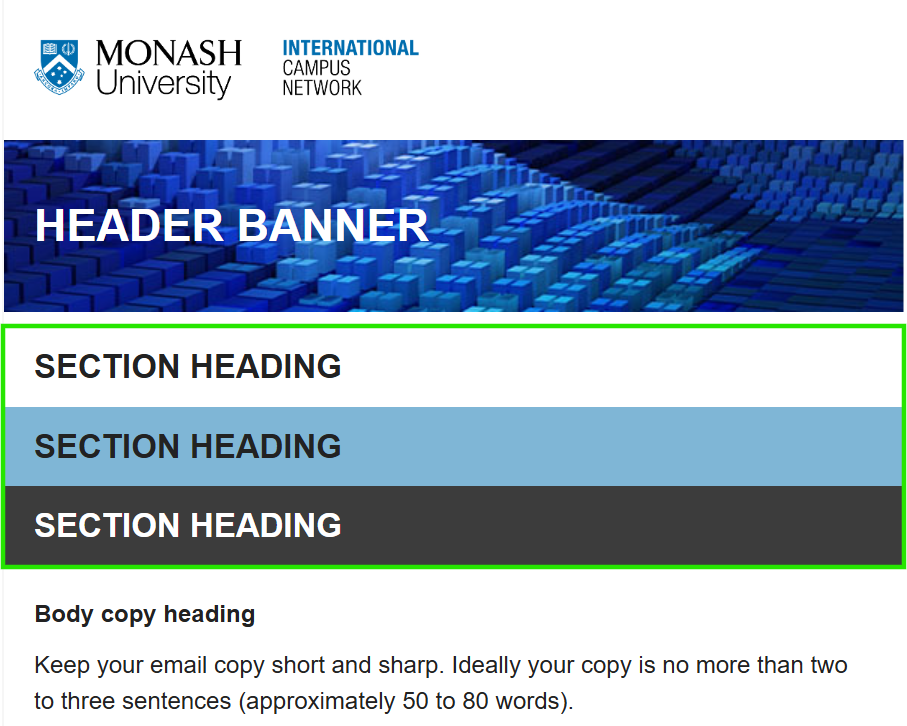
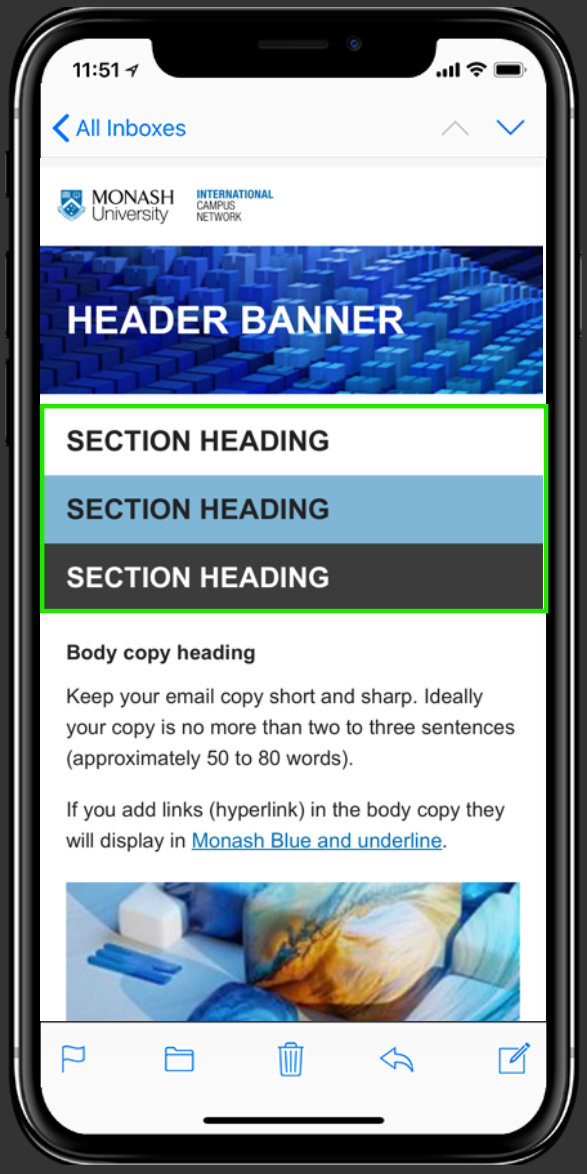
Section heading
|
The titles or labels given to specific sections of an email to provide a clear structure and help guide the reader through the content.
|
|
Segmentation
|
The tactic of grouping customers together based on subscriber attributes, past actions, or other data points in order to send more highly targeted, personalised campaigns.
|
|
Sender profile
|
A sender profile is the name you see the email coming from when it lands in your inbox.
|
|
Single opt-in
|
A method of confirming consent from subscribers that does not require a secondary action on their part other than the initial signup. Typically happens via a form on a website, in an app, or at a physical location.
|
|
Single Sign-On (SSO)
|
Allows students, staff, and approved users to access multiple university applications and resources, such as emails, Moodle, Zoom, and Library databases, using their single Monash account.
|
|
SMTP
|
The standard protocol that allows for sending email messages. Stands for Simple Mail Transfer Protocol.
|
|
Social media channels
|
Online platforms where businesses and users share content and interact, such as Facebook, Instagram, X (formerly Twitter), and TikTok.
|
|
Spam
|
Any unwanted email, regardless of whether or not an individual subscribed to it.
|
|
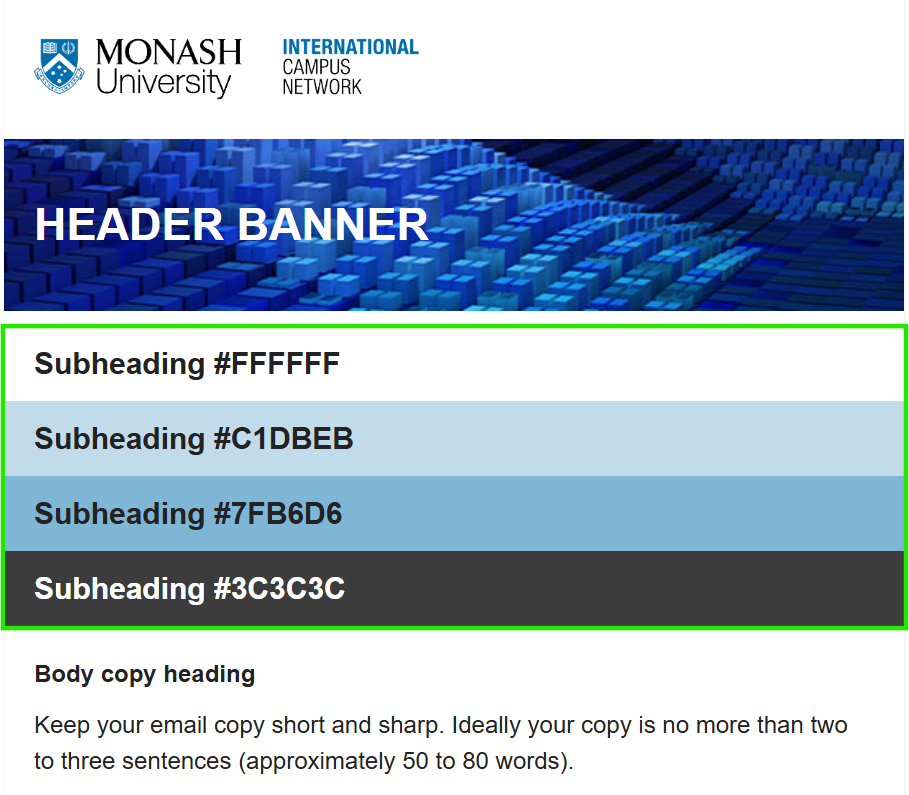
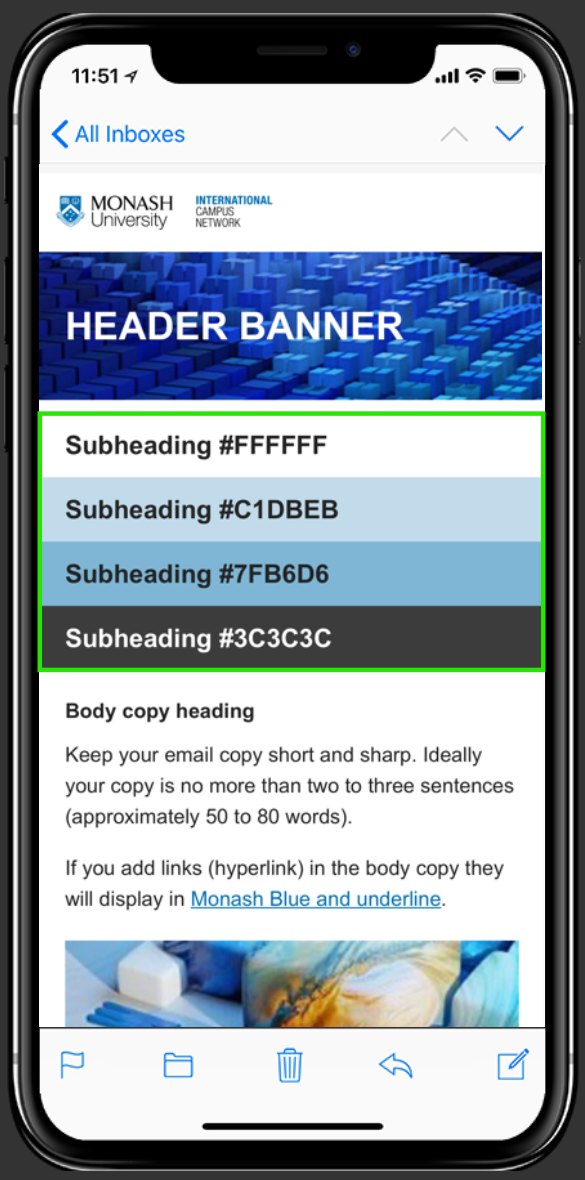
Subheading
|
A secondary, smaller headline that expands on the main headline to capture attention, provide more detail, guide a reader through content, and encourage them to continue reading or take action.
|
|
Subject line
|
Part of the email envelope. The bit of copy displayed near the sender's name in the inbox. Useful for getting people to actually open an email. Needs to be related to the actual content of the email.
|
|
Subscriber
|
An individual that has signed up to receive emails from you, either through an explicit signup or as part of a transaction.
|
|
Template
|
A pre-designed email structure that includes core design elements, headers, and footers, and that a sender can fill in with text, messaging, and design elements specific to their campaign and company. Templates speed up the email creation process and ensure consistent branding.
|
| Tone of voice |
Written tone of voice is simply the “personality” of a brand as expressed through the written word. Tone of voice governs what you say in writing, and how you say it – the content and style of textual communications, in any setting and in any medium.
|
|
Transactional email
|
An automated email that relates to the completion of a particular task, usually triggered by an action taken by an individual recipient. Typical transactional emails include receipts, password resets, and signup confirmations.
|
|
Typography
|
Typography is the art and technique of arranging type to make written language legible, readable and appealing when displayed.
|
|
Unique clicks
|
The number of recipients that clicked a link in the email. Each recipient is counted only one time, so multiple clicks in the same message don’t get counted more than one time.
|
|
Unique opens
|
A metric that tracks the number of first time opens by individual users, not repeat opens. Can be useful in seeing how compelling your Subject Line, Preview Text, or overall Sender Reputation is.
|
|
Unsubscribe
|
When a subscriber signals that they no longer want to receive emails from you, usually by clicking an "unsubscribe" link in an email.
|
|
Upload
|
Uploading is when you are transferring data from your computer to the internet.
|
|
URL
|
The links that connect the internet and send people out of our emails and onto our landing pages. Stands for Uniform Resource Locator.
|
|
Webmail
|
One branch of mailbox providers can only be accessed through a web browser. The most popular webmail client is Gmail.
|
|
Web view
|
The link to a hosted version of an email, usually included as a link in the body of an email. Useful for when emails don’t display properly or when users want to triage an email to the browser to read later.
|
|
Whitespace
|
Empty space is used to improve readability and layout. |








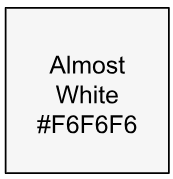 Email background colour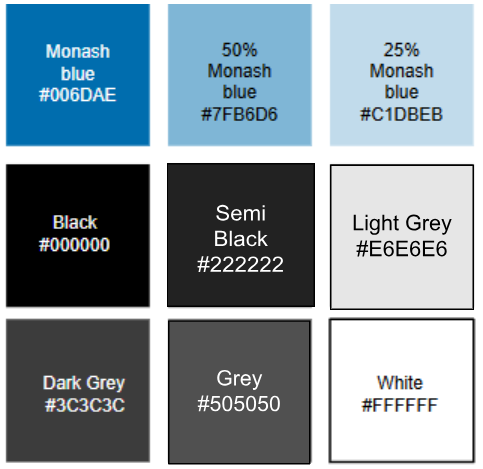
 Colours: Monash Blue #006DAE