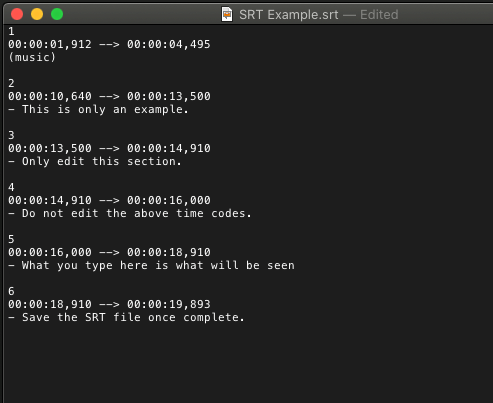
SRT files are caption files that contain timecoded, written text of the speaker’s dialogue.
Why do we need captions?
We’re committed to improving the user experience and ensuring our videos are accessible, so all web and online videos with spoken dialogue are to include captions. Click here for more accessibility information on captioning.
Ordering captions
Caption (.srt) files can be ordered from Rev. Captions cost USD $1.99/minute. Turnaround time may vary depending on the length of the video. Typically, they take a couple of hours to a day.
Subtitles (foreign languages)
Foreign-language subtitles can be ordered from Rev at a cost of between USD $6.49 to $15.99/minute. We advise double-checking the subtitles with a local speaker where possible.
Editing captions
If you need to change the captions, you can edit them in the Rev caption editor, or directly using a text editor. For this we recommend Text Edit for Mac users, and Notepad for PC users.
Note: Only edit the written text dialogue. Don’t edit the timecodes or an error may occur in the SRT file.
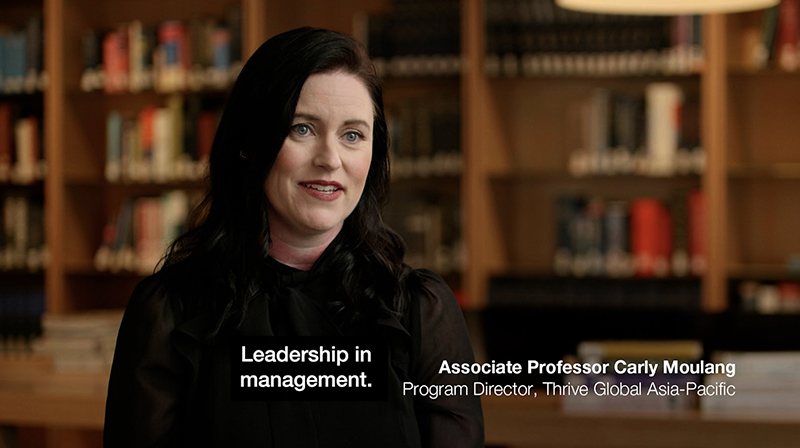
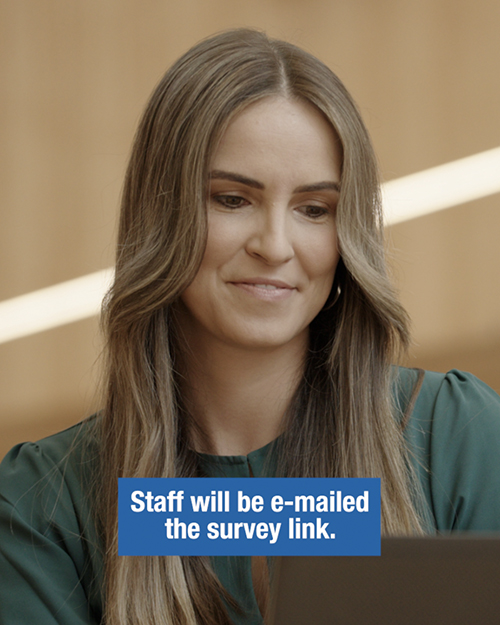
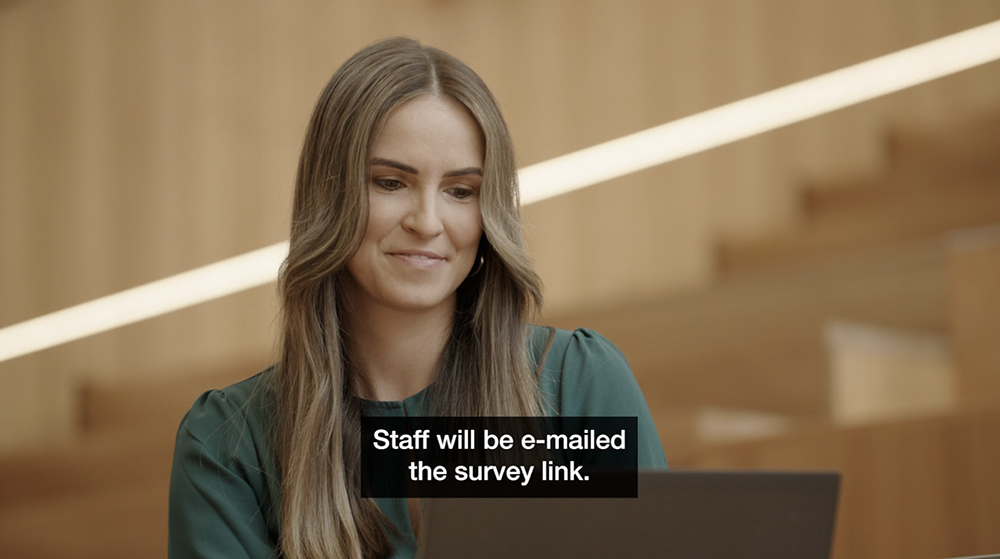
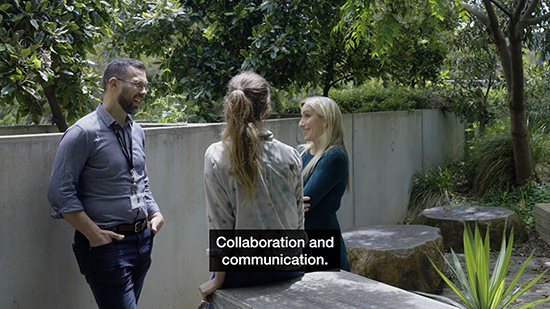
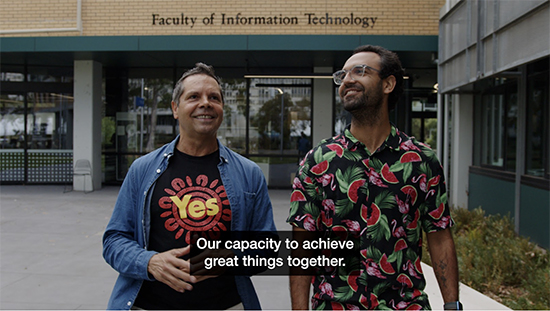
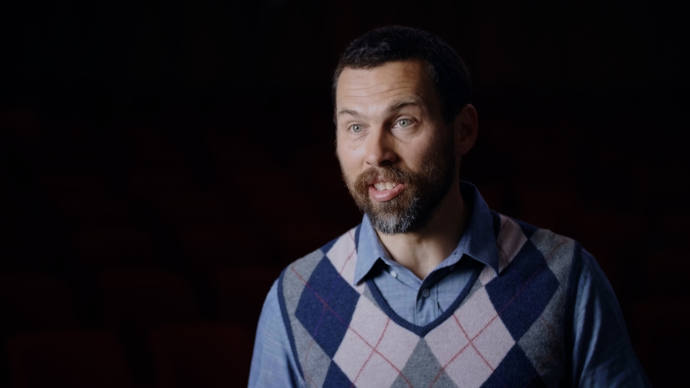
By default, the following caption styles should be used for each channel:

| 
| 
|
- YouTube
- Workplace
- Campus Screens
| - Instagram
- TikTok
- Facebook
- LinkedIn
- YouTube Shorts
- X (Twitter)
| - Instagram (Student Info)
- Facebook (Student Info)
|
The easiest way to apply these styles is to use these Premiere text styles presets.
Fonts:
- Helvetica Neue LT Pro - 65 Medium – White text on black
- Helvetica Neue LT Pro - 77 Bold Condensed – White text on blue/grey
If you don’t have access to the Helvetica Neue LT Pro font family, please use Arial Regular and Arial Narrow Bold instead.
- When using the style, there are exceptions for when the content is more serious in nature. The white text on black may be more appropriate
- No drop shadows behind text
- Caption backgrounds to be squared off, not rounded.
- Sentence case to be used
Captioning best practices
- Divide sentences into two relatively equal parts (30 characters per line max)
- Keep an average of 20 to 30 characters per second
- Captions should last between 1 and 8 seconds
- Always keep a person’s name or title together
- Try not to break a line after a conjunction