
Add
- Click Turn editing on in the top right corner of the unit banner.

- Under any activity, or at the end of a section, click Add a Bento Box.

Note: Due to the nature of Bentos being made of several activities, they will always be added at the end of a section.
- The Bento Selection window gives you several options to choose the right Bento.
- Scroll to check the titles.
- Search a title in the search box
- Select a category in the left hand side menu.
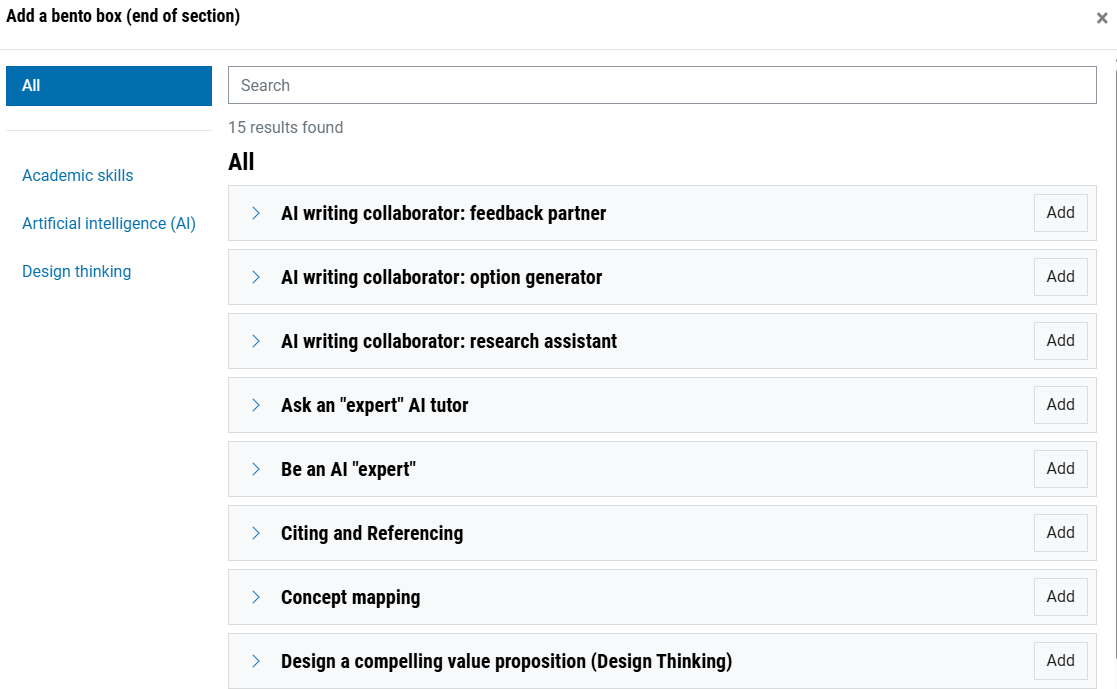
- Basic information about the purpose, set up time and components of each Bento appears when you click the arrow beside the title.
- Select the Bento of your choice and select Add.
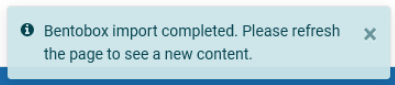
- Once complete, refresh the page to view the Bento in the unit.
- Edit the placeholder content in the Bento to reflect the unit concepts and activities that you wish the students to do, as you would with any standard Moodle activity or resource.