Interpret a similarity report
At a glance
Interpret the components of a Turnitin similarity report, including the similarity index, match overview, sources and filters, to determine whether a student submission indicates plagiarism or poor academic practice. Understand how to access reports, filter quotations and references, review matched submissions, and apply caution when using the AI detection tool.
Jump to these sections:
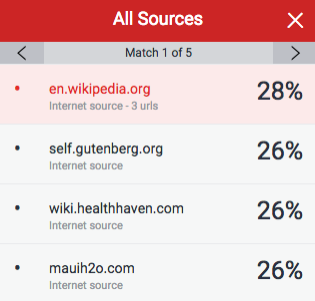
When you select a similarity report, a new window will open displaying a live version of the similarity report. A typical workflow is to identify which student assessments have a higher than expected similarity score. For these, use the turnitin system and the match overview to compare the submission to the discovered similar text. Turnitin allows a fast review of all texts from a single source.
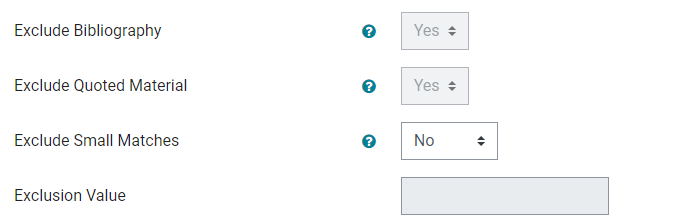
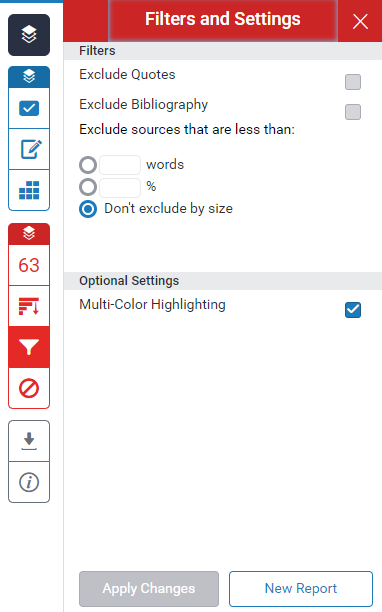
Click on each icon to read the brief description of the different settings in the Turnitin report below.