Integrate Poll Everywhere with Moodle
At a glance
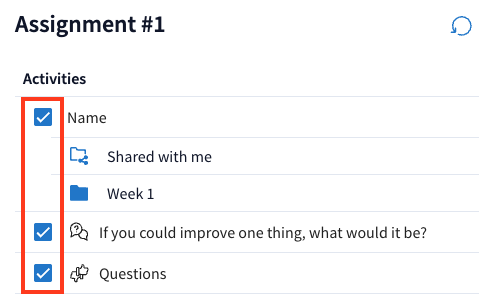
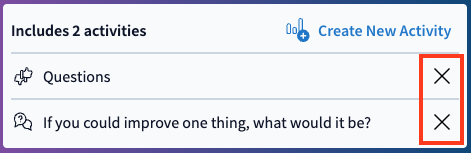
Connect your Moodle unit to Poll Everywhere so you can sync student rosters, create assignments, track grades and manage synced activities. Find out how to sync participants, assign poll activities, enable grading and remove assignments you no longer need.
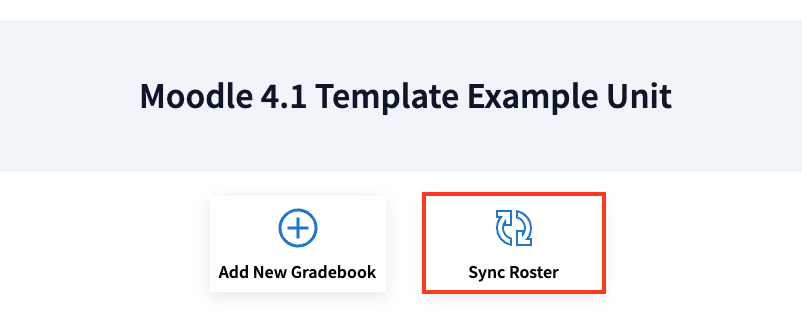
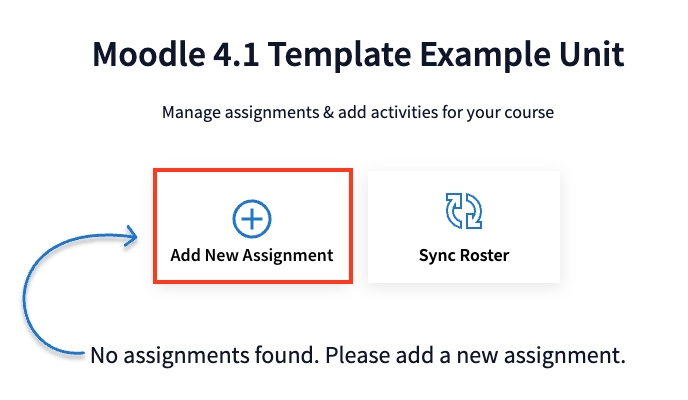
You can use the Poll Everywhere external tool to sync your Moodle with PollEverywhere. Once synced, you can use the Course Management features to:
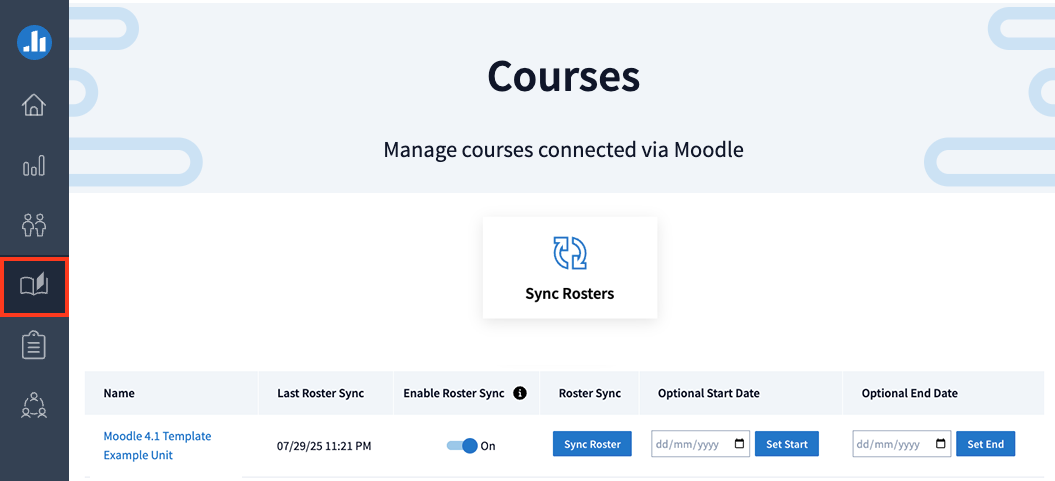
- Manage student rosters, organise content, and sync seamlessly with your Moodle.
- See how each student has responded to your polls activities.
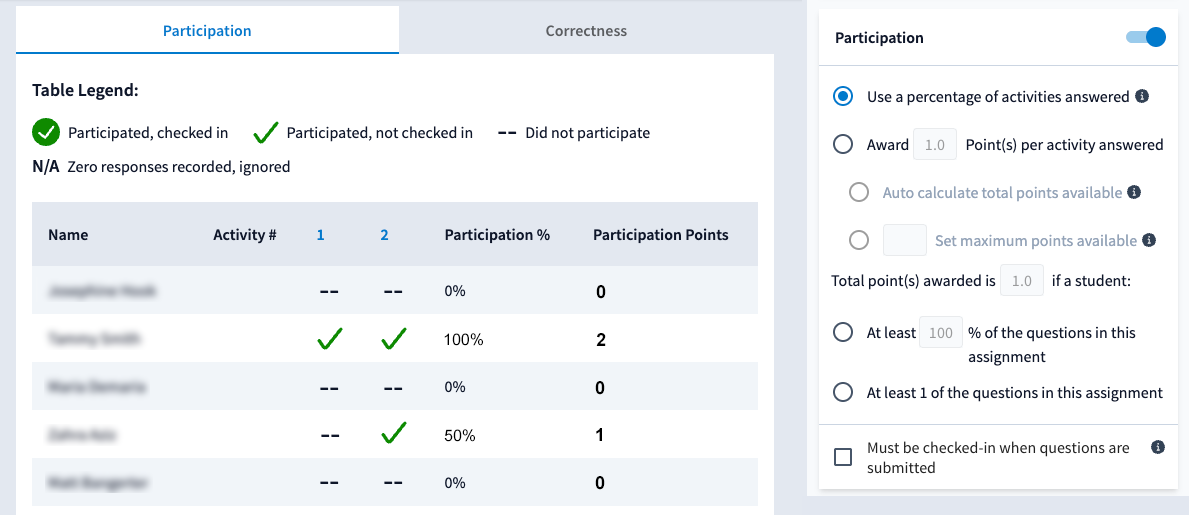
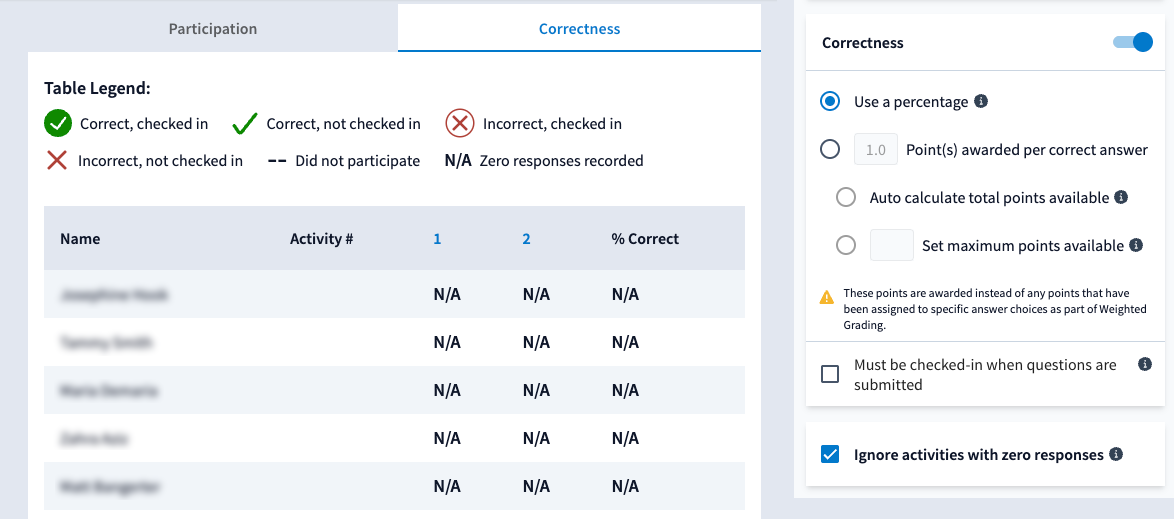
- Track and reward student engagement with points-based and percentage-based scoring. These will appear in your Moodle grader report as two separate grade columns for Participation and Correctness, if enabled.
- Sync rosters and grades manually or set up automatic syncs.
- Set start and end dates of course activities which allows you to reuse polls or activities across semesters but ensure only current-term student responses and participation are included in LMS grade sync.