
Pages (Moodle resource)
At a glance
Explore how to create and format Moodle Page resources, including embedding content, structuring text for accessibility, using images and multimedia, applying icons and colours, and following the steps to create a page. The guidance draws on Universal Design for Learning principles to help you present content clearly for students.
Pages function as web page, where text and content can be added. You can:
- Embedding HTML content or learning objects
- Create a table to display a unit schedule
- Create a teaching staff profile page with contact details
- Embed slideshows of student work
Close
 View visual style guidelines
View
View visual style guidelines
View

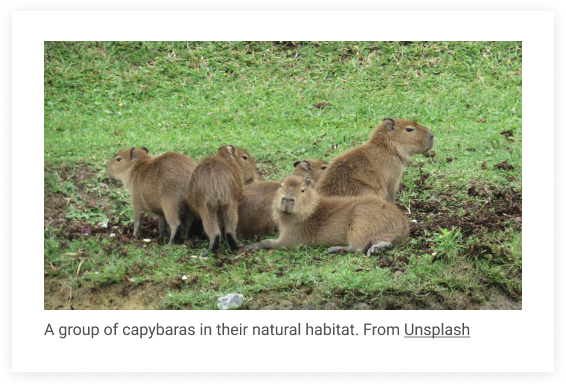
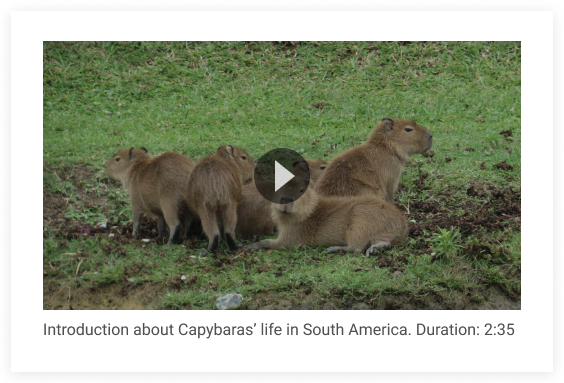

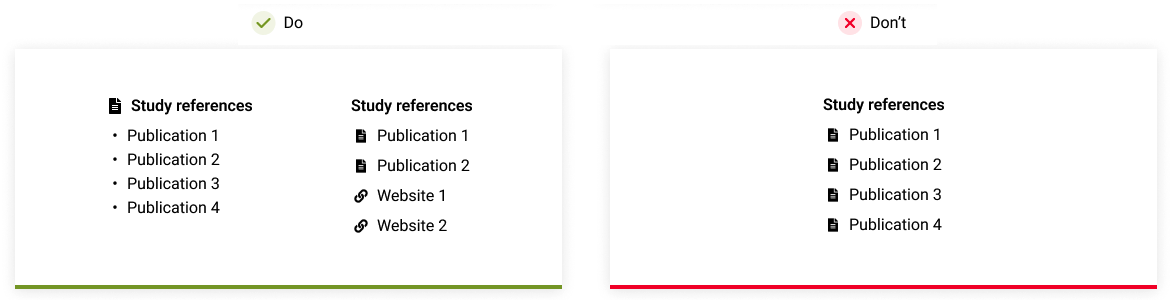
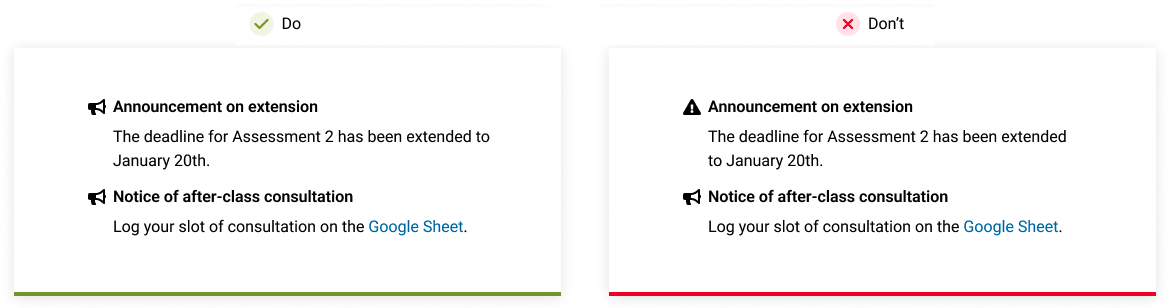
Create a page
- In the top right hand corner of the page, switch Edit mode to ON(Blue).

- In the section where you would like to add a resource or activity, click +Add an activity or resource.

Note: You can add new resources or activities above or below any existing activities or resources.
- Click on Page.
- In the Name and Description fields, give your page a title and a description.
- In the Content fields, add content that you want to appear on your page. To embed images, files and media files, see Embedding audio/video using Moodle media.
- To preview your webpage scroll down to the bottom of the page and select Save and display
- Once finished, choose Save and return to unit.