Reuse H5P content
At a glance
Explore the different ways to reuse existing H5P activities in Moodle, including downloading a .h5p file, uploading it to the content bank, using it as a graded activity, replacing an existing version and copying items you have created. Understand which method suits your situation before making changes to shared content.
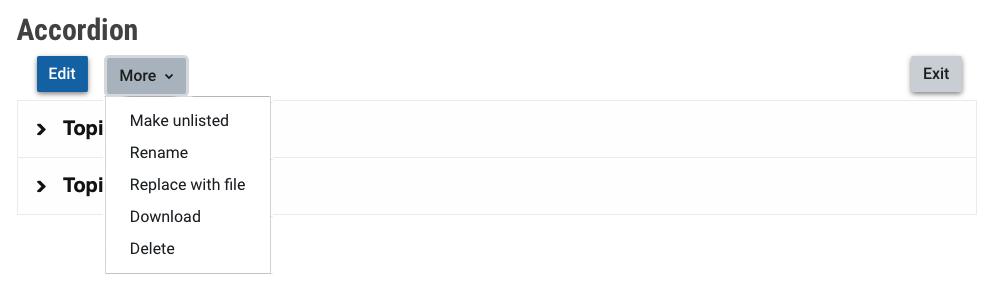
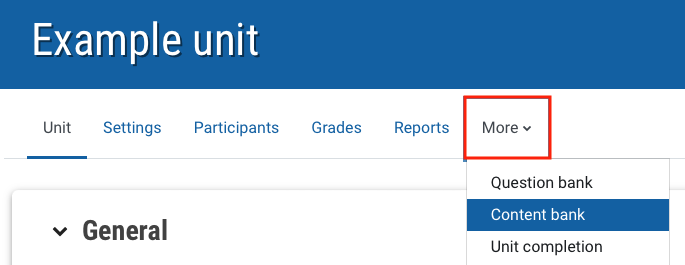
If you would like to copy the H5P object and use it in another Moodle unit, or make changes to an existing H5P activity that you are not the author of, you can download the .h5p file and and upload it into the content bank or directly into a graded H5P activity.