Miro
NoteThis guide is provided for a tool that is not centrally funded or supported by Monash University. While a limited free tier may be available, full functionality typically requires a paid licence. Consult your faculty contacts regarding support, access, or funding before adopting this tool. |
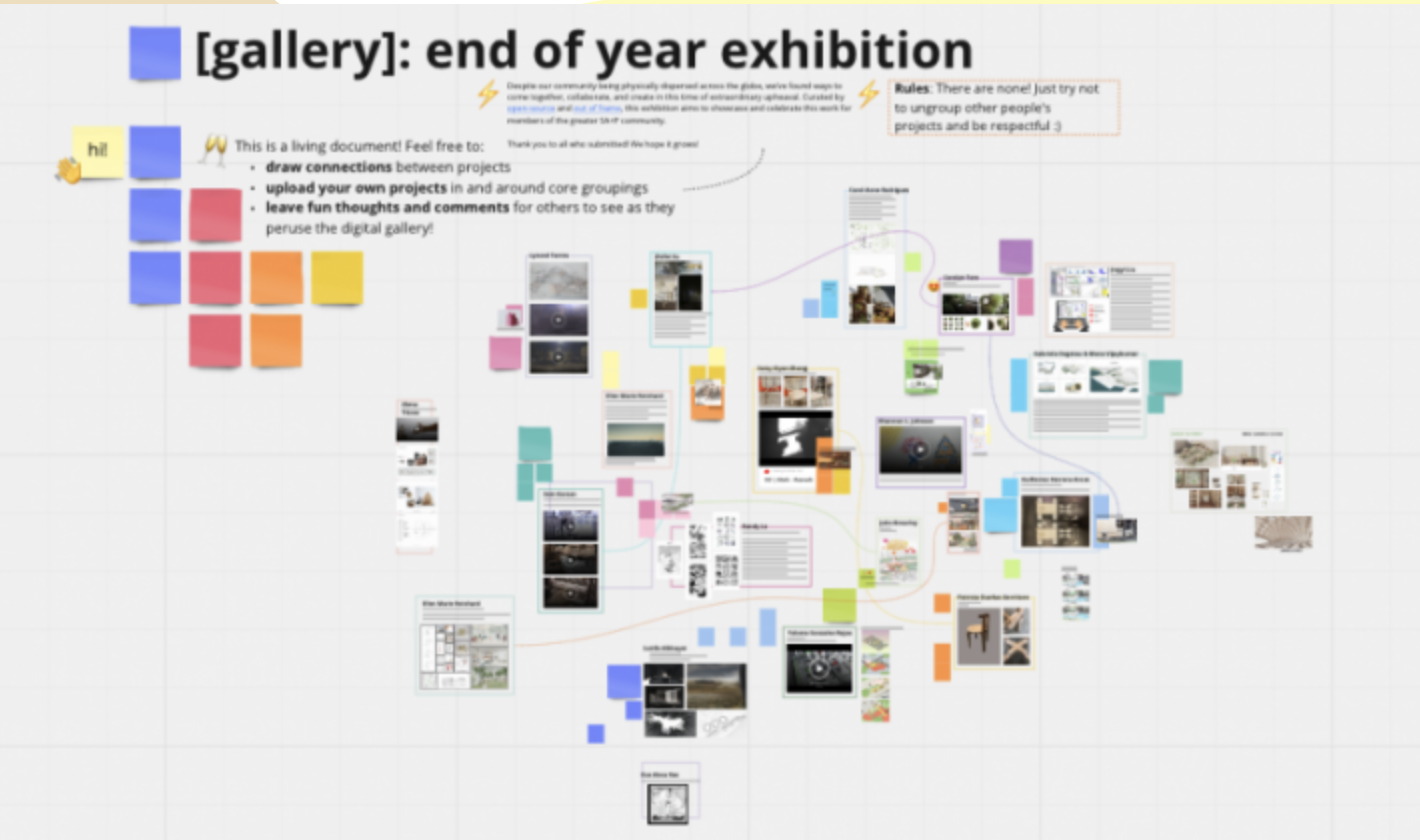
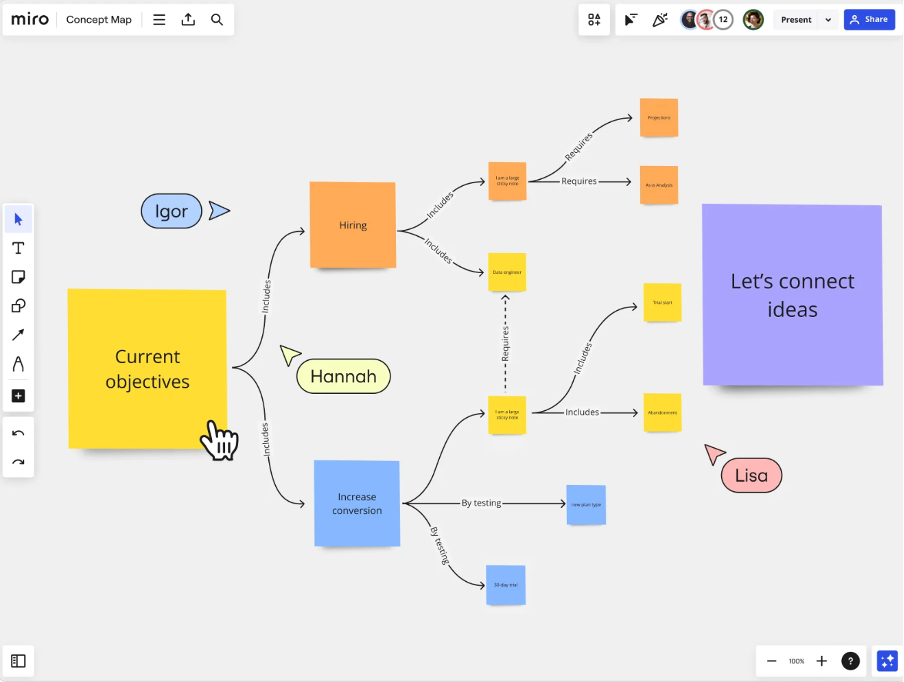
Miro is a versatile online whiteboard platform that supports collaborative learning and teaching by providing an online space to brainstorm, visualise ideas and work together in real-time. Educators and students can collaborate on mind maps, virtual whiteboards, and visual representations of problems synchronously or asynchronously.
Miro supports individual, group, and whole class collaboration in discussions, even in very large classes. Students can reflect, analyse and critically engage with material together in real time. Educators can set activities up on the Miro board and use it as a presentation, seamlessly moving from static slides or “frames” to interactive activities in sequence and building student contributions.
| Features | Limitations |
|---|---|
|
|
Let's explore six impactful ways Miro can transform your teaching and learning journey:
Creating a Miro account
Miro offers a free educator account with a straightforward verification process. While paid accounts are also available, the free educator account has very few limitations and is likely to be sufficient for most educators’ needs.
To create a free educator account:
- Go to https://miro.com/contact/education/?ref=Educator
- Complete the form including a link to evidence of your employment at Monash
- Use the submit button to complete your application.
Additional resources
Explore these resources to learn more about Miro. Discover how to use its features, find inspiration from templates and examples, and consider how to apply this technology in your learning and teaching practices.