
Microsoft Teams (MS Teams)
NoteThis guide is provided for a tool that is not centrally funded or supported by Monash University. While a limited free tier may be available, full functionality typically requires a paid licence. Consult your faculty contacts regarding support, access, or funding before adopting this tool. |
Microsoft Teams is a communication and collaboration tool that supports synchronous and asynchronous discussion, file sharing and a wide range of external web apps and tools. You can have a Team for each unit that you teach. Each Team can have multiple Channels, allowing you to create a space for robust collaboration between your students.
Key functionalities of MS Teams
- Synchronous and asynchronous communication through private chats, announcement pages and discussion channels.
- Posts can include shared content, meeting recordings and discussions
- Ability share files and folders with a built in file management
- Oversight of student collaboration and engagement within the platform
- OneNote Class Notebooks, with a personal workspace for every student, a content library for handouts, and a collaboration space for lessons and creative activities
- Interactive apps, lessons, and content embedded onto the OneNote page
Download MS Teams via the My Software(PC) or Self Service(MAC) centre. For non-Monash devices you can download the desktop app via https://products.office.com/en-au/microsoft-teams/download-app
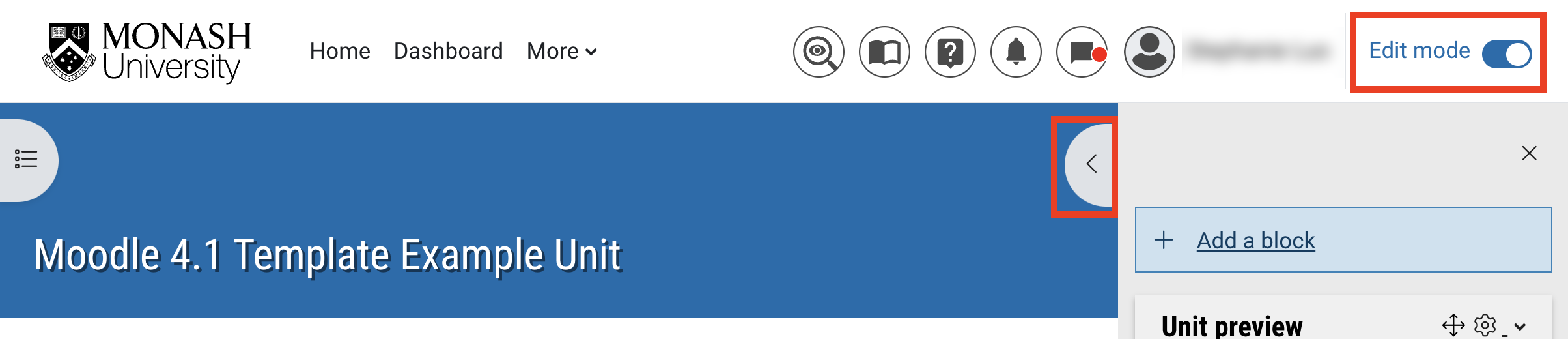
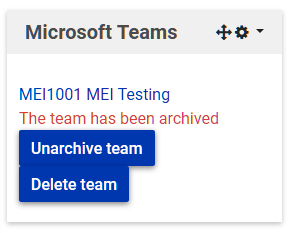
NoteMicrosoft Teams is enabled for Teaching and learning via the Moodle integration. Outside of the Moodle integration some functionality becomes restricted, such as creating Teams. It is highly recommended that you set up the Moodle MS Teams block in your Moodle unit so you and your students can access MS Teams directly via the MS Teams block to ensure you have access to full functionality. |
Expand the accordions below to learn more
 Add the MS Teams block
View
Add the MS Teams block
View





 Introduction to the Microsoft Teams interface
View
Introduction to the Microsoft Teams interface
View
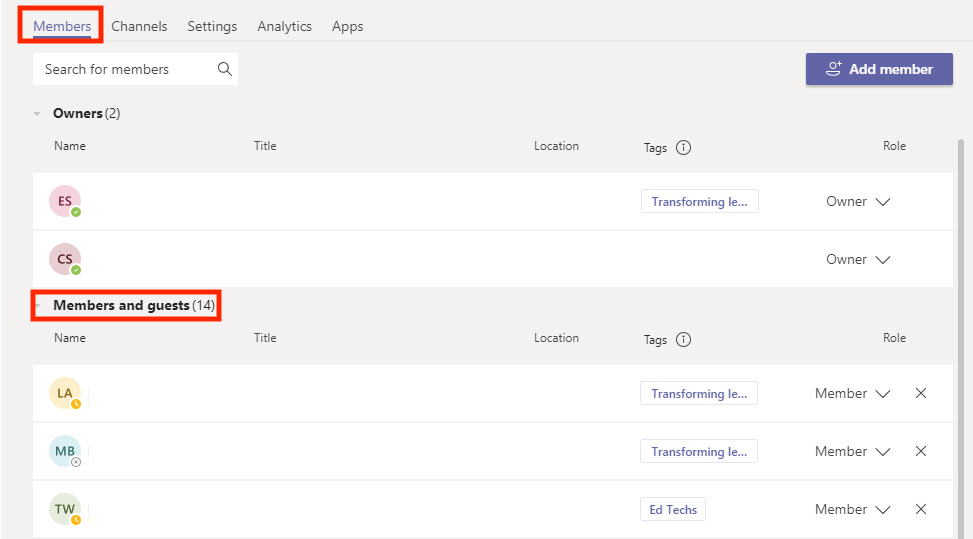
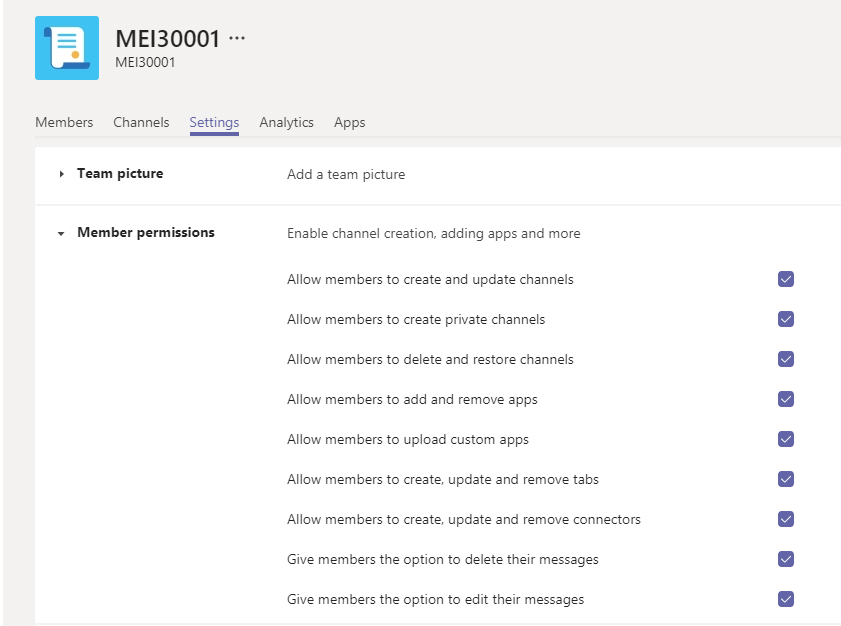
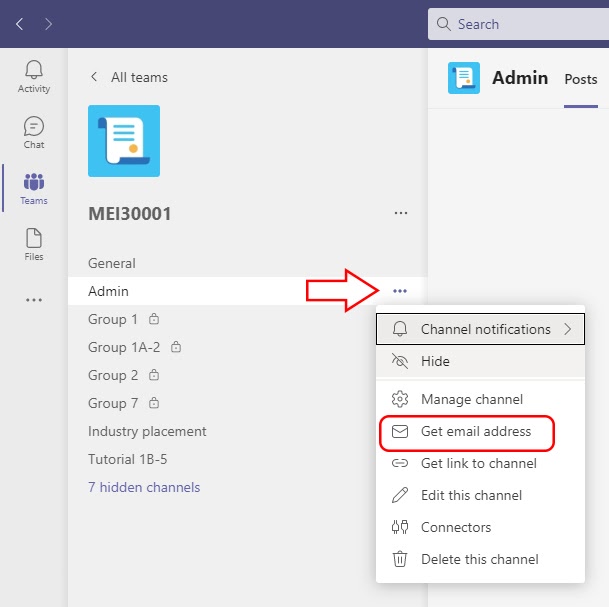
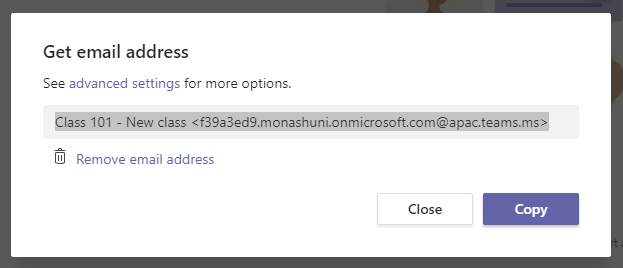
 Manage teams and channels
View
Manage teams and channels
View




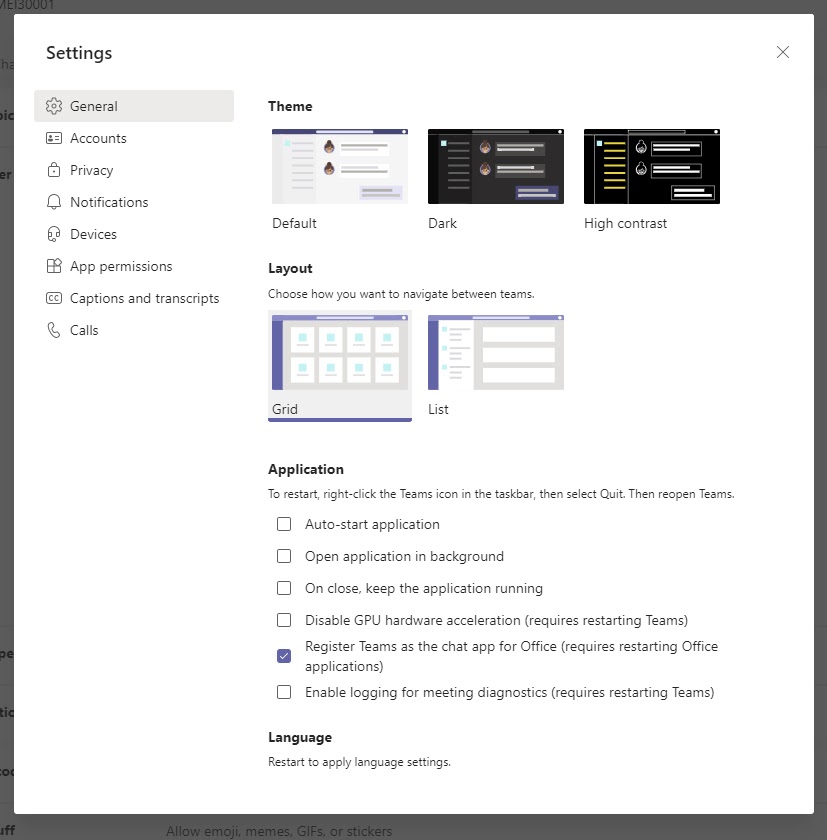
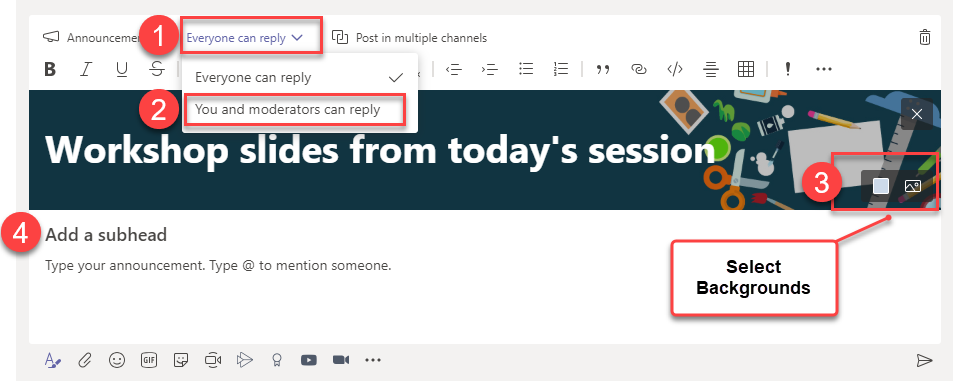
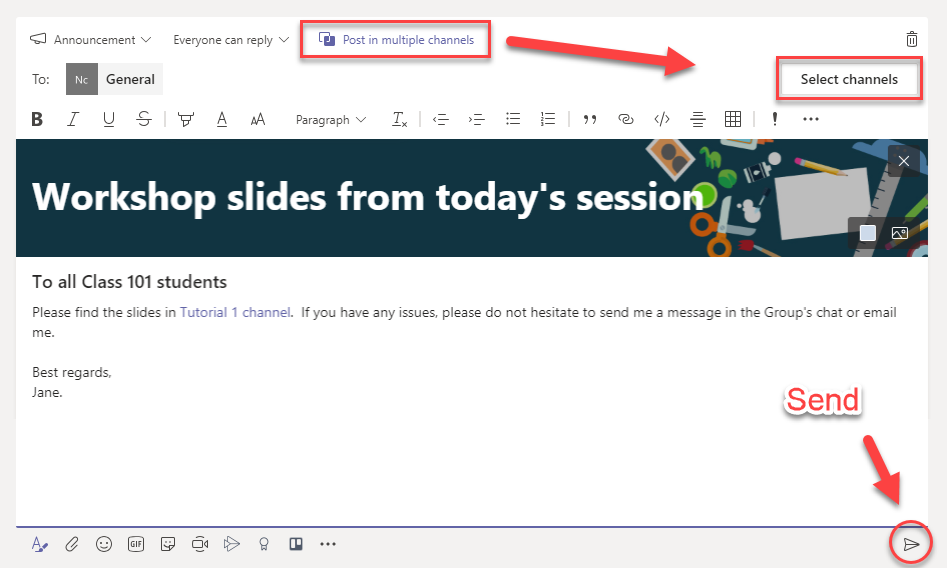
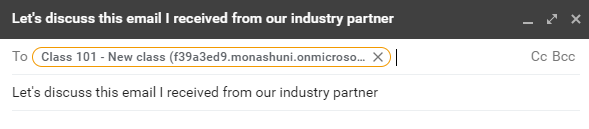
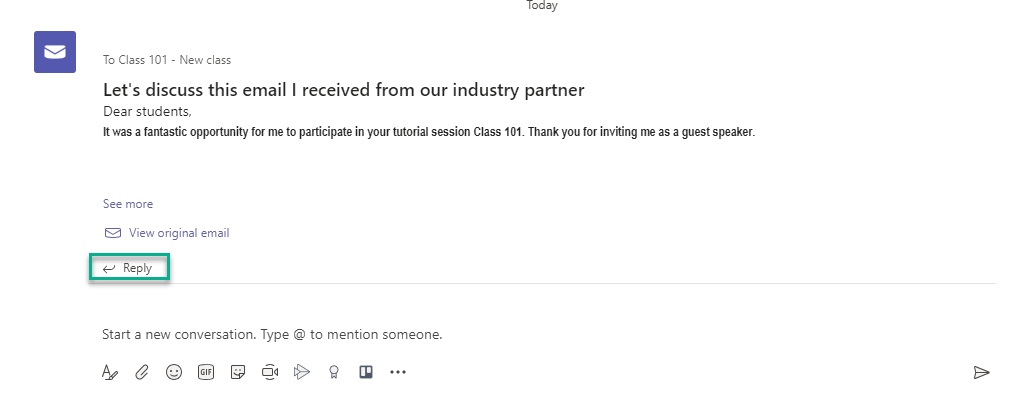
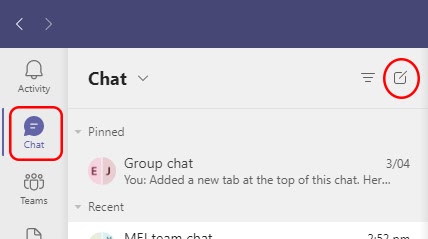
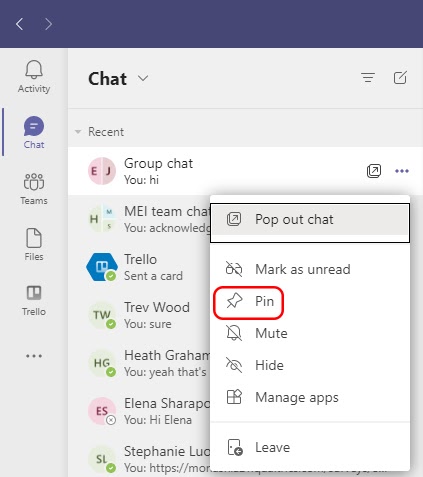
 Communicate in MS Teams
View
Communicate in MS Teams
View

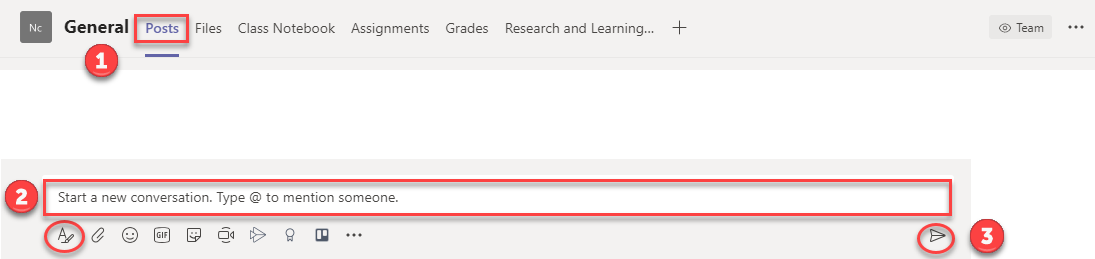
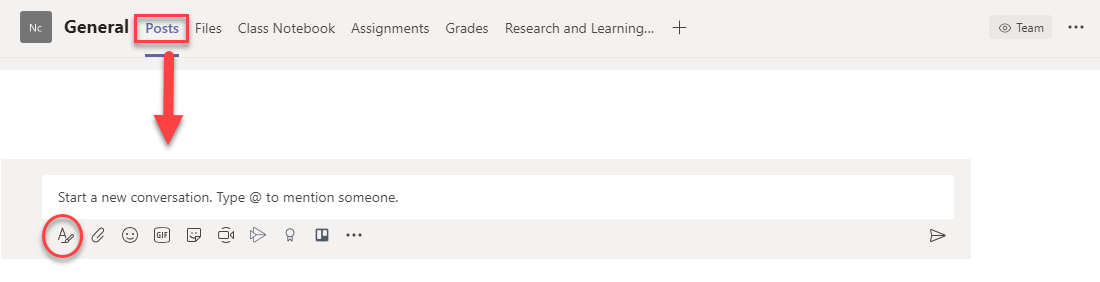
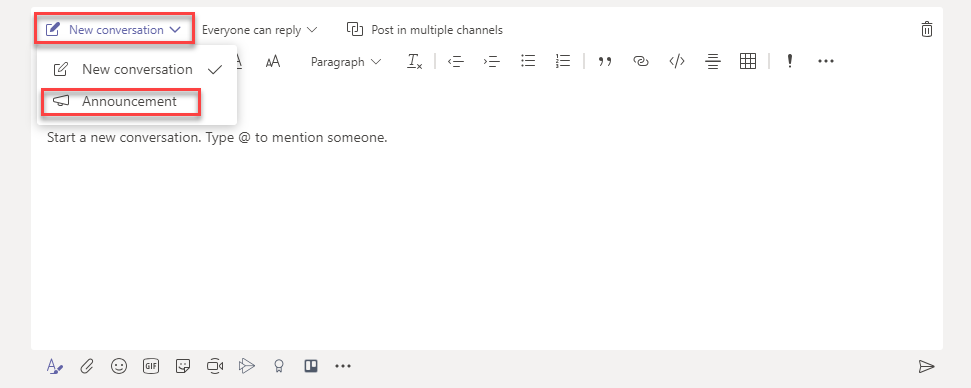


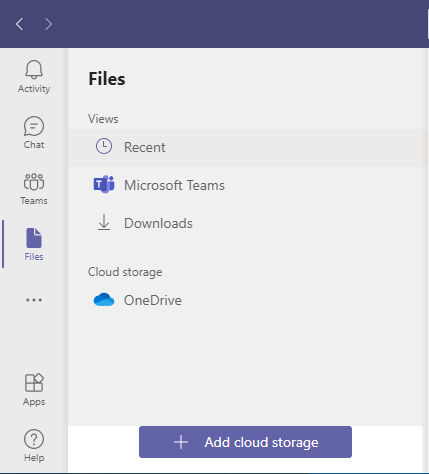
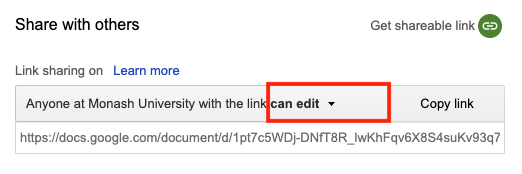
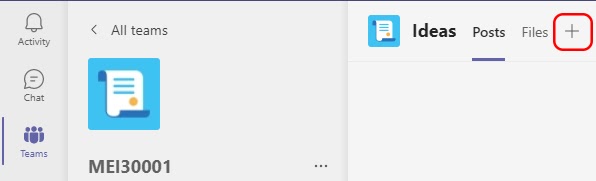
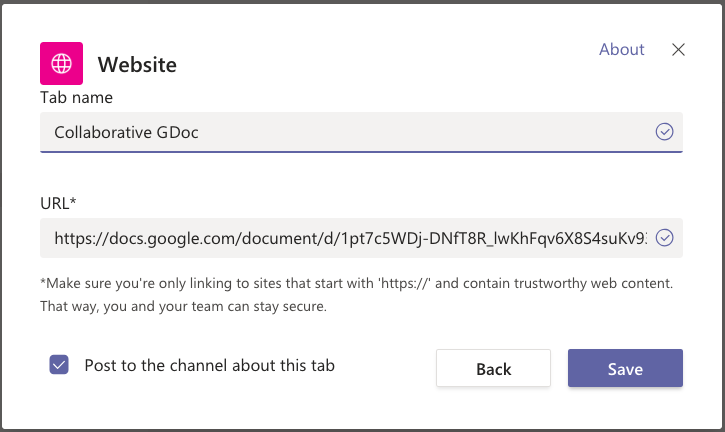
 Add files and apps
View
Add files and apps
View


Additional resources
Here are some relevant resources to help support you with designing learning within Microsoft Teams.
- Collaborative learning: Microsoft Teams provides a platform to enable collaborative learning. Additional information about collaborative activities to effectively develop and assess skills, knowledge and attributes is provided on the Collaborative learning page.
- Group and peer assessment: Use collaborative activities to effectively develop and assess skills, knowledge and attributes.
- Learn HQ: group work and collaboration: A suite of resources for students addressing the essentials of group and team work. They teach students how to set up a successful group, how to make it more effective, and how to manage group dynamics and behaviours.