Share polls
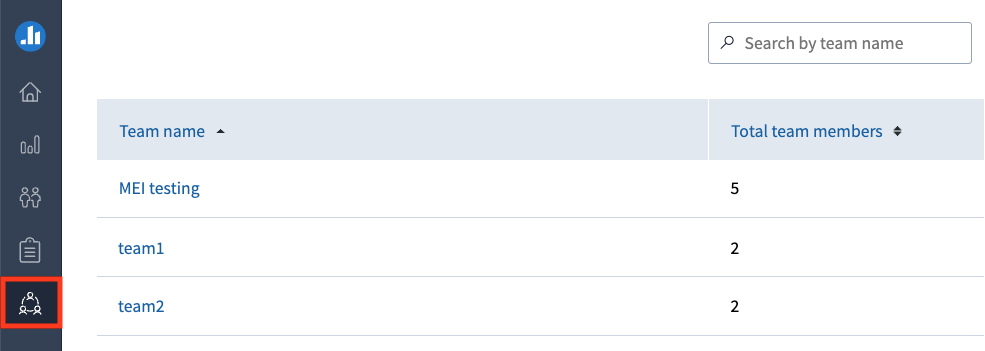
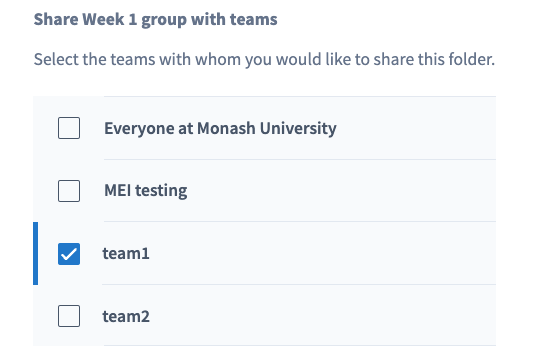
Your faculty administrator (Team lead) can set up teams on your behalf on request. Once the team has been created, you may be assigned the Team Manager or Presenter role.
| Role | Description |
|---|---|
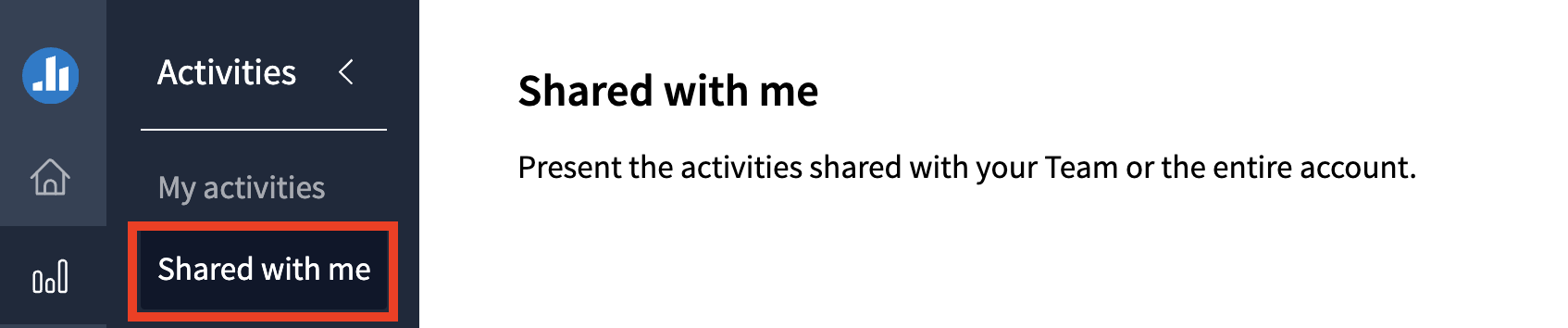
| Presenter | You can create and present activities, and share them with any teams you are a member of. Shared polls can be presented by any member of the team but can only be edited by the activity owner. You can run reports on Shared activities. |
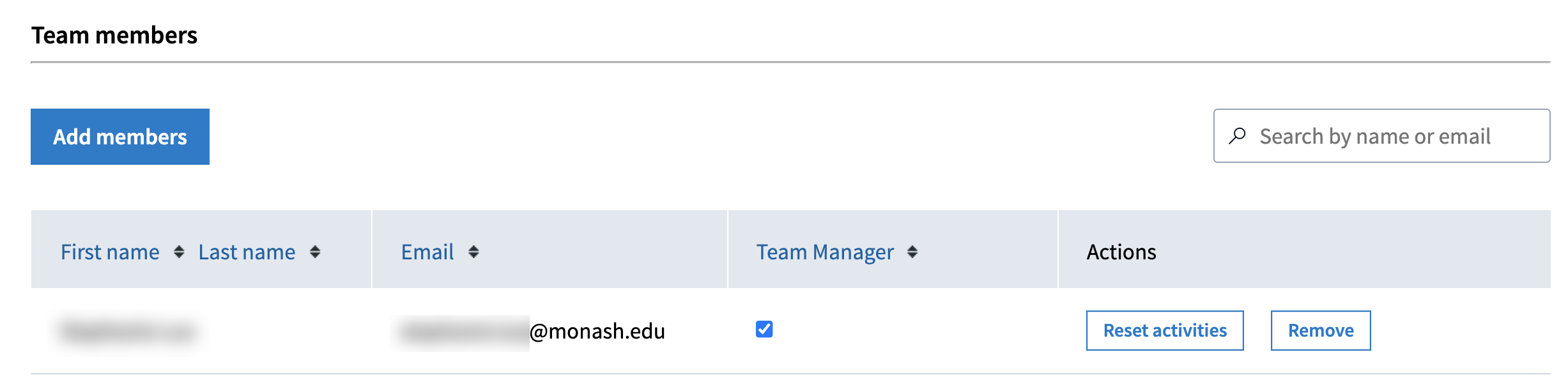
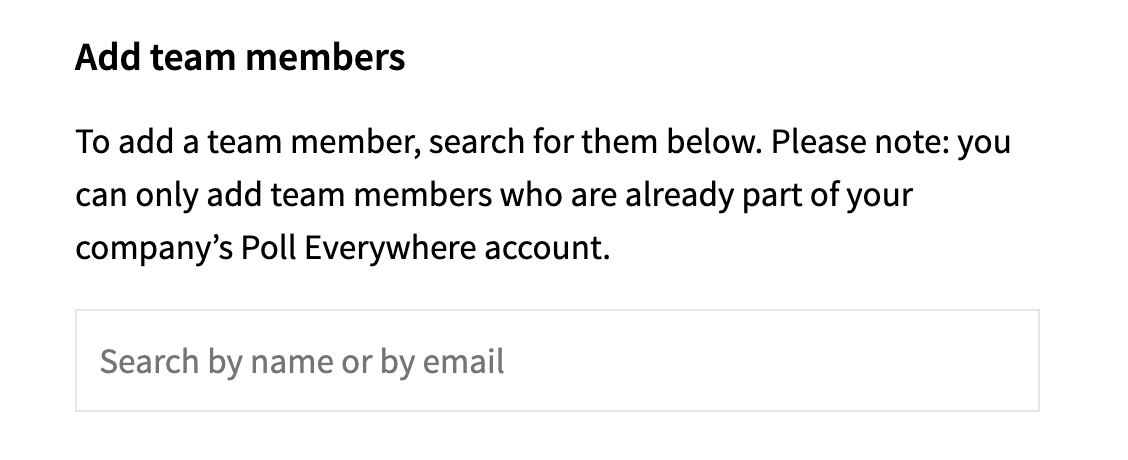
| Team manager | In addition to the above, you can also add/remove members to your team. Note: If you leave the team, you will no longer be able to see or make changes to the team. |
Expand the accordion below for a detailed list of each role
Watch the video below to learn about the different ways you can share Poll everywhere activities
Note: Click the ^ arrow at the bottom of the screen to view the table of contents. Click on a topic to skip directly to that section of the video.