It is expected that all teaching units will use either the Standard template or the Project template, however if your unit is not built on the Monash template you have a range of options for your unit format. Some formats have similar structural elements, summarised in the table below.
Choose the format that is right for you, in consultation with your Administrator.
Tabs
Tiles
Collapsible sections
Feature image
One topic
Multi topic
Grid
Custom sections
Weekly sections
Multi topic
Collapsed topics
Hero
Two column
Expand the accordions to learn more about each format
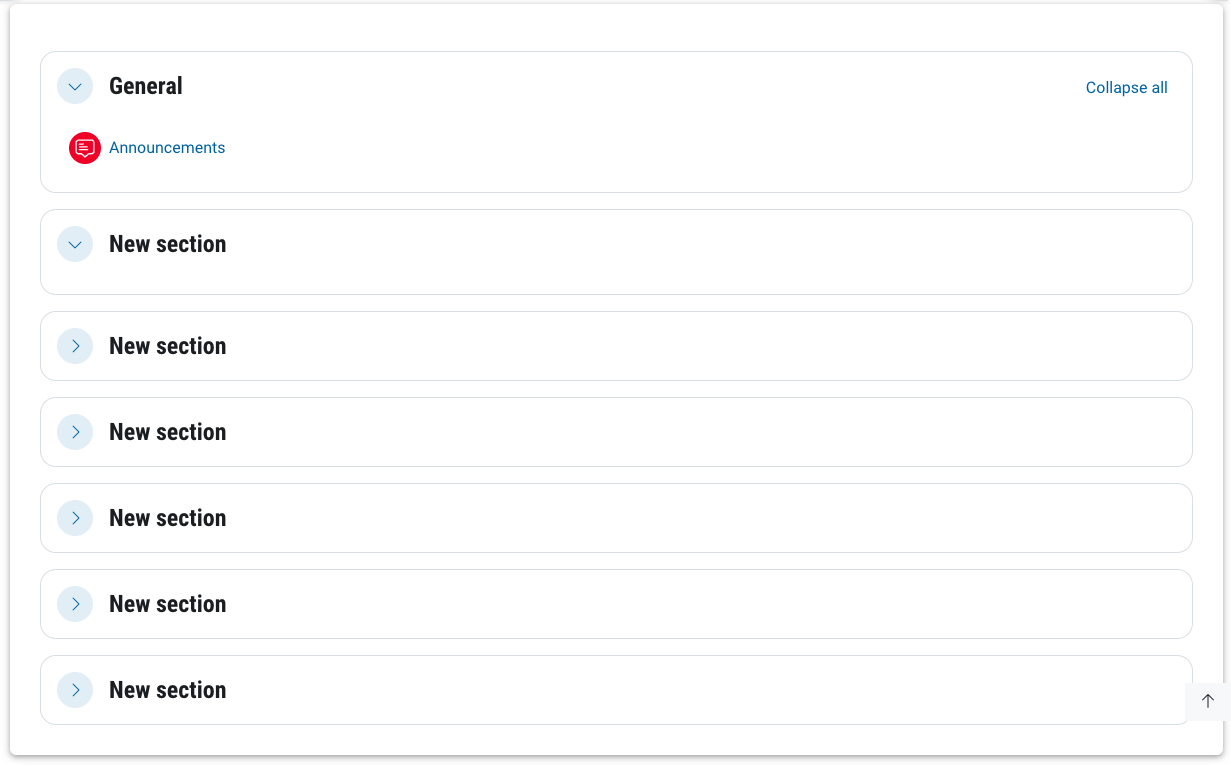
The course is divided into customisable sections.
All sections are visible from the main unit page.
You can collapse or expand all sections.
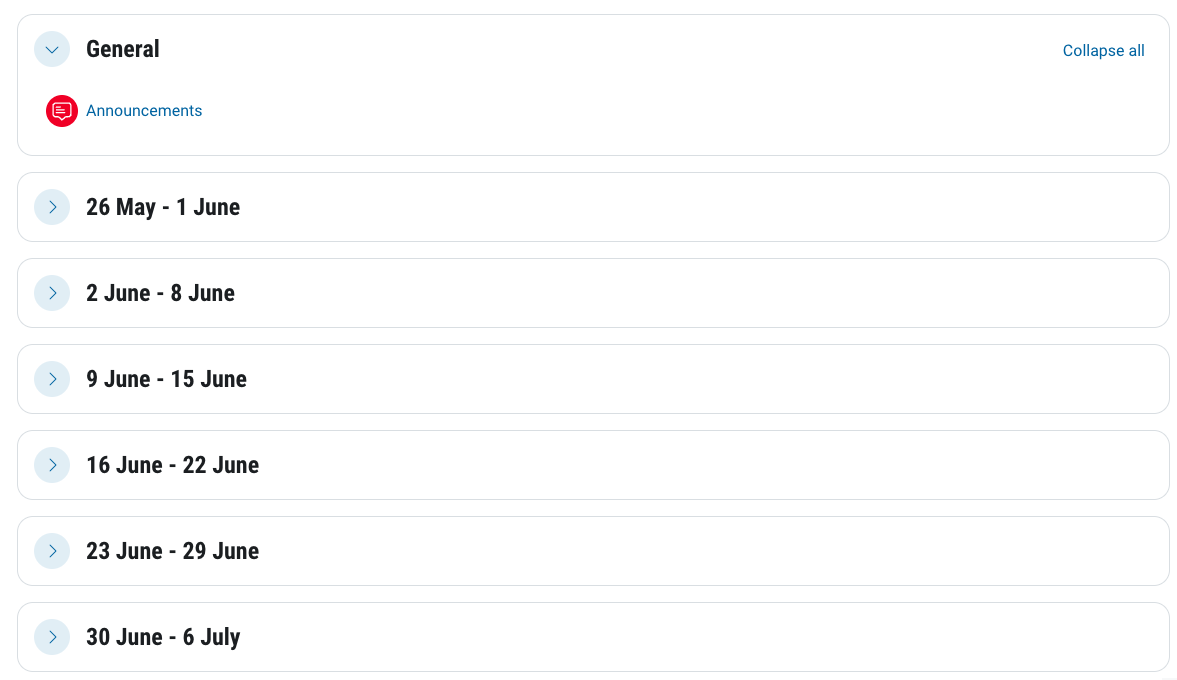
The course is divided into sections corresponding to each week, beginning from the source start date.
You can collapse or expand all sections.
The course contains only one activity or resource.
Not widely used, consider carefully before choosing.
May be suitable for training units consisting of one SCORM package (as an example).
The course contains only one forum, similar to Single activity.
Not widely used, consider carefully before choosing.
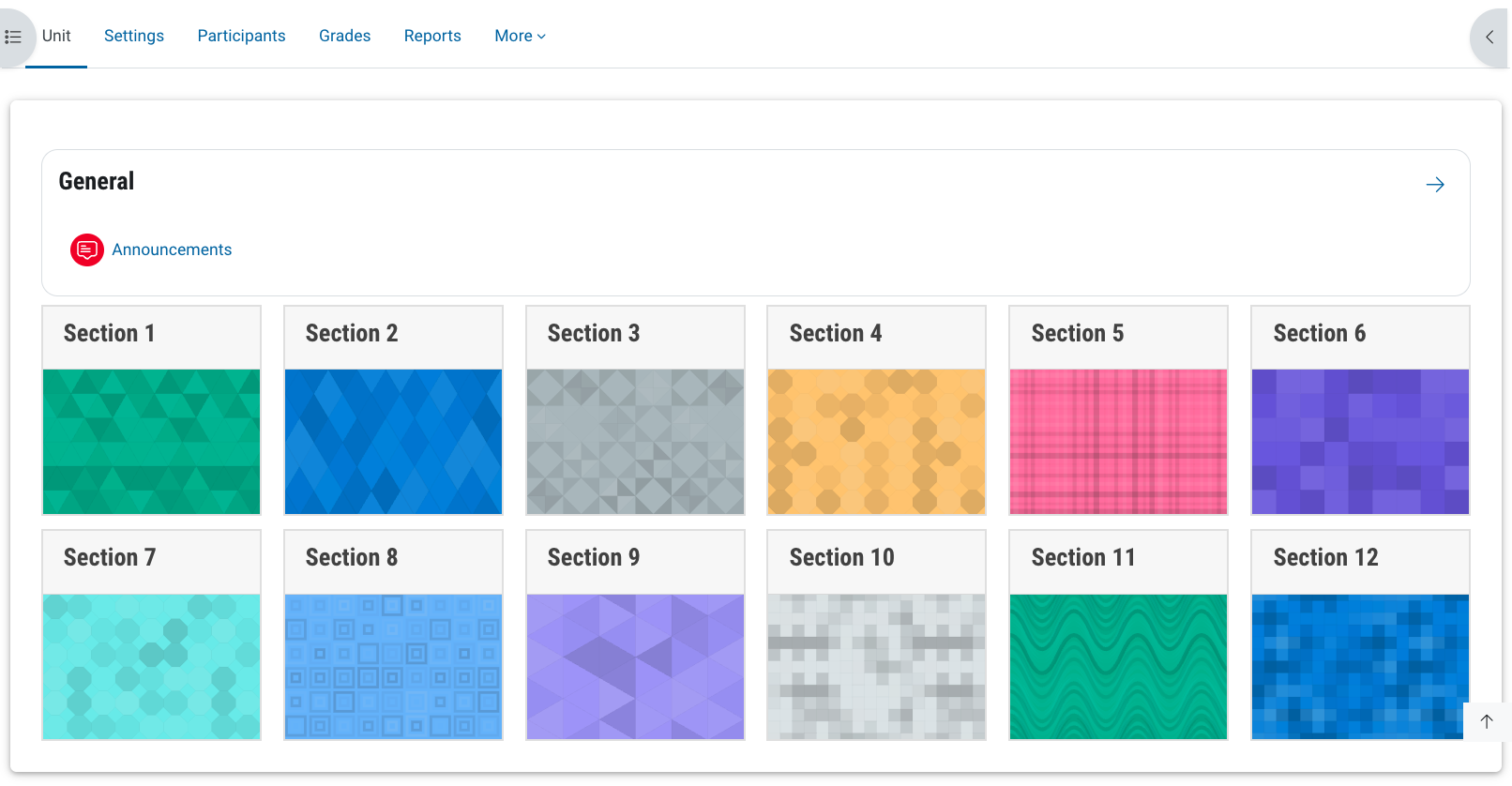
Presents links to all topics as a grid of tiles on the main unit page
You can click on each tile to see the topic.
Requires addition of images to grid tiles for best visual appearance.
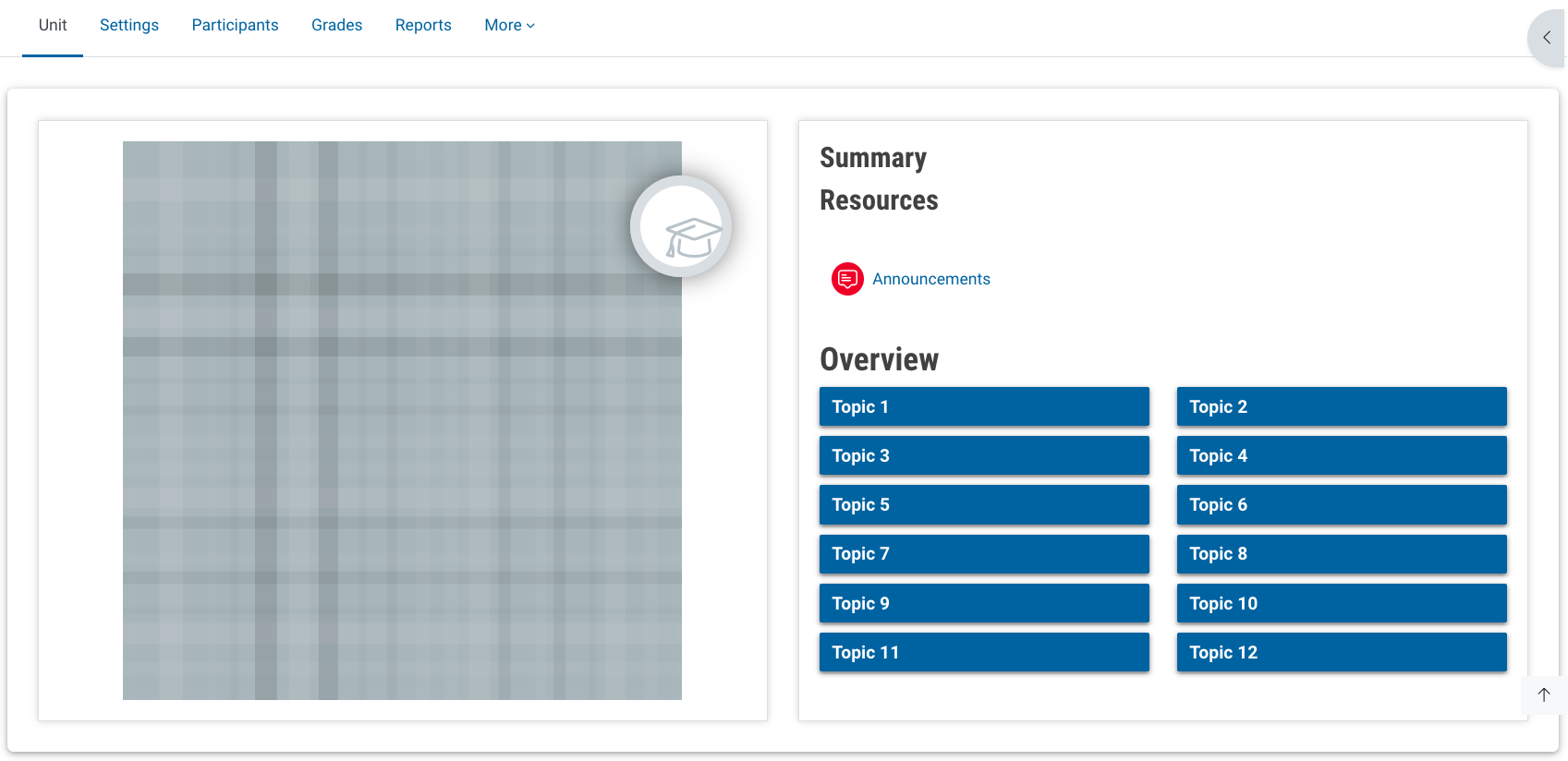
Features a large "hero" image on the main unit page, with links to the topics.
Requires “hero” image to be added for best visual appearance.
Topics display individually.
Navigate between topics with "Previous" and "Next" buttons.
Course completion progress is visually highlighted.
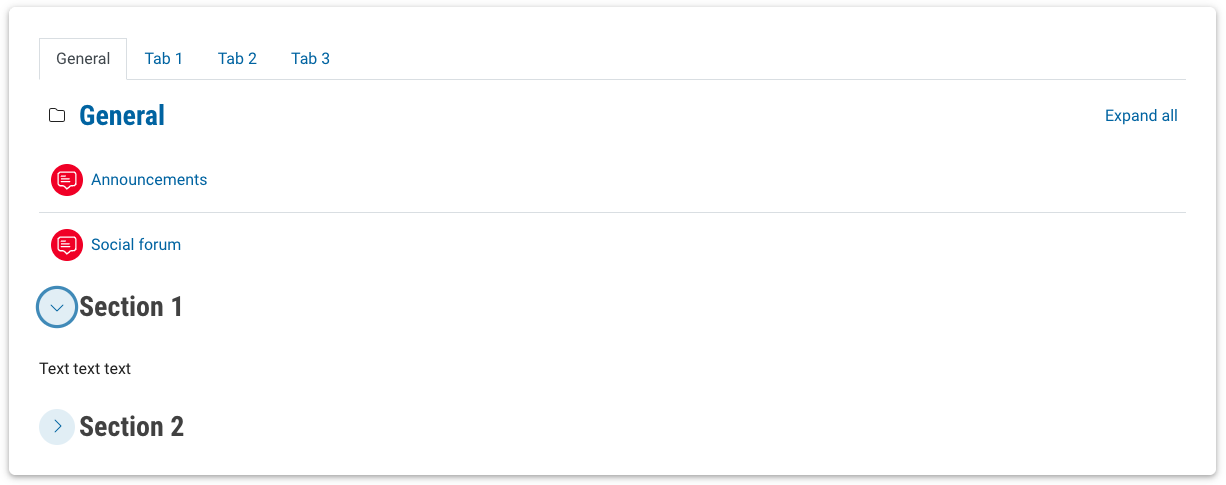
Topics can be displayed in tabbed pages, with multiple collapsible topics available on each page.
Additional tabs can be added in Edit mode.
Additional collapsible sections can be added in Edit mode.
Course sections are displayed separated in tabs.
Displays a single topic at a time on the main unit page.
Navigate between topics using the tabs.
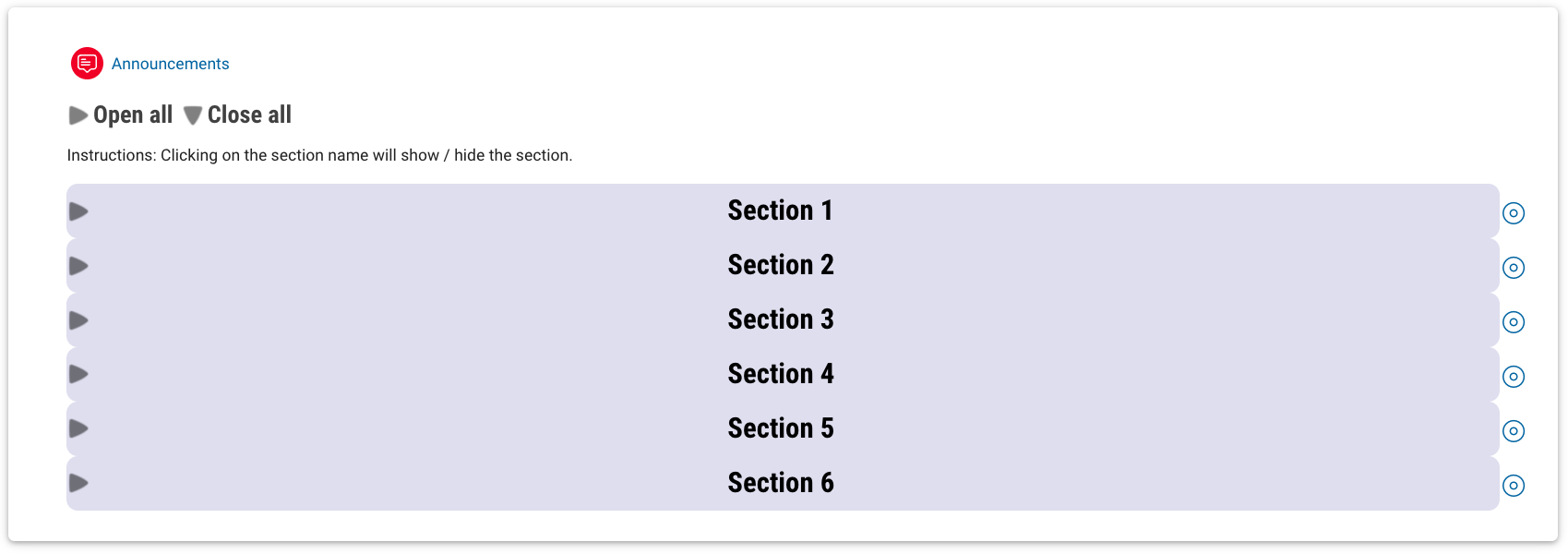
All topics are visible from the main unit page.
Sections can be toggled to open or close all.
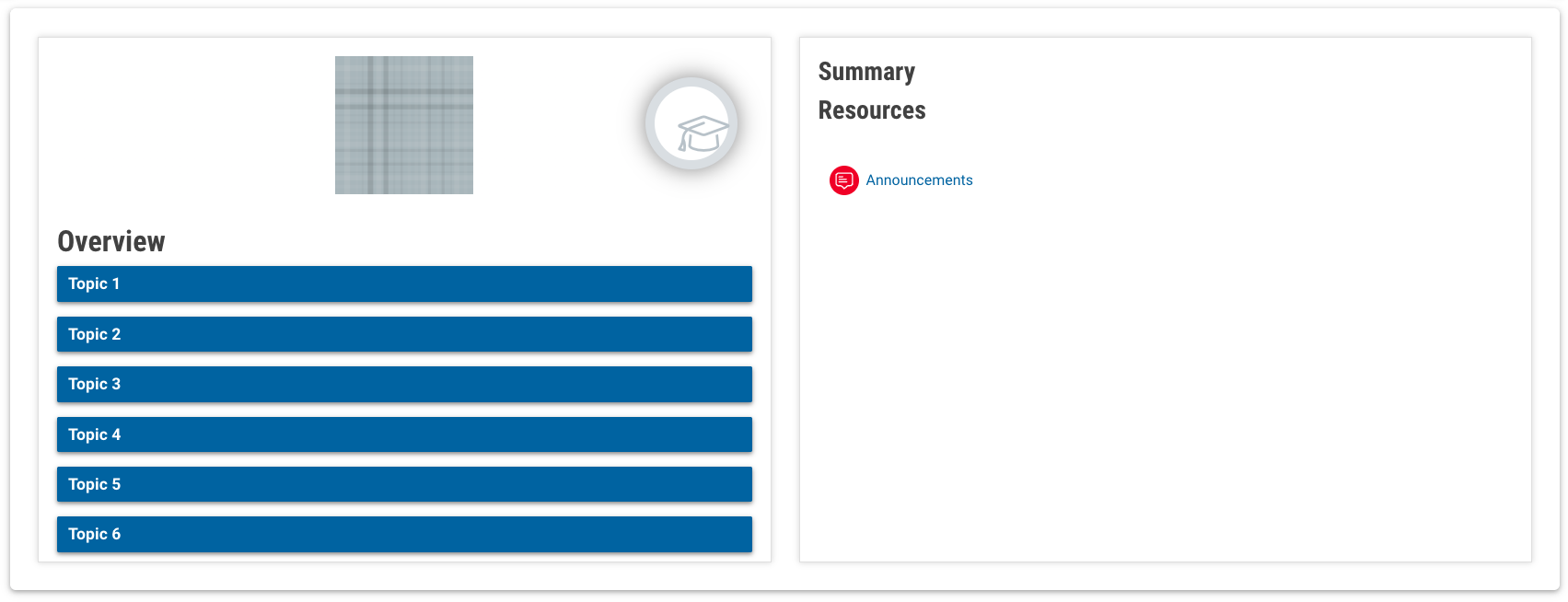
Similar to Hero format, with more layout options and a smaller image.
Requires unit image to be added for best visual appearance.
Course completion progress is visually highlighted.