
Class Timetable
Class Timetable shows you the scheduled times for all units offered by Monash, so it can help you choose units to avoid clashes and plan your class times around other commitments (e.g. work). It includes all unit activity types, but the dates, times and locations in Class Timetable may change, so you should use it as a guide only.
Class Timetable is useful if you have a complex timetable. For example, you:
- have to take units spanning several year levels (e.g. repeating units, overloading).
- are a double degree student with a wide variety of cross-faculty units
- have limited on-campus availability, perhaps due to work commitments.
You should check Class Timetable before you enrol in units and before preference entry opens in Allocate+.
Who doesn't need to use Class Timetable
First-year undergraduates won’t need to use Class Timetable, since timetables within a single year level and faculty are, in most cases, clash free. You‘ll generally use Allocate+ to enter preferences after enrolling (some faculties will do this for you).
Off-campus students don't need to check Class Timetable, unless you have an on-campus component (e.g. weekend school) as advised by your faculty.
Before you start
- Use the Handbook to find unit codes.
- Take a look at Monash Enrich to find electives and programs from across the Uni.
- Understand the codes and abbreviations used in timetables.
Class Timetable login
How it works
| Step | Instructions | Sample screens (pop-ups) |
|---|---|---|
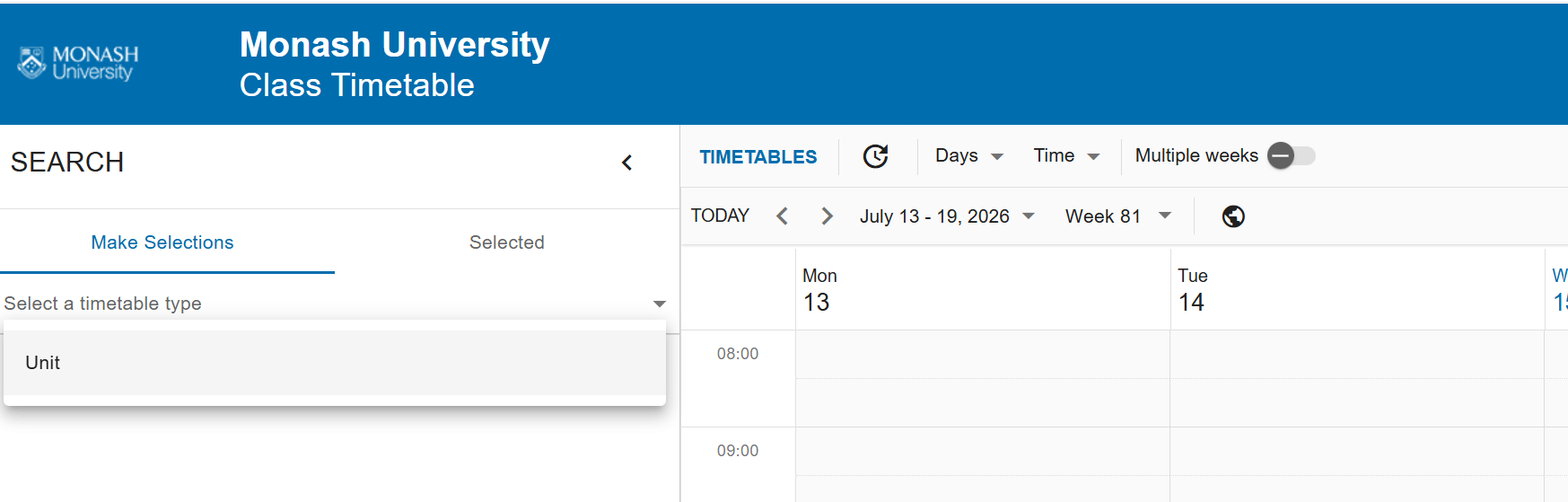
1 | Go to Class Timetable and click the Student button. Select Unit timetable type to view the class timetable for a given unit | |
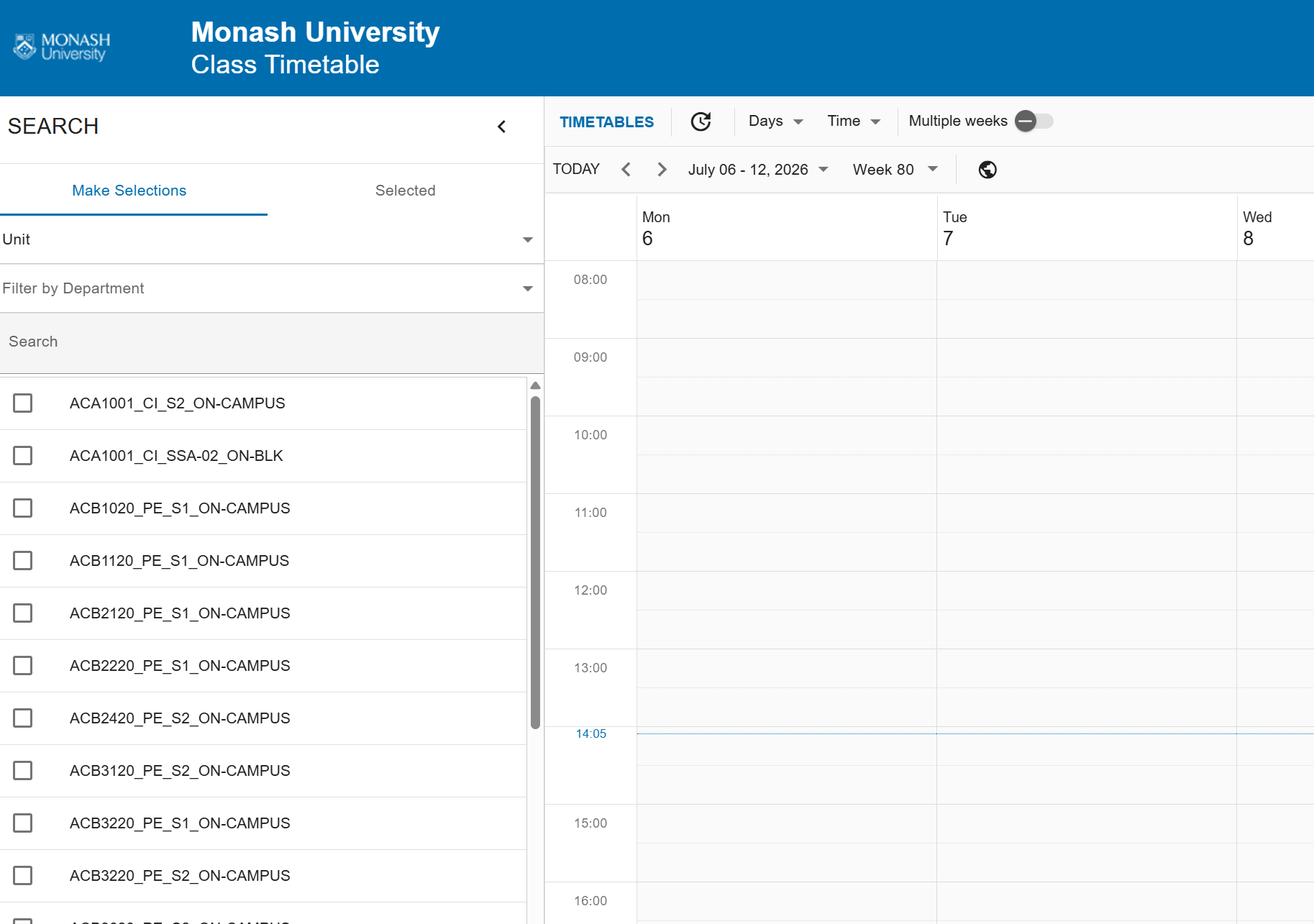
2 | Enter the Unit code in the search box for the unit you wish to view the timetable for and tick the unit, you can search and select multiple units as required. | |
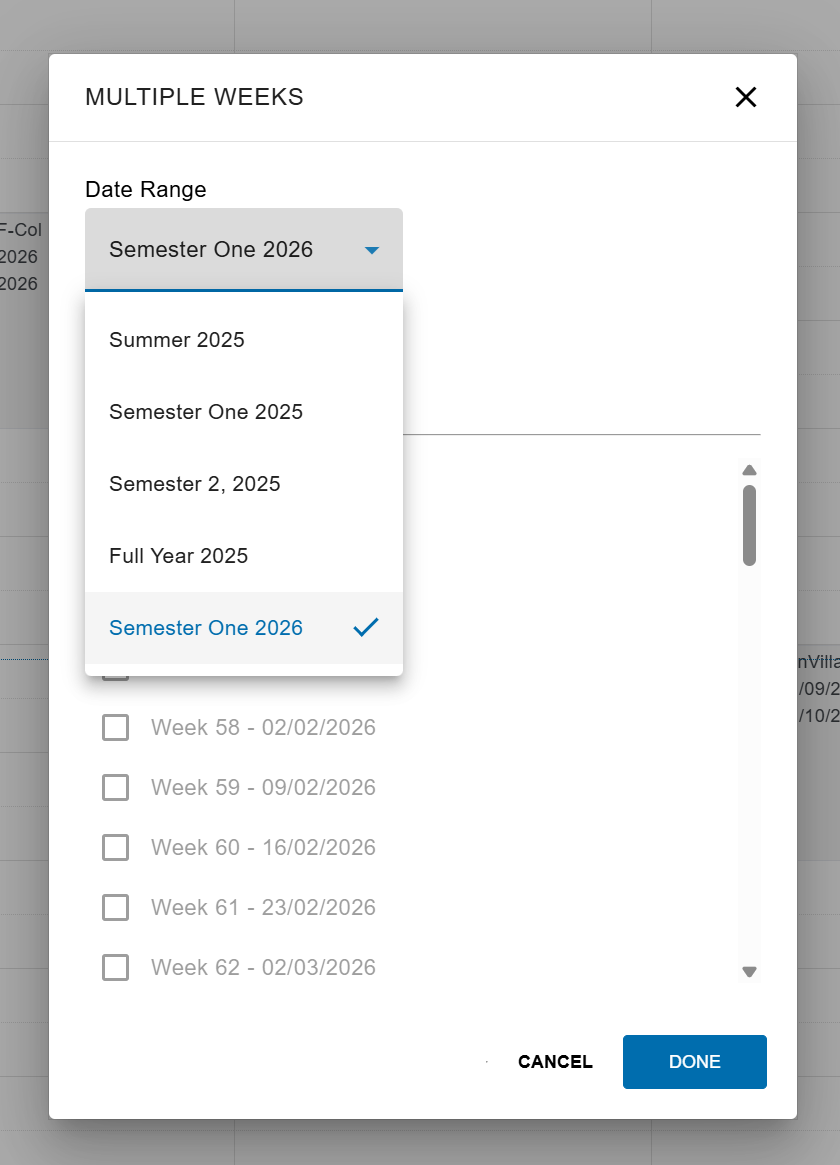
3 | In the menu option, toggle the “Multiple weeks” in order to choose the weeks and days to display. | |
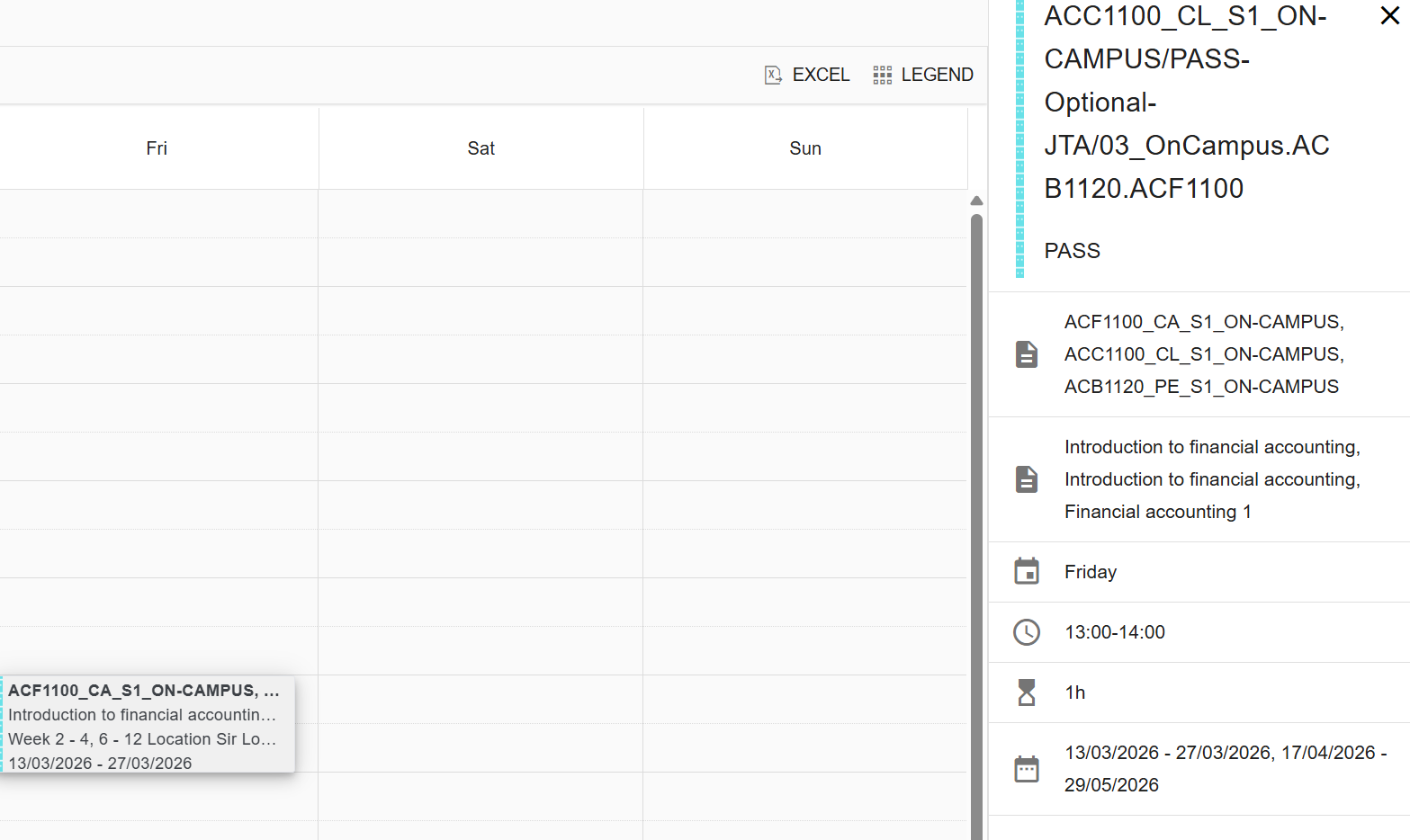
4 | You then have the option to export the timetable to excel using the “EXCEL” menu option in the top right corner. | |
5 | To view additional details of any of the timetabled classes, click on the class within the grid for further information. |

Got a question? Message Monash Connect
Try MoVA, Monash's virtual assistant
MoVA has answers to most common questions. If it can't find an answer, it can connect you with a real person using messaging or help you make an online enquiry.