Genially
NoteThis guide is provided for a tool that is not centrally funded or supported by Monash University. While a limited free tier may be available, full functionality typically requires a paid licence. Consult your faculty contacts regarding support, access, or funding before adopting this tool. |
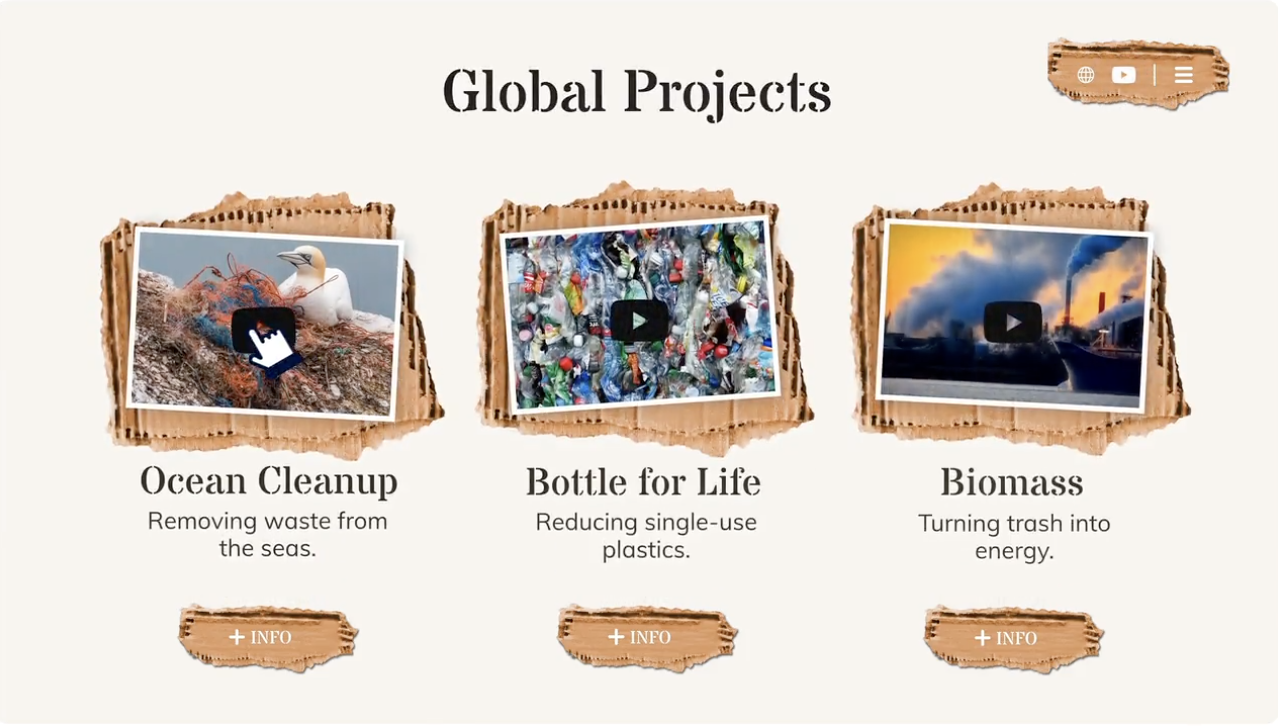
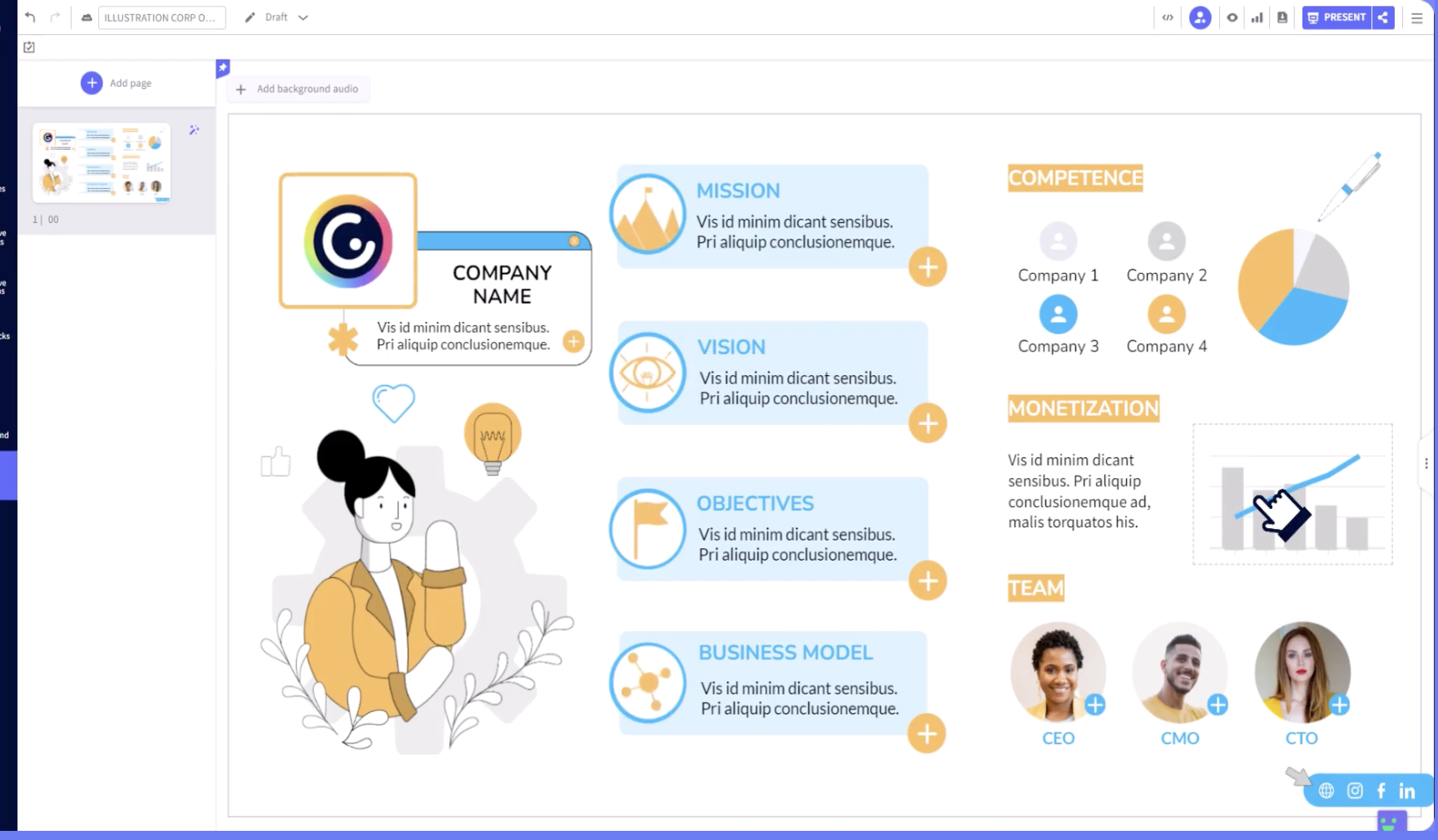
Genially is a cloud-based platform that can be used to create interactive and visually appealing content, such as presentations, infographics, posters, interactive images, and more. It provides a user-friendly interface with drag-and-drop functionality, making it easy for educators to use without requiring advanced design skills.
Genially offers a variety of templates, elements, animations, and effects that can be used to enhance the visual appeal and interactivity of your content. You can add videos, audio, links, and interactive elements like quizzes, polls, and games to your content.
Genially can be used to create interactive lessons, visual aids, and other materials. Creations on Genially can be embedded in Moodle for asynchronous use.
| Features | Limitations |
|---|---|
|
|
Let's explore four impactful ways Genially can transform your teaching and learning journey:

Creating a Genially account
A free account is available with a reduced library of design elements and templates. Genially offers 3 tiers of paid account options including an Edu pro plan which is designed for educators and offers most of the available features.
To create an account:
- Go to https://genial.ly/
- Use the “sign up” button
Use “Sign up with Google” to sign up with your monash account (recommended), or choose another option if you prefer.
Additional resources
Explore these resources to learn more about Genially. Discover how to use its features, find inspiration from templates and examples, and consider how to apply this technology in your learning and teaching practices.