
Create presentation slides for teaching
At a glance
Design clear, accessible presentation slides that support learning rather than overwhelm it. Explore how to structure headings, format text and speaker notes, use images and video effectively, apply white space thoughtfully, and format slides for Lightboard recording.
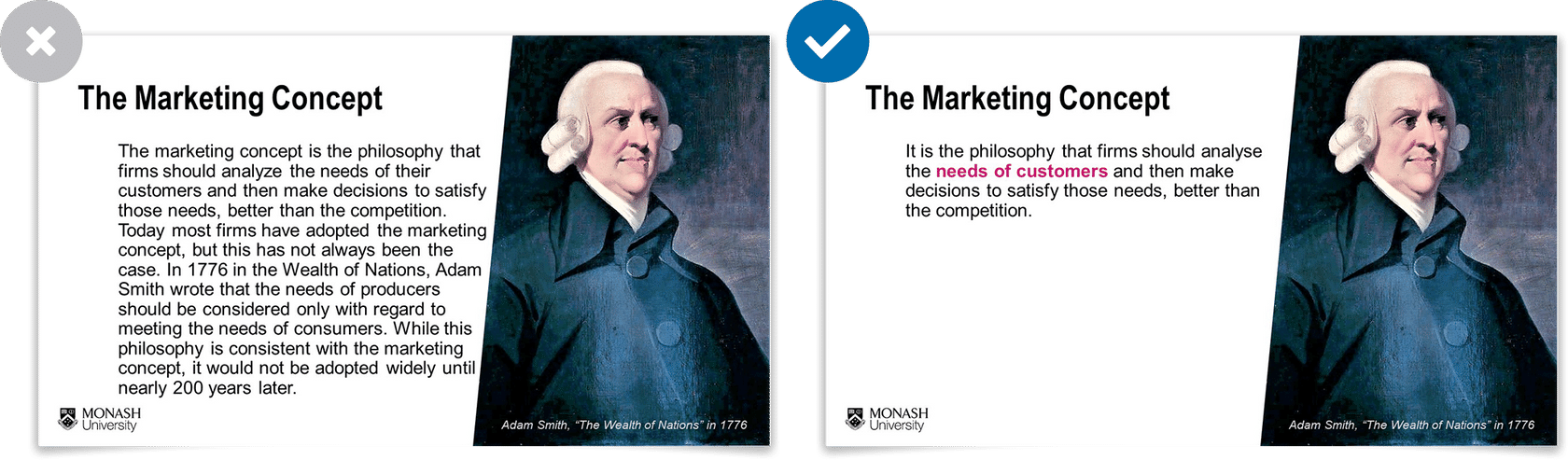
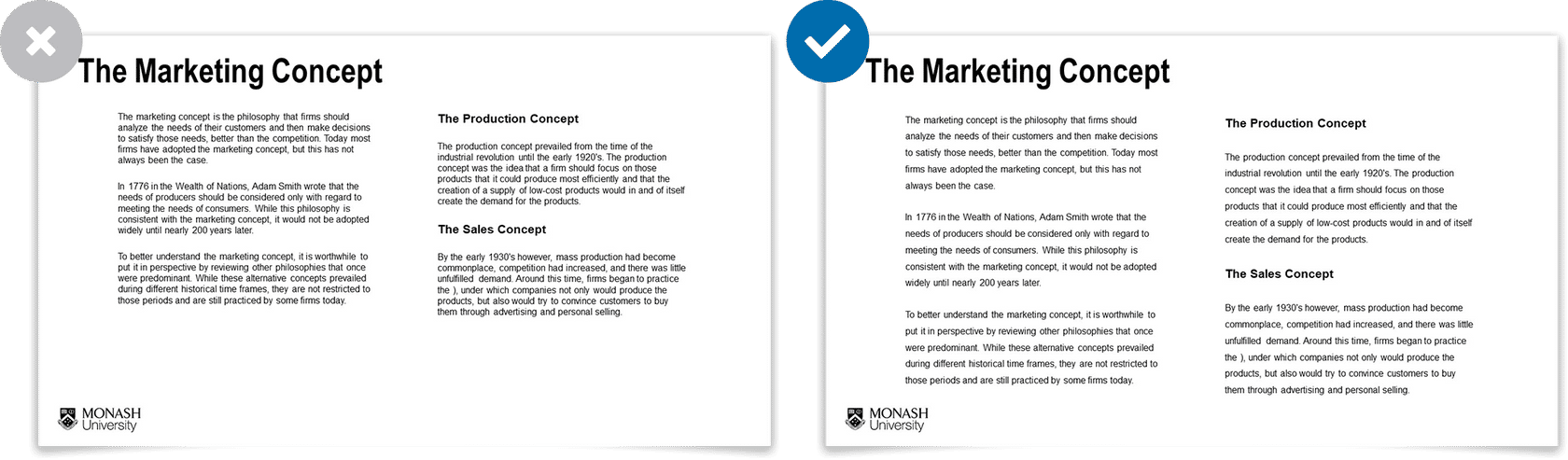
These guidelines on how to design and organise your presentations in a way that is clear, intuitive and that emphasises the most important elements you wish to communicate. Poorly organised of cluttered information can lead to students feeling overwhelmed with the amount of information presented at any one time. It doesn’t help learners to understand what is and isn't important, feels frustrating, and makes learners disengage. While well designed presentation slides enhances the learning experience for all students, including:
- Students with disabilities
- Students whose first language is not English.
- Students who watch the presentation on a small screen, such as mobile devices while on public transport.
The most common types of presentations are created using PowerPoint or Google slides, however the guidelines apply broadly to all types of presentations.
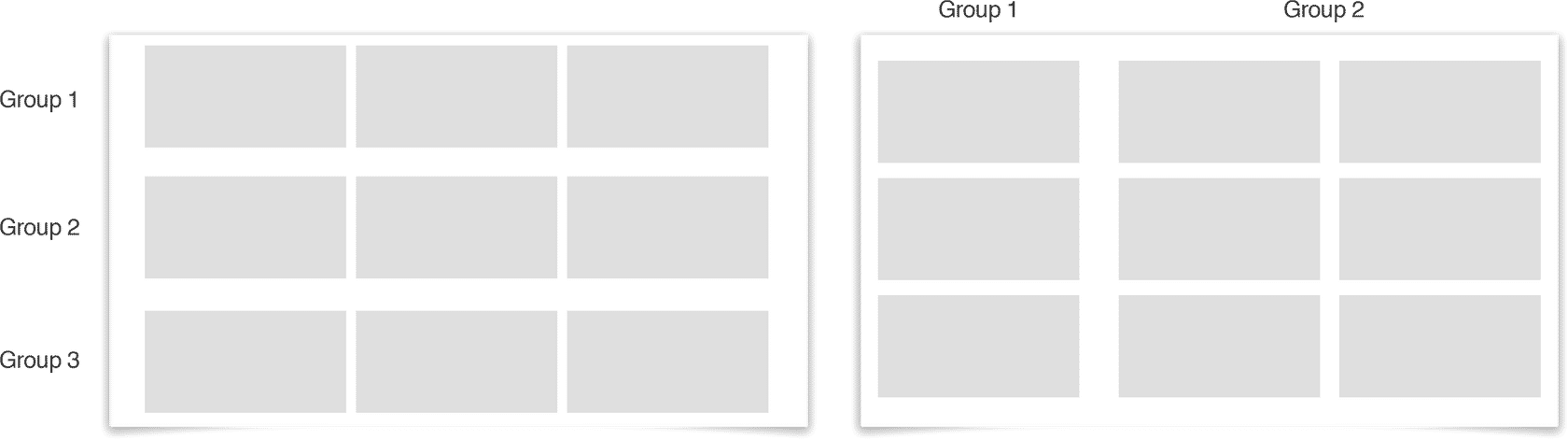
There are four key elements in presentation slides. Expand each accordion to learn more














NoteMonash University is committed to ensuring that informational or educational content and materials comply with accessibility guidelines for learners with disabilities. There are Web Content Accessibility Guidelines that should be followed to ensure online content is accessible to all, as well as Monash guidelines about ensuring accessibility. For more information on creating accessible materials, refer to the Disability Support Services resources on the Monash intranet. |