Create templates and use MyLibrary
At a glance
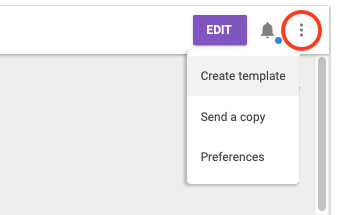
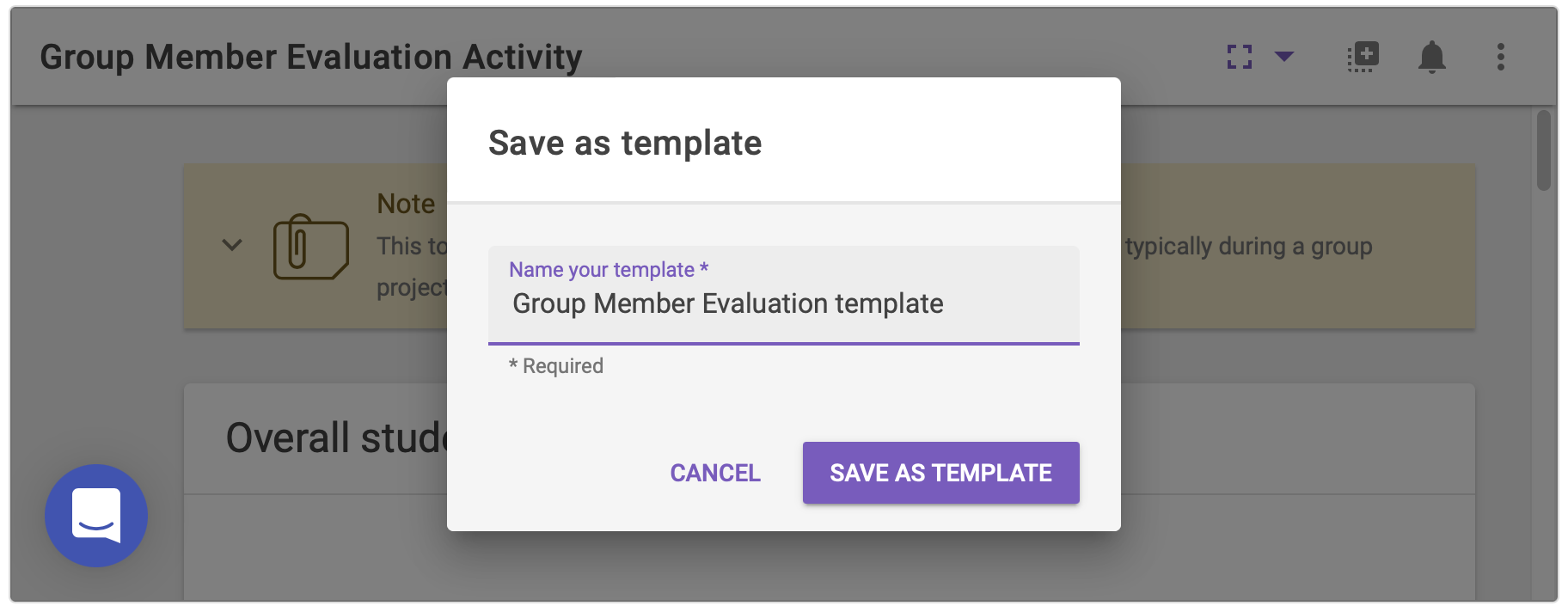
Learn how to create and share your FeedbackFruits activities as templates with other educators using My Library.
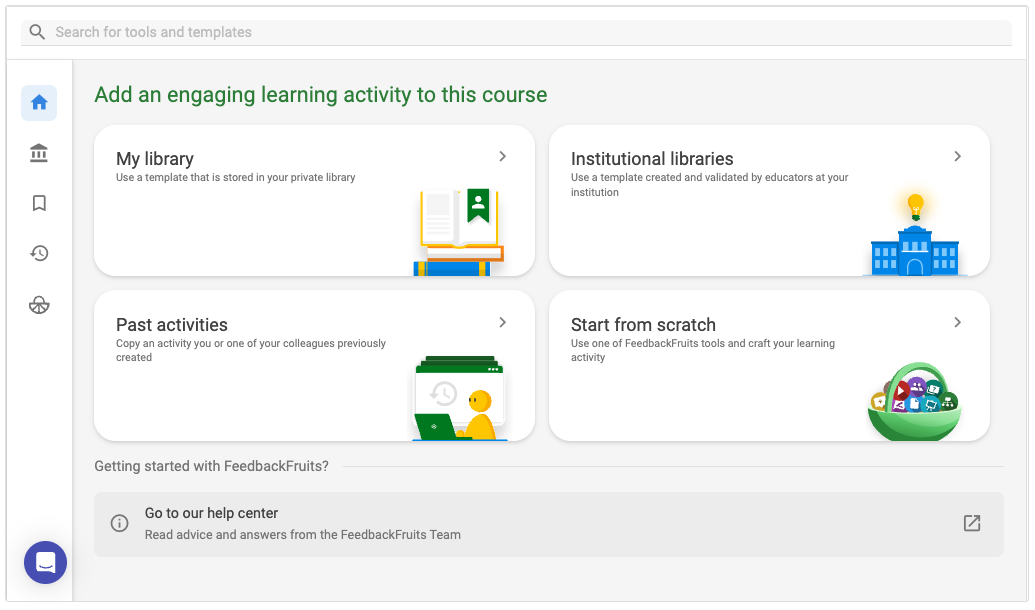
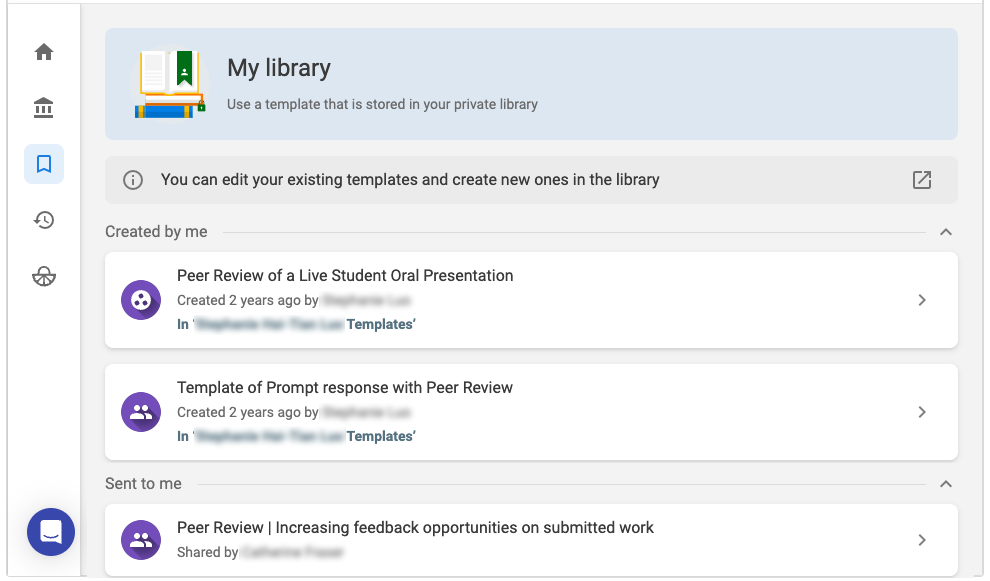
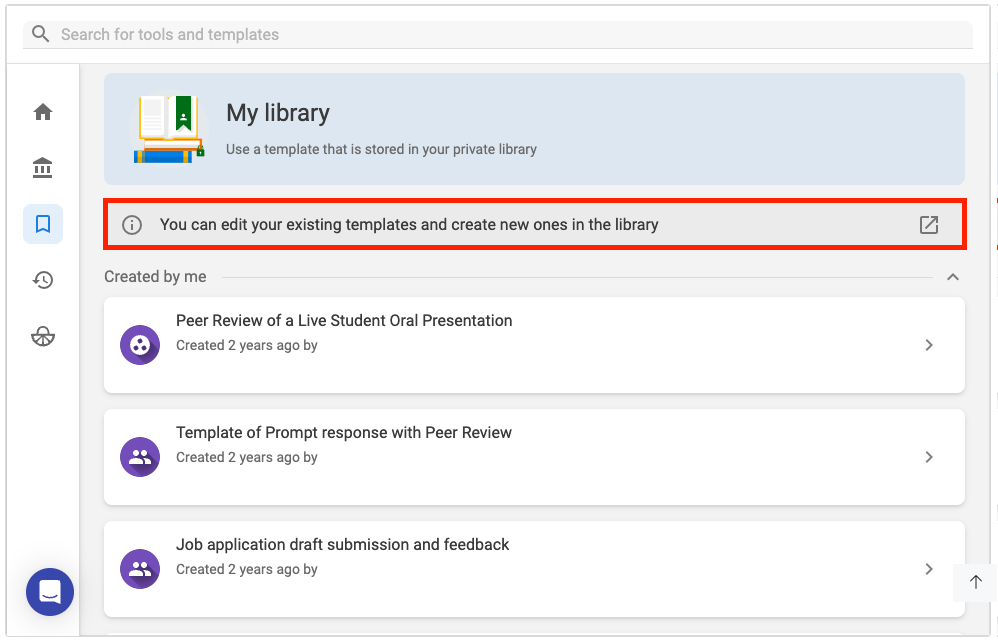
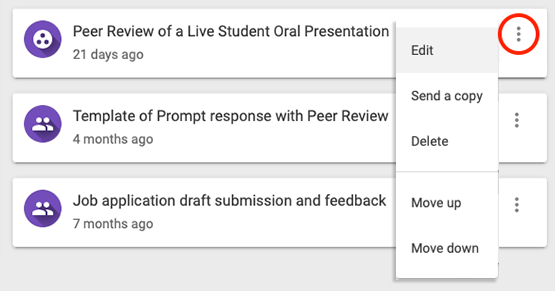
When you first add a FeedbackFruits activity, you will see the setup interface. The My library button can be accessed on the top of the right hand panel in the FeedbackFruits activity set up interface. Your library contains templates based on previous FeedbackFruits activities you have created or used before, or templates that have been shared with you.