
Monitor student progress
At a glance
Monitor student progress by viewing analytics. Export analytics data, and use the detect outliers feature to identify students who need closer review in teamwork assignments.
Jump to these sections:
Once students have begun the FeedbackFruits activity, you can view analytics and monitor students' progress for each step of the activity. Click through the tabs and click on the hotspots to learn more. You can click the icon in the top right corner to view in fullscreen. Click esc at any time to exit full screen.
Detect outliers
The detect outliers feature flags outliers based on how students rated themselves and their peers so you can quickly identify and review students in teamwork assignments. You can enable this setting in the Given reviews section of the FeedbackFruits Group Member Evaluation activity.
To enable this feature, the following conditions must be met:
- Self-assessment is enabled
- Students work individually to review in groups
- Students review at least 4 peers or 'all' their peers
- Allocation method has not been set to ‘students choose who to review’
For more information on this feature, see Group Member Evaluation|Detect Outliers.
Course analytics
Course analytics displays a high level overview of student progress across all your FeedbackFruits activities in one place. You can see which activities are on track and which need attention without needing to navigate to each individual activity.
Note: If you haven't been authenticated by accessing FeedbackFruits via Moodle first, you may be prompted to enter your Monash email address to log-in. Access course analytics via the link emailed to you.
From the course analytics page, you will see a list of all Moodle units you have access to that contain FeedbackFruits activities. You will see Completion, Engagement and Performance percentages averaged across all FeedbackFruits activities in your Moodle unit. Click on the name of the unit to for an overview for that specific Moodle unit.
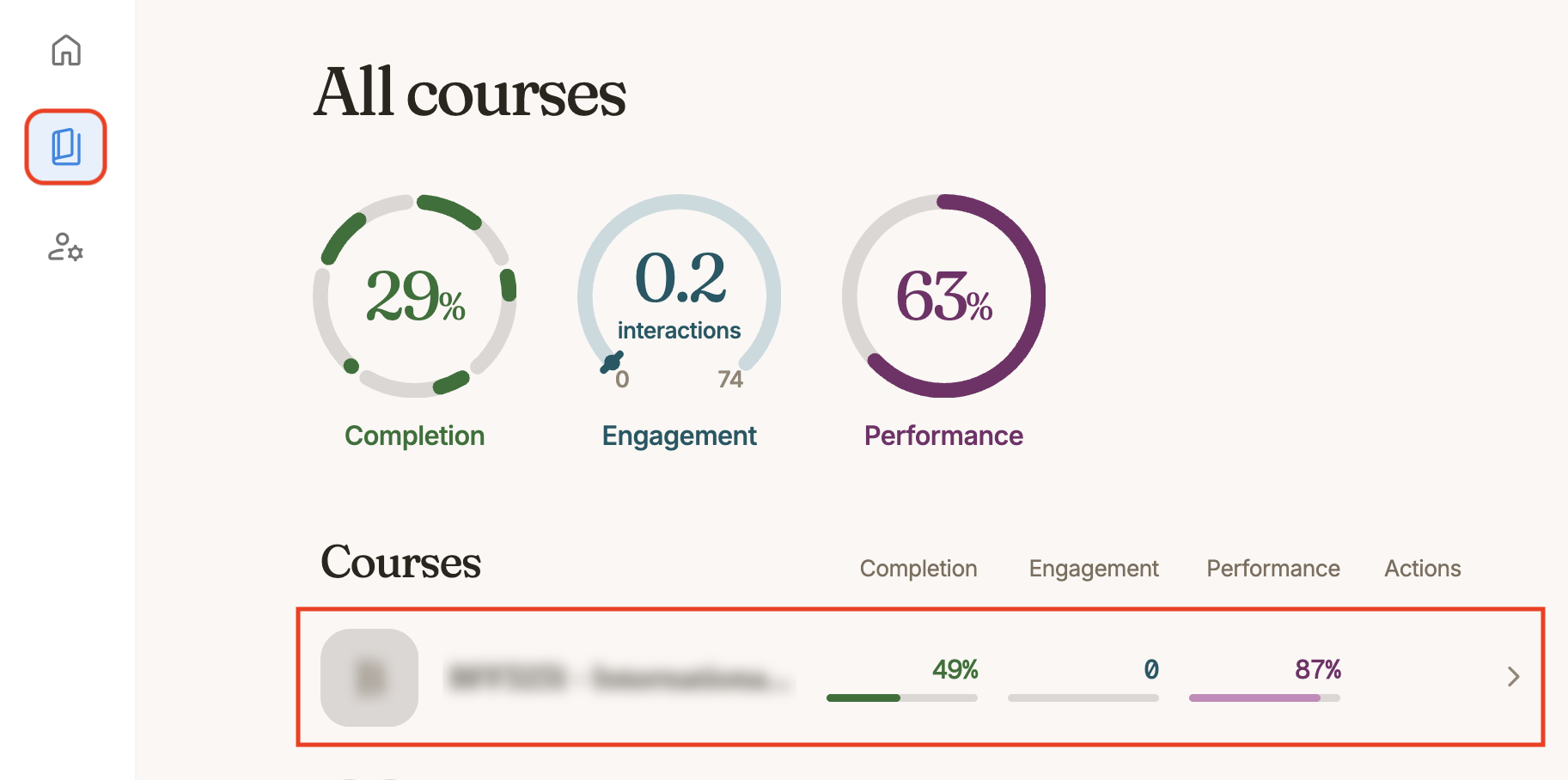
Click on the plus icons below to learn more
NoteCourse analytics is currently a beta feature. For more detailed information about how each metric is calculated, see FeedbackFruits: Course Analytics. |