Manage the question bank
At a glance
Organise and populate your Moodle Question bank so quiz questions can be created, categorised, reused and shared across units. Find out how to set up categories, create or import questions, and export questions for use elsewhere.
Jump to these sections:
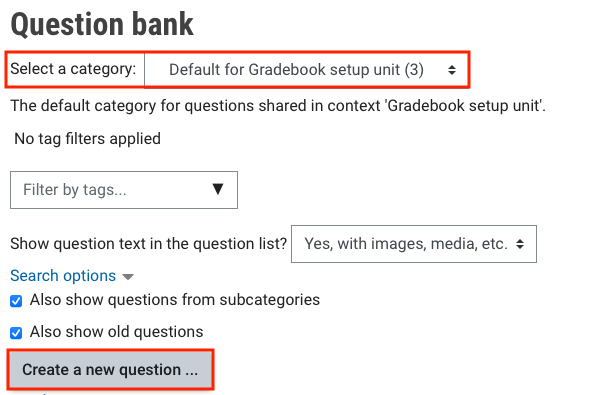
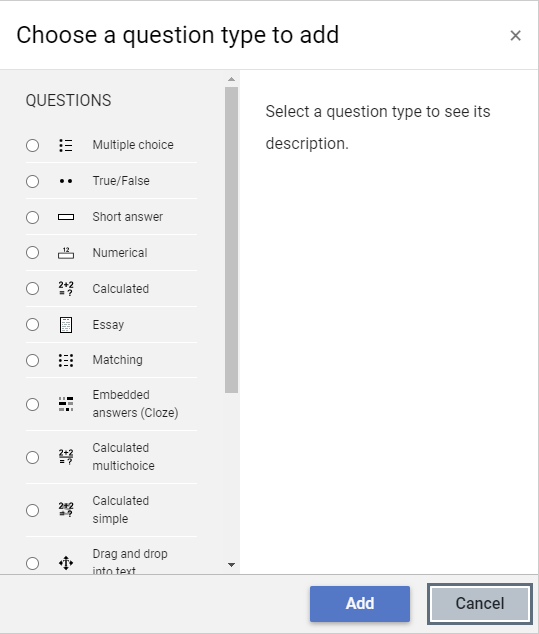
The Question bank is a database of quiz questions created when setting up a quiz or imported from another unit. Questions can also be created directly inside the Question bank and added to your Quiz.
- In the main page of your unit, click on your Quiz.

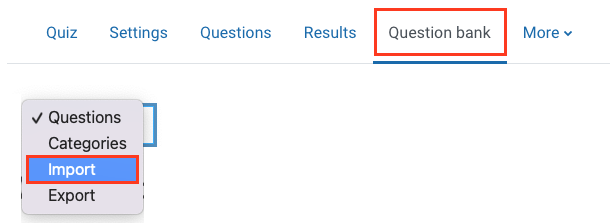
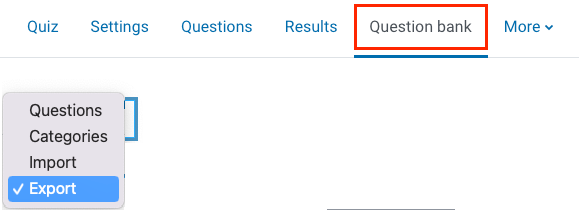
- In the top banner menu, click on Question bank.

OR
From the Unit level menu, select More, and then click on Question bank.

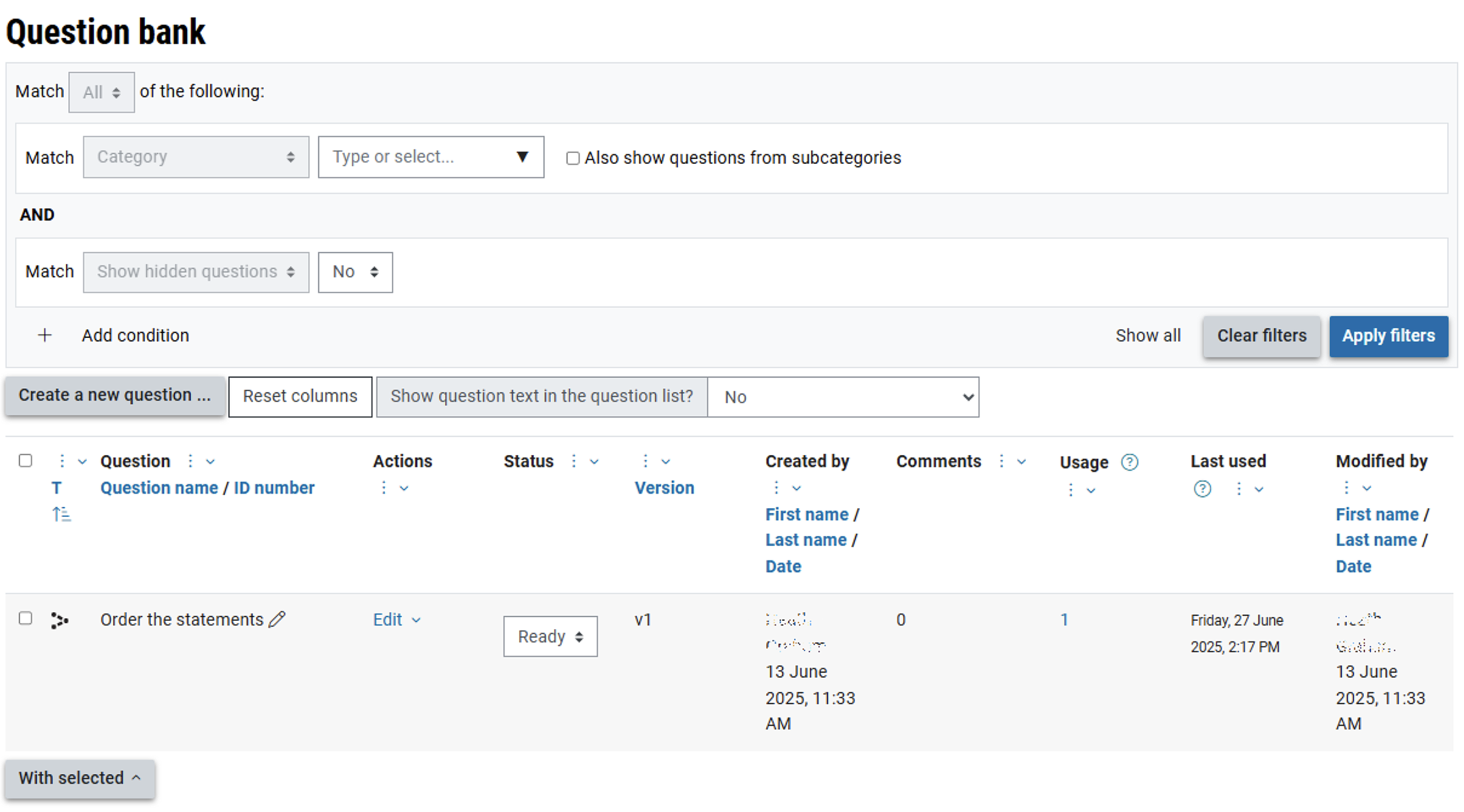
Question bank interface
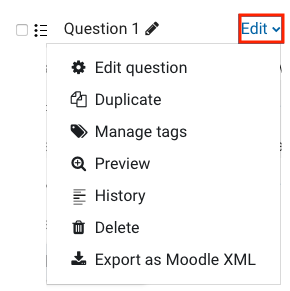
The Question Bank lists your questions, and allows you to sort them by a range of criteria and access them directly to edit. Questions can be sorted by name, time of creation, creator, usage, date modified. The main view is customisable, and you can hide columns you do not use by clicking the three dots next to the column header.
Search and filter options allow you to locate questions quickly.
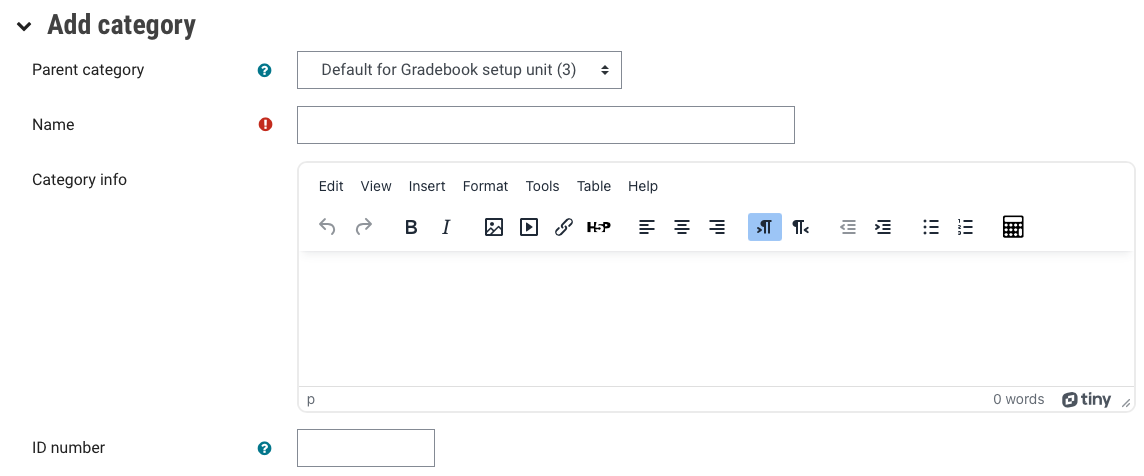
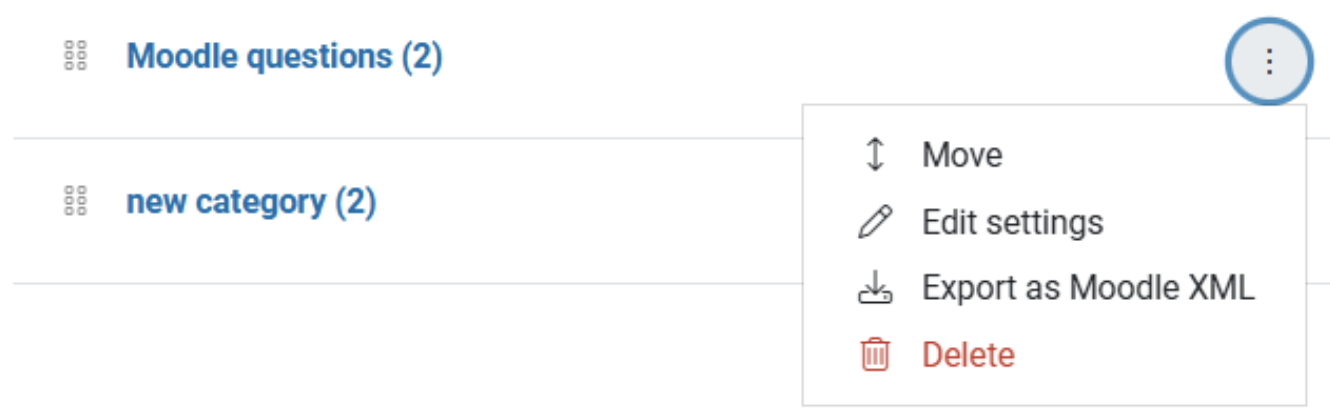
Questions can also be sorted into Categories. This is not just good for organisation, Categories can also be used with the random question option to ensure random selections are taken from an appropriate subset of your overall questions.