Edit settings for class recordings
At a glance
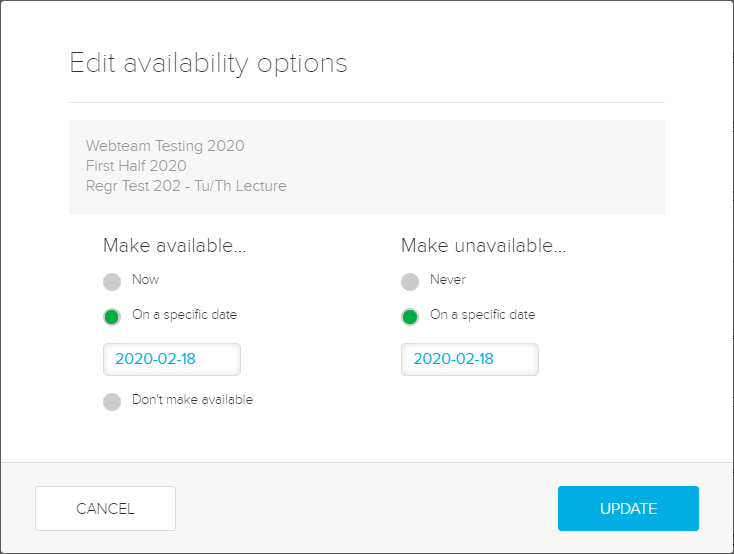
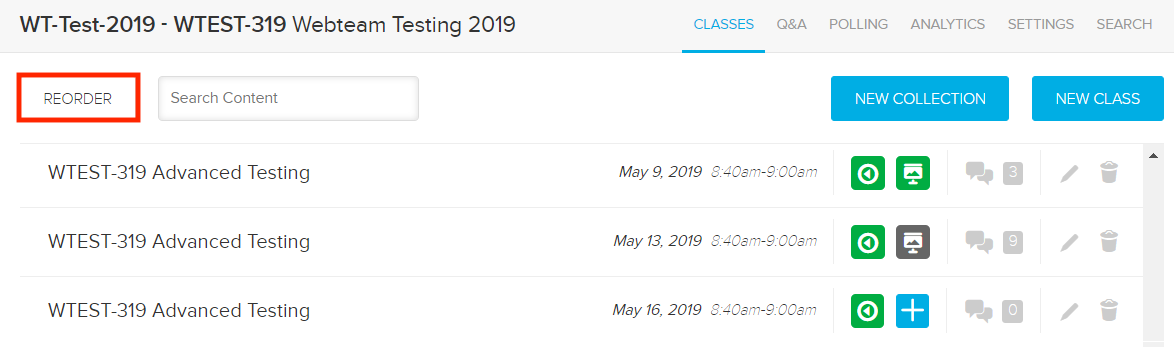
Adjust the settings available for a lecture recording in Echo360, including changing availability, editing content and reordering classes within your list. Use these settings to control when and how students can access recordings and to keep your class list organised.
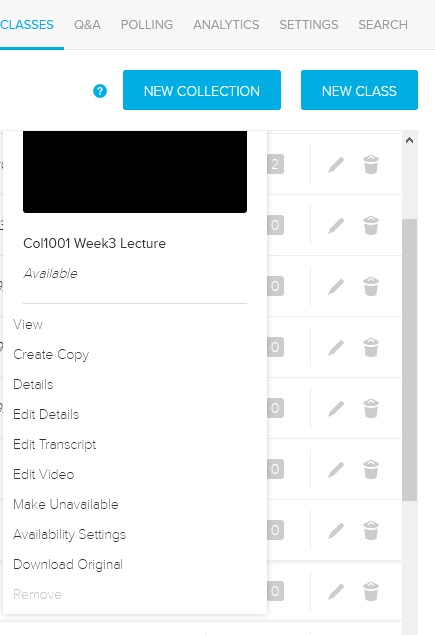
The settings allow you to view the video, create a copy, view video details, edit the description, edit the video, make it unavailable, change availability settings, download the video or completely remove it from the list.
You can access settings for class recordings by clicking on the Green play icon.