Share polls with your teaching team
At a glance
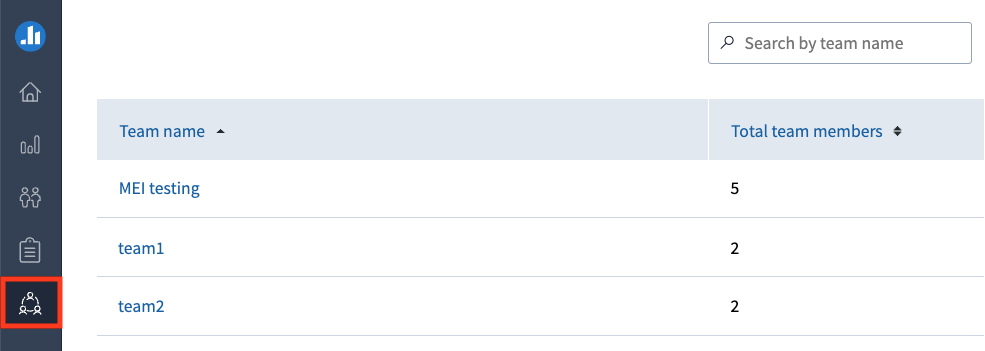
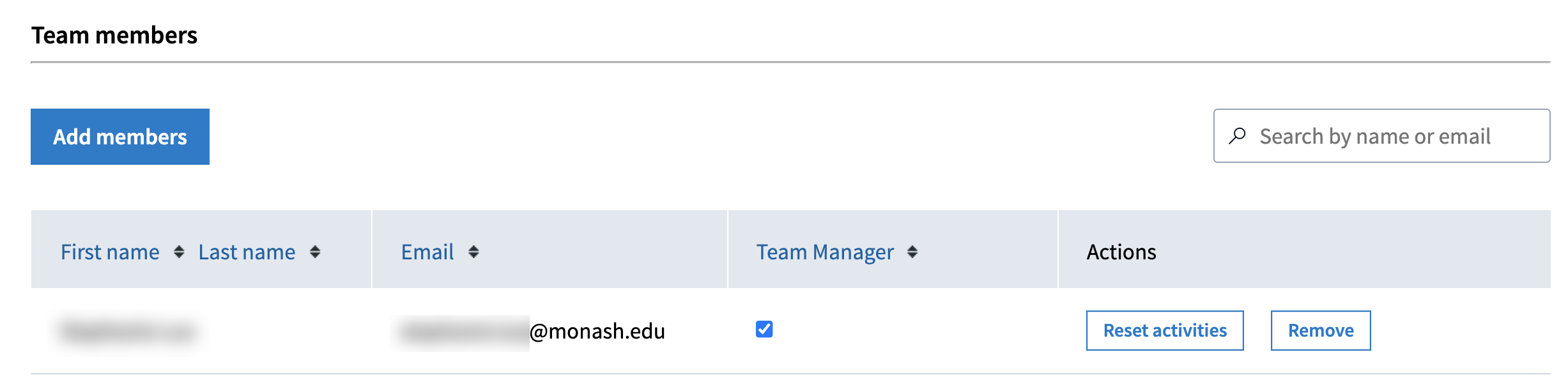
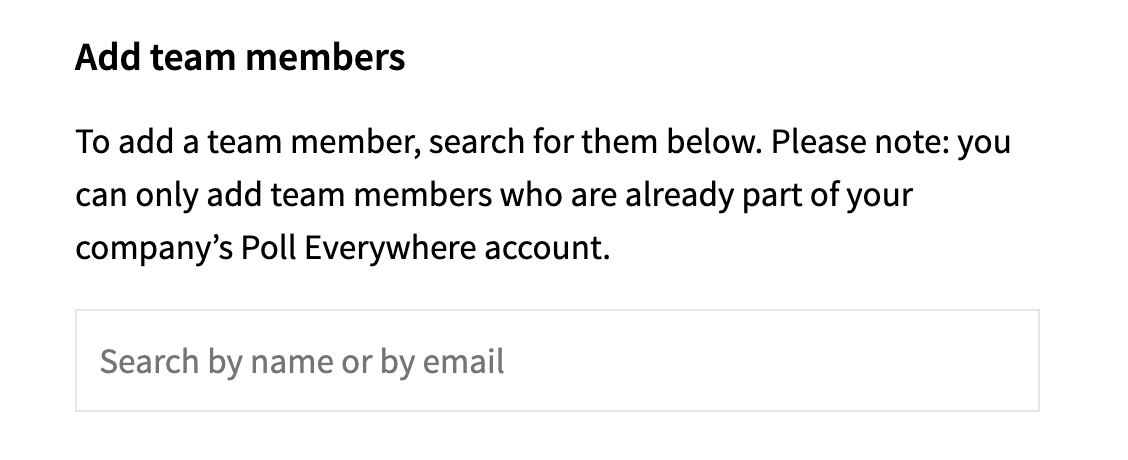
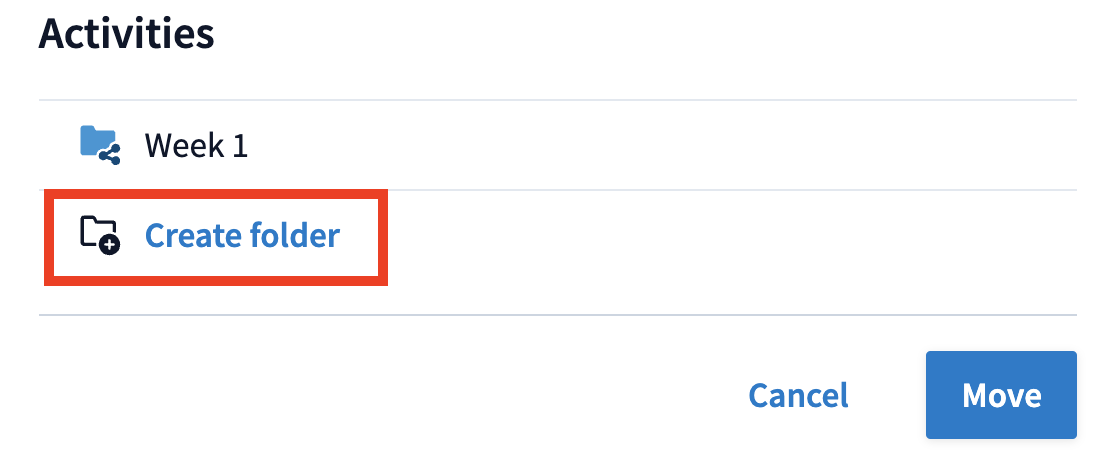
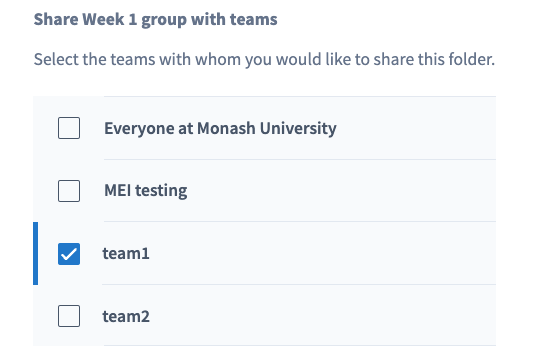
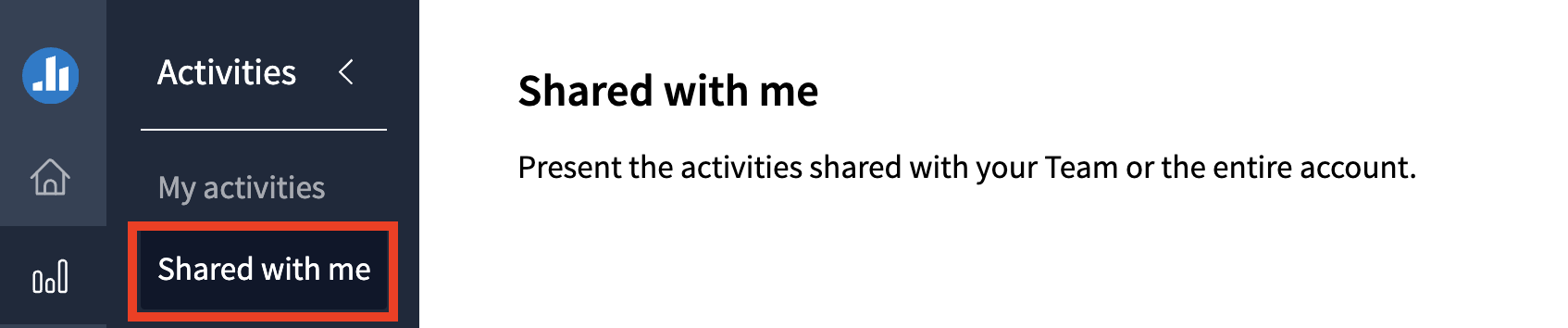
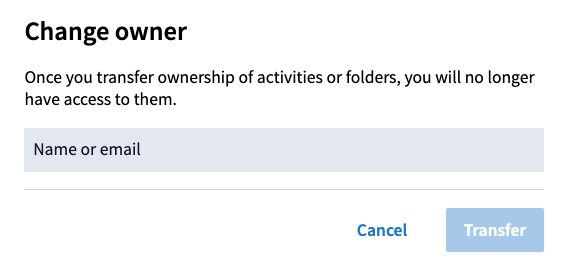
Share Poll Everywhere activities with your teaching team and manage ownership of polls. Find out how to add team members, share folders of polls with a team, send a copy of an activity to a colleague, duplicate an activity shared with you, and transfer ownership of a poll to another user.
Jump to these sections:
Your faculty administrator (Team lead) can set up teams on your behalf on request. Once the team has been created, you may be assigned the Team Manager or Presenter role.
| Role | Description |
|---|---|
| Presenter | You can create and present activities, and share them with any teams you are a member of. Shared polls can be presented by any member of the team but can only be edited by the activity owner. You can run reports on Shared activities. |
| Team manager | In addition to the above, you can also add/remove members to your team. Note: If you leave the team, you will no longer be able to see or make changes to the team. |
Expand the accordion below for a detailed list of each role
Sharing polls
Watch the video below to learn about the different ways you can share Poll Everywhere activities
Note: Click the ^ arrow at the bottom of the screen to view the table of contents. Click on a topic to skip directly to that section of the video.