Use captions and transcripts in Echo360
At a glance
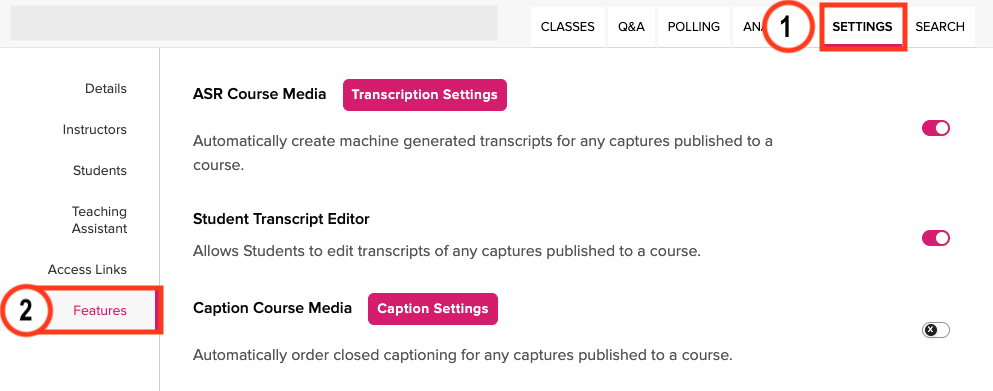
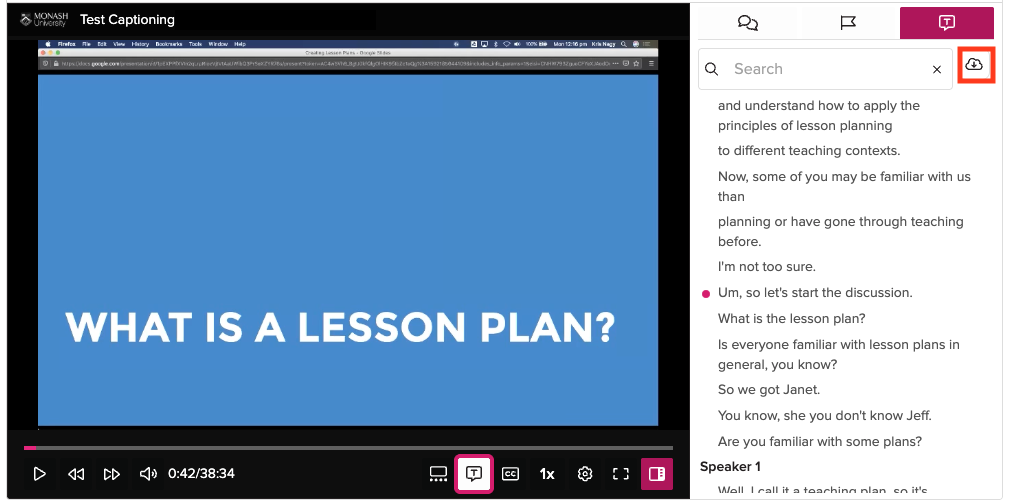
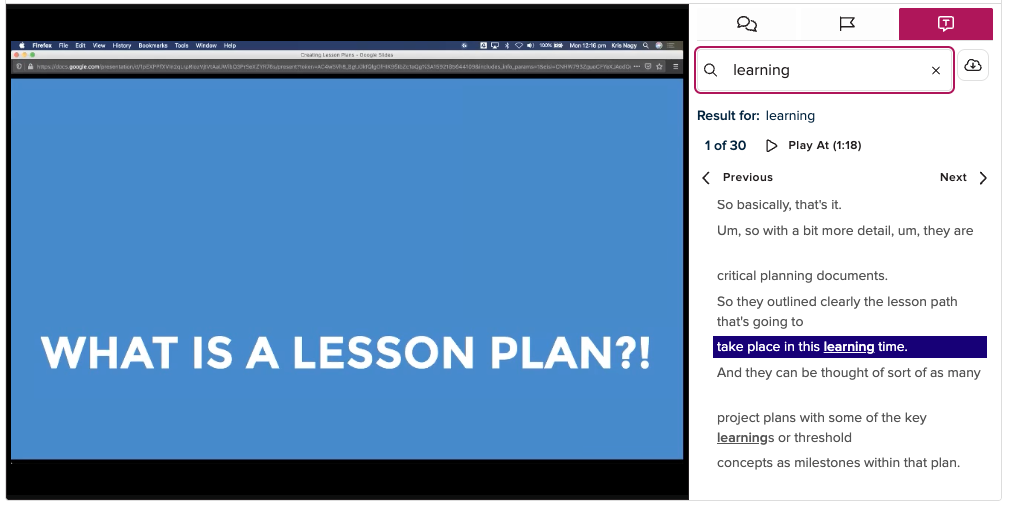
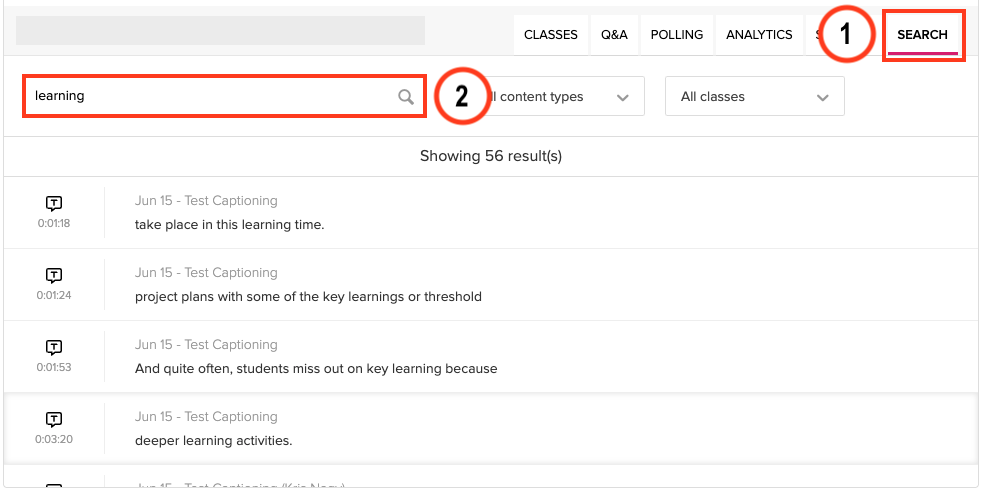
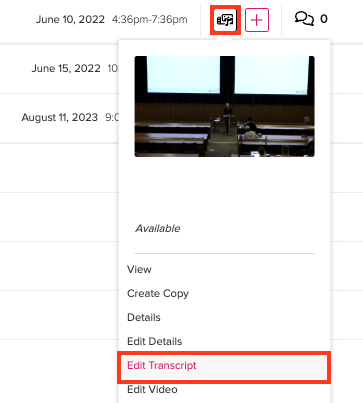
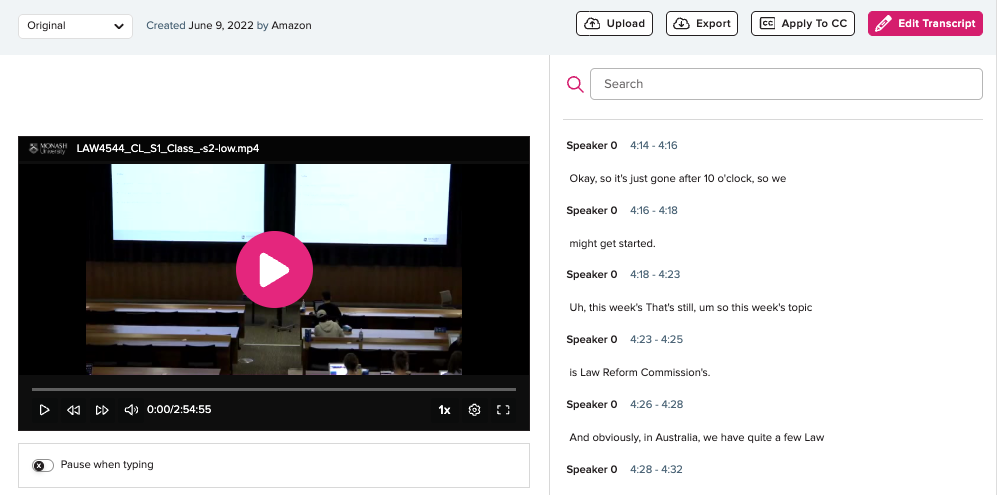
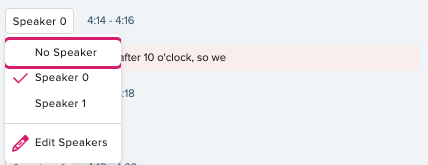
Use automatically generated captions and transcripts in Echo360 to support student learning, inclusivity and accessibility. Find out how to check your settings, view, search and edit transcripts and captions, enable them for past recordings, and upload or download transcript files.
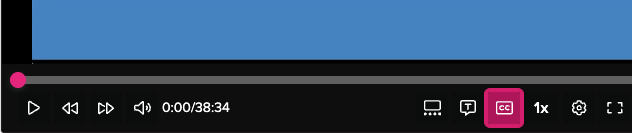
Live transcripts and captions are generated automatically by Echo360. Students can view subtitles at the bottom of the video and view the transcript of the audio beside the video. Students can click any part of the transcript to skip to the matching part of the video. Enabling transcripts and captions not only has benefits for student learning, but also enhances inclusivity and accessibility at Monash University.