Assignment grading overview
At a glance
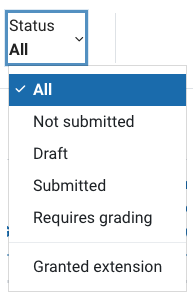
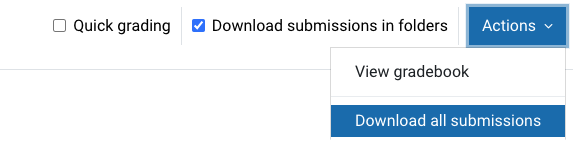
Manage student submissions from the assignment grading overview page, including filtering and downloading submissions, granting extensions or extra attempts, reverting submissions to draft, locking submissions, using quick grading and messaging students.
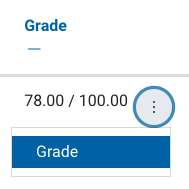
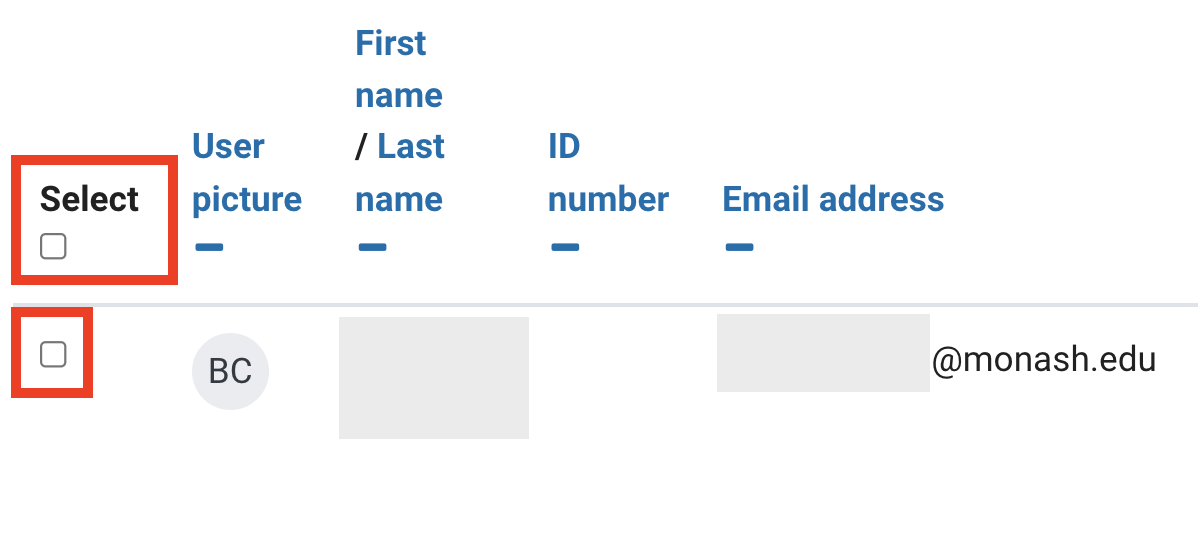
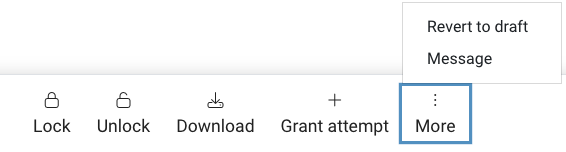
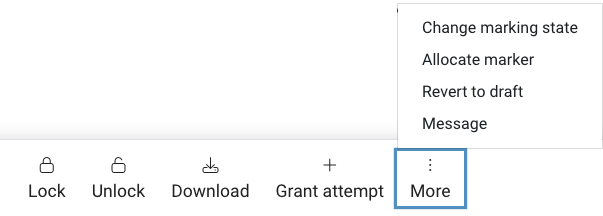
The grading overview page provides an overview of all students attached to an assignment. From the assignment grading overview, you can perform a range of actions related to assignment submissions, for example you can download assignment files, regrade an assignment, allow another attempt, grant an extension or revert a submission back to draft status.
- Navigate to the assignment you would like to view.
- From your Assignment’s Grading summary page, click the on Submissions tab.