Create a welcome message
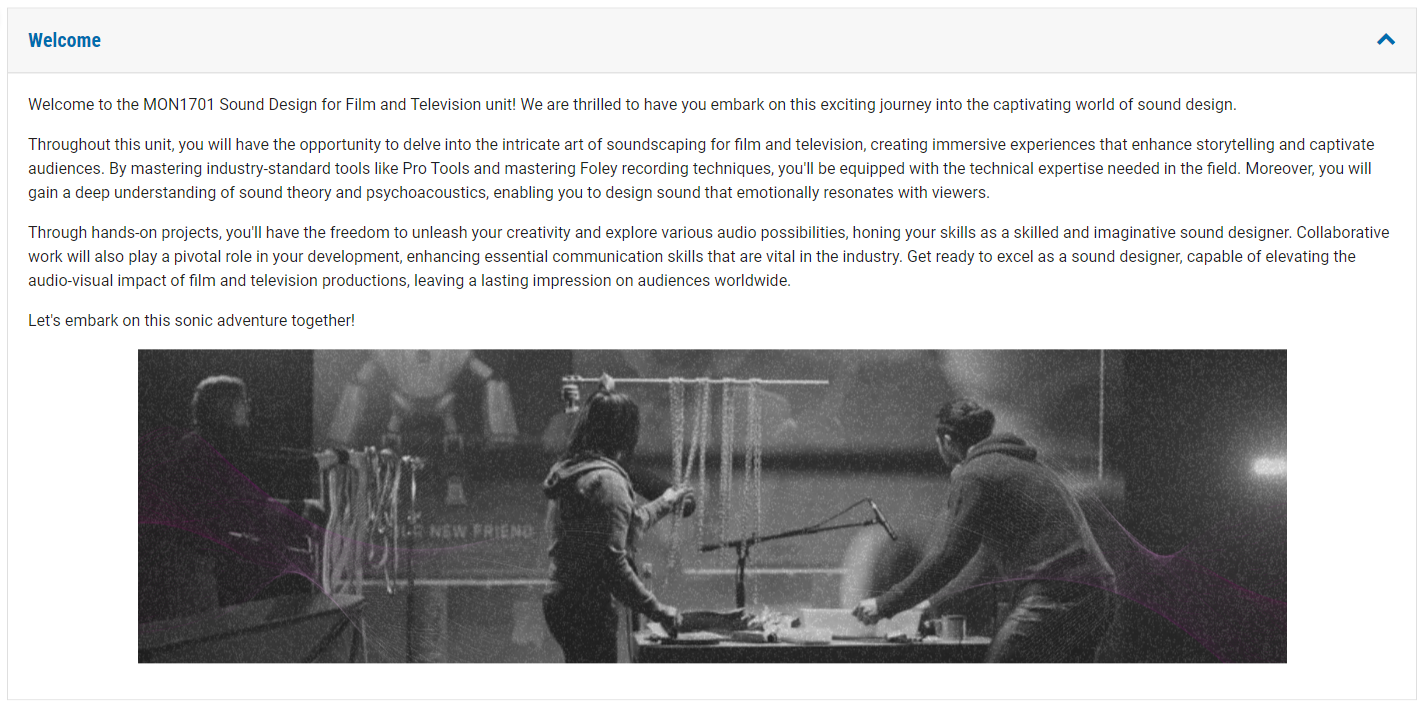
The welcome message is the first time the students will meet the Chief Examiner (CE). The welcome message is shown under the Unit Information tab and can include text and a short video (2-5 mins). Following the Monash tone of voice, it is in plain English and has an upbeat tone to give an overview of the content covered. The Monash standard template provides the details of the Unit synopsis, learning outcomes and the teaching approach underneath the welcome message.
Below is a script to get you started on a concise welcome message. There is an Example provided that you can see in place in the Monash Moodle 4.1 Template Example Unit.