Assessment
NoteFrom Semester 2, 2025 you will be able to display activities in both the Assessment tab in the Learning sections using Shadow links. For more information, see Display assessment activities under the learning sections (Shadow links). |
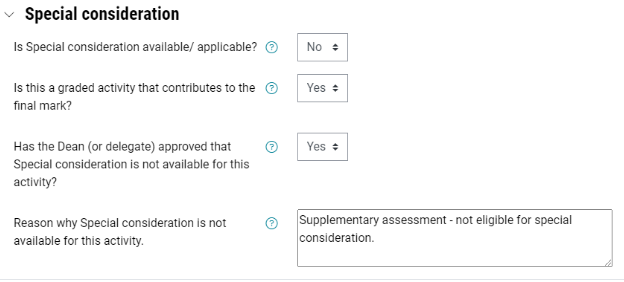
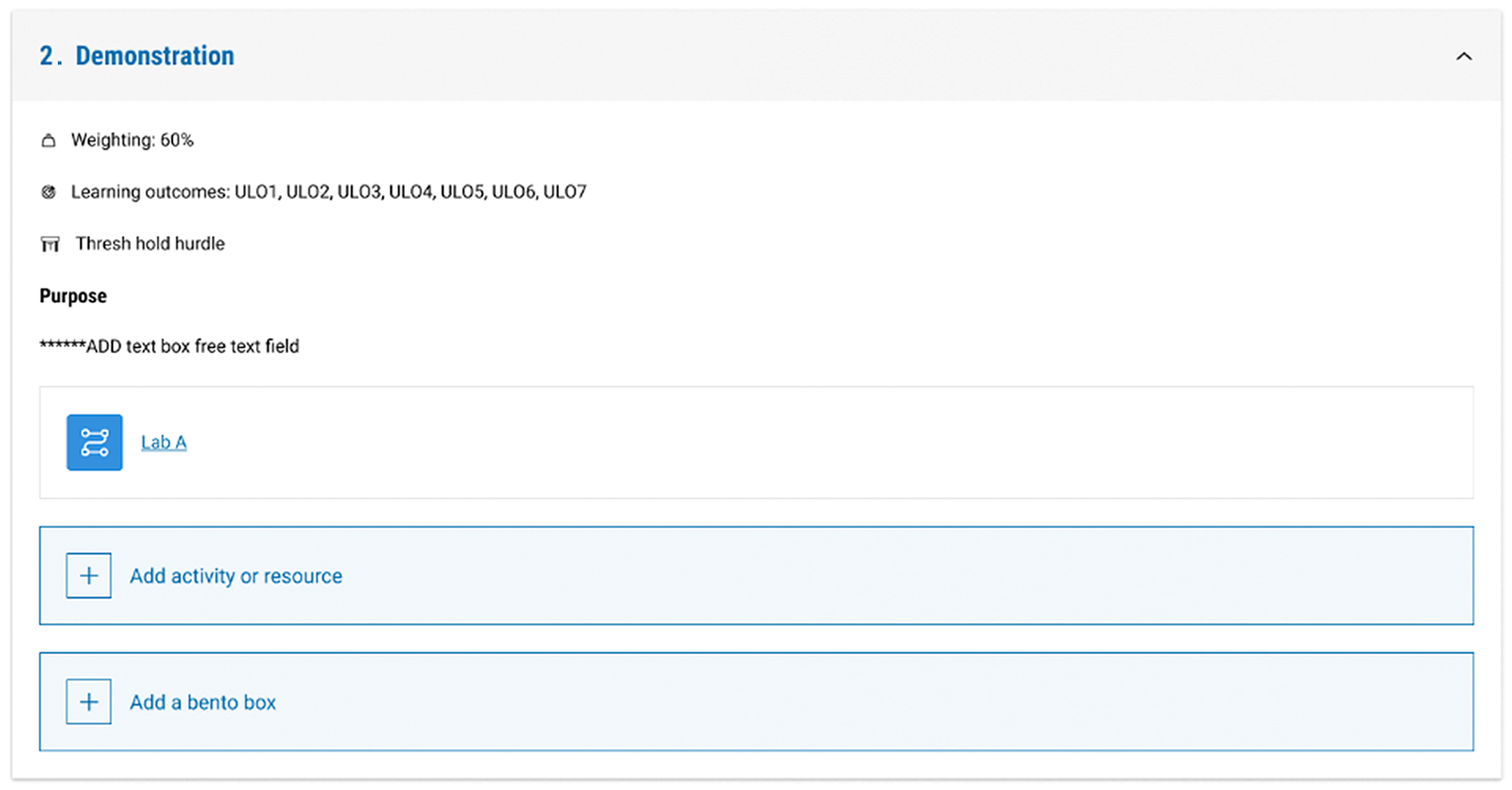
The Assessment tab provides a single place for all key information on assessments in one place. The Unit assessment approach section allows you to feature key unit assessment information, your preferred referencing style, and unit-specific support resources.
The Assessment structure table (Summary view) displays sections drawn from Courseloop, which is also mirrored in your unit’s handbook entry. This provides students with clearer expectations of their learning outcomes and assessments. By default, the Summary view is displayed. Students can freely toggle between the Summary view and the List view.
All assessments should be created directly in the assessment sections under the Assessment tab, which enables them to appear in the Assessment structure table.
If you have assessments which you would like to also be displayed in relevant weekly/ topic sections under the Learning tab that will contribute towards the learning journey task tracker, you can use Shadow links. For more information, see Display assessment activities under the learning sections (Shadow links).
Click the plus icons to learn more about the Assessment tab
How to set up the assessment tab
Set up the Unit assessment approach
View

Migrate existing assignment activities
View
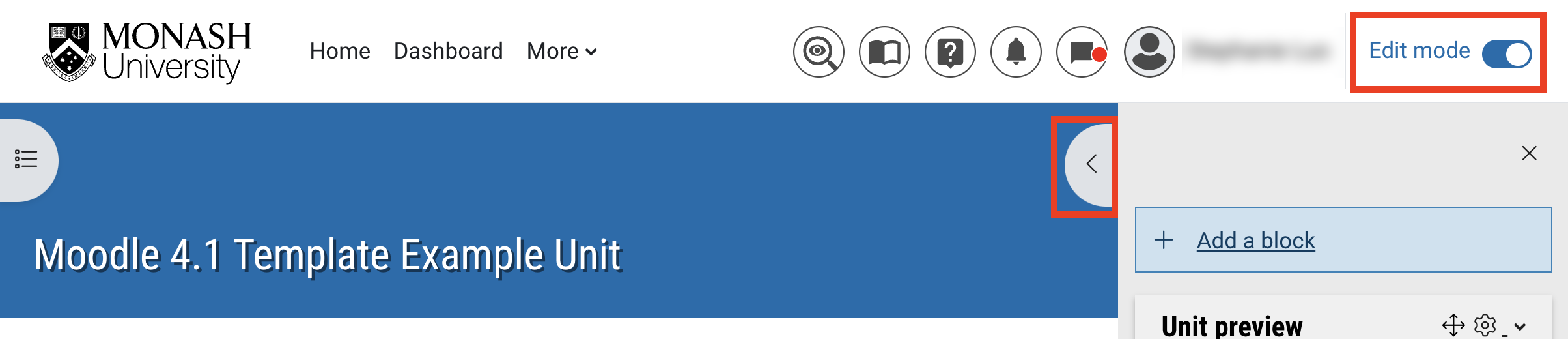
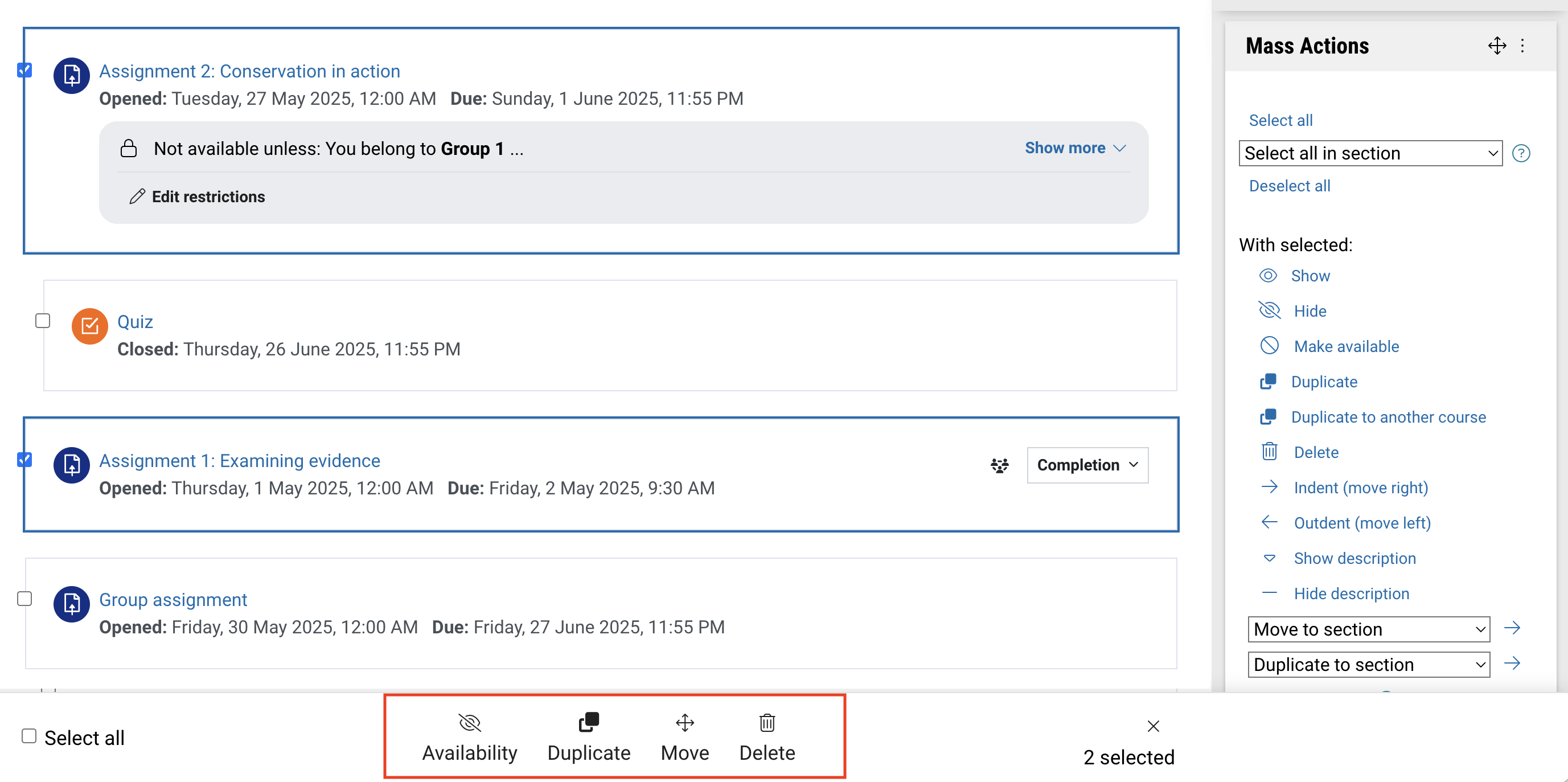
Add activities or resources
View

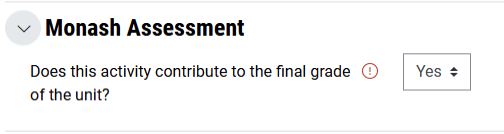
Display assessment activities under the learning sections
View
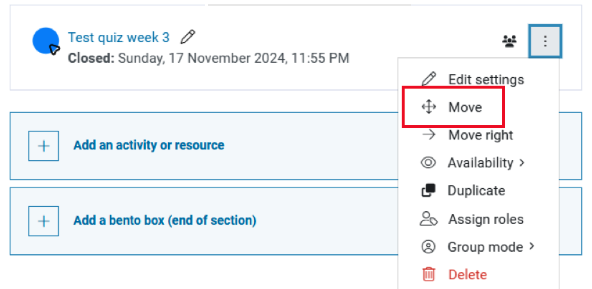


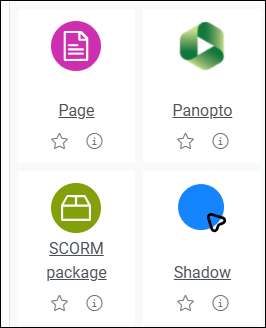

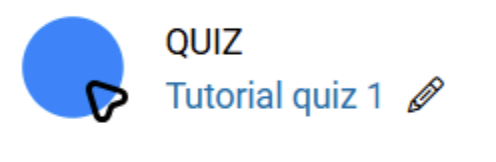
Reorder items in the Assessment structure table
View
Display supplementary & non-weighted activities in Assessment structure table
View
Manage Assessment sections for multi-cohort units
View
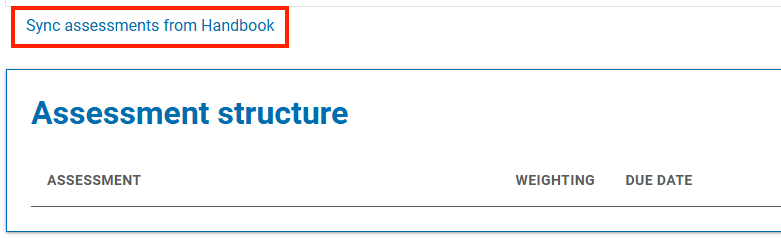
Resync Assessment sections
View
Best practice for common assessment scenarios

Below are a number of best practice solutions for several commonly encountered scenarios when setting up and managing assessments on Moodle.